This function lets you practice a song with a preset style, tempo and
sound. Please refer to the Album List for details.
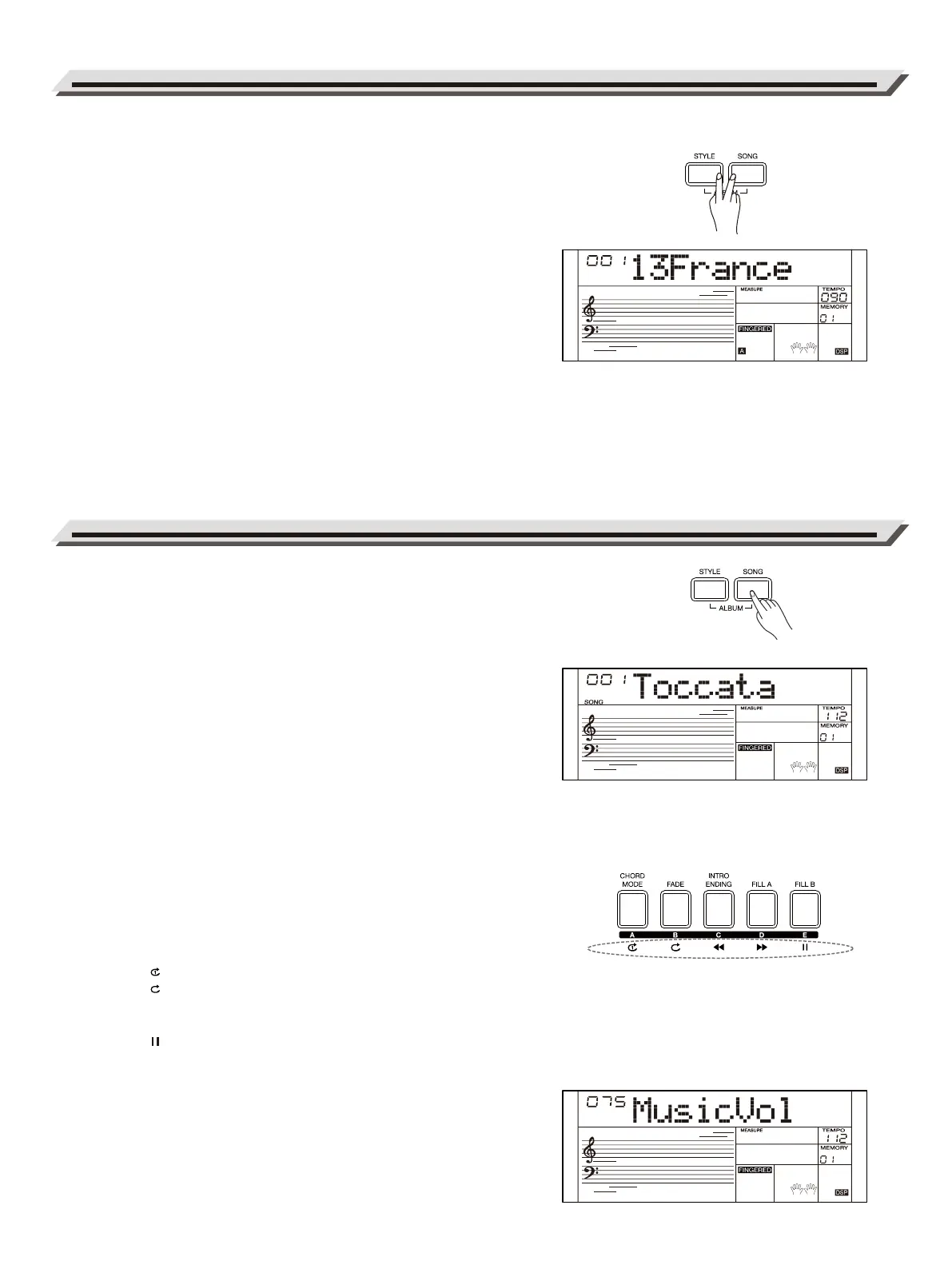
1. Press the [STYLE] and [SONG] buttons at the same time to turn on
this function. LCD shows the current album name and number.
2. Use the data dial or [<] / [>] buttons to select a desired album. This
will reset song parameters such as style, tempo and sound for best
performance.
3. Press the [SOUND] or [STYLE] button to turn off this function.
1. Press the [SONG] button to enter Song mode. LCD shows the
current song name and number.
2. Use the data dial or [<] / [>] buttons to select a song. Or use the
numeric buttons to enter a song number.
3. Press the [START/STOP] button to start playing the song.
4. During song playback, press the [START/STOP] button to stop.
When playback is stopped, press the [STYLE] / [RECORD] buttons
to exit this mode.
Note:
By default, it will loop playing all the songs. You can change the
playback mode in the function menu.
Song Control
Before the Intro section begins, the measure will starts counting from a
negative value. When the measure goes to “1”, the melody will start
playing. You can use these buttons to control the playback:
Press the [ ] button to play the current song in a continuous loop.
Press the [ ] button to play all songs in a continuous loop.
Press the [◀◀ ] button to rewind the song.
Press the [
▶▶ ] button to fast forward the song.
Press the [ ] button to pause the song. Press this button again to
continue the playback.
Song Volume
You can adjust the song playback volume in the mixer menu. Press the
[MIXER] button to enter the Mixer menu. Use the data dial to select
“MusicVol”, then use the [<] / [>] buttons to change the volume setting.
Pressing [<] and [>] buttons at the same time will reset to the default
volume.
Song Album
Playing Songs
16



 To Next Page