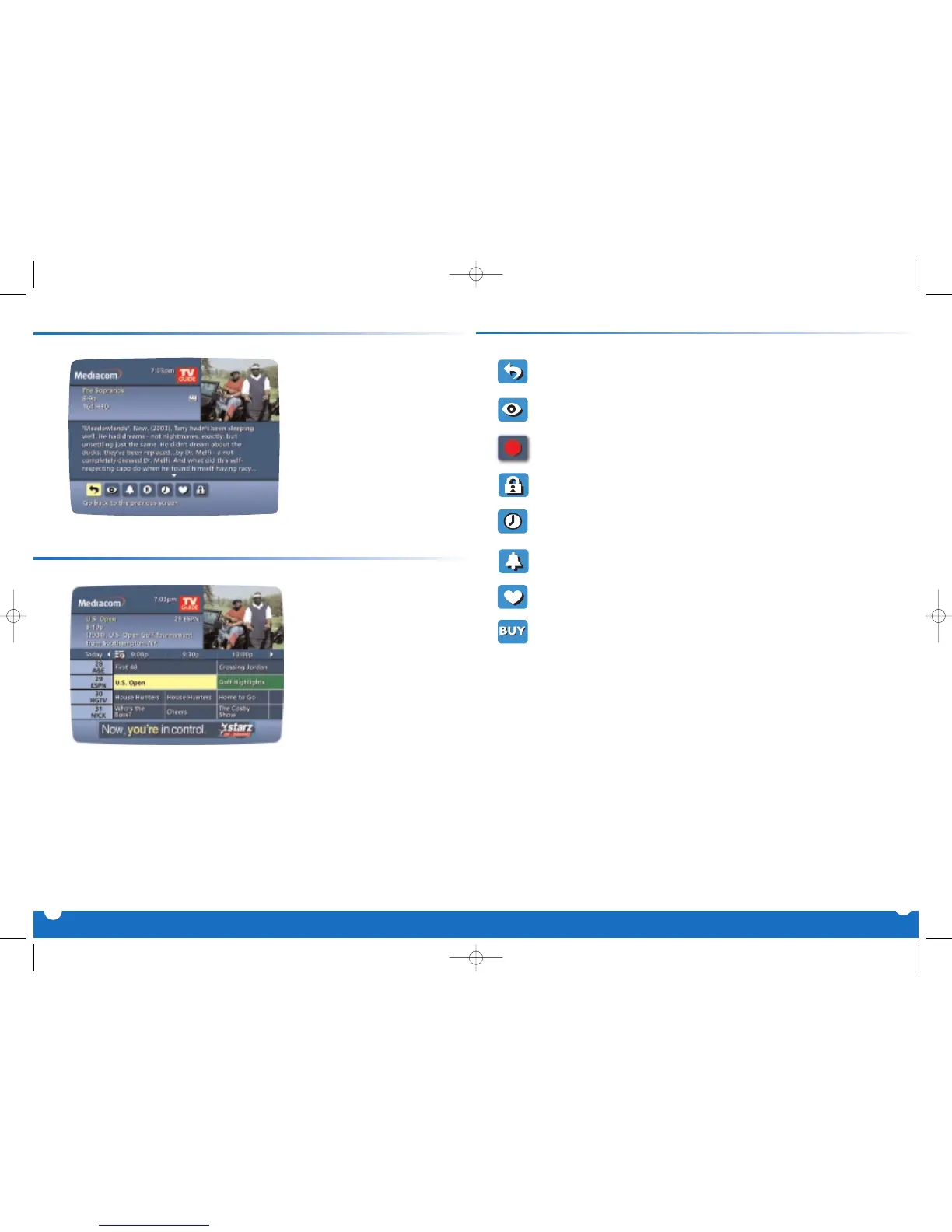
Your On Screen Guide provides
Instant Information while you
view program listings, including
program title,start/end time, pro-
gram rating, a brief program
description and helpful indicators
that identify your settings, such as
Reminders, Recordings and
Favorites.
8
Program Information at your Fingertips
Action Icon Shortcuts
From the Program
Information screen, you can
use the
Action Icons at the
bottom of the screen to set a
Reminder, see other air
times and more.
7
Action Icons
Go back to the previous screen
Watch this program
Record/Change Record Options*
Place a Lock on the program to restrict viewing
Display all the Times the program will be airing
Set a Reminder for this program
Save the channel in your Favorites list
Order PPV and other pay services



 To Next Page