4342
3. System
E-book Text format: txt. Support page selection
Audio player
Audio playing format: WMA, MP3.
Support random playing, sequential playing, repeat
playing, pause, previous/next, volume
Game Support game
Setting
Brightness, Volume, Languages, Power, Time,
System, Default, GPS Info, Navipath.
3.2. Navigation functions and features
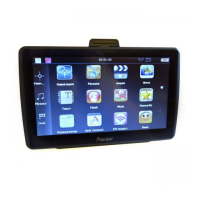
According to your choice of navigation system, the GPS navigator can make position by GPS satellite
signal receiver and display on the navigation map. The system can calculate a best route after
setting the destination, which can help users to arrive the destination safely and rapidly.
3.2.1. Map information
It is probably that the electronic navigation data is not consistent with the real traffic instructions
because of the traffic construction development. Please do comply with the highway condition and
the actual traffic rules.
3.2.2. Navigation
The navigator offers the route for the reference; determine the route by yourself, the driver may be
more familiar with the route than GPS navigator.
3.2.3. Receiving signal
Many factors such as high, dense buildings (in the tunnel, between the high building, underground
parking, under the trestle), various weather condition, and closure of the satellite will affect the
ability to receive signal so as to result in inaccurate position, inefficiency of navigation operation
and system function.
3.3. Multimedia
3.3.1. Music player operation interface
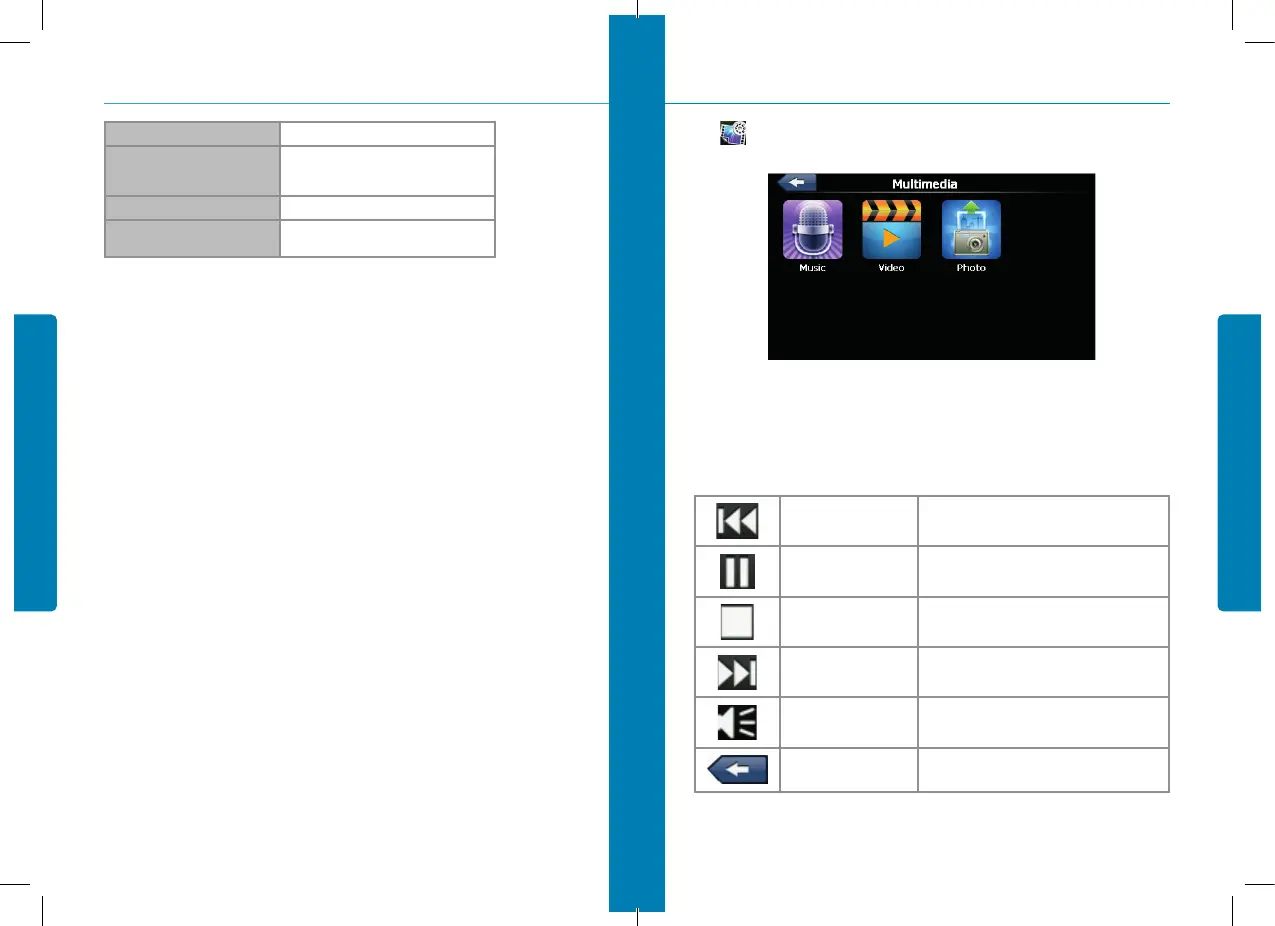
Click to enter Multimedia interface, show in Figure 3-5.
3.3.2. Functions and features
The audio player supports MP3 and WAV format, you could set the playing sequence as you wish.
Before using the audio player, please copy the files to any folder.
Previous song
Play the previous song;
Play/pause
To play and pause, click to pause, click again to
play continuously
Stop
Single click to stop playing;
Next song
Play the next song;
Volume
Increase/ decreased volume;
Close
Single click to close the audio player;
3. System
figure 3-5


 To Next Page