4746
3. System
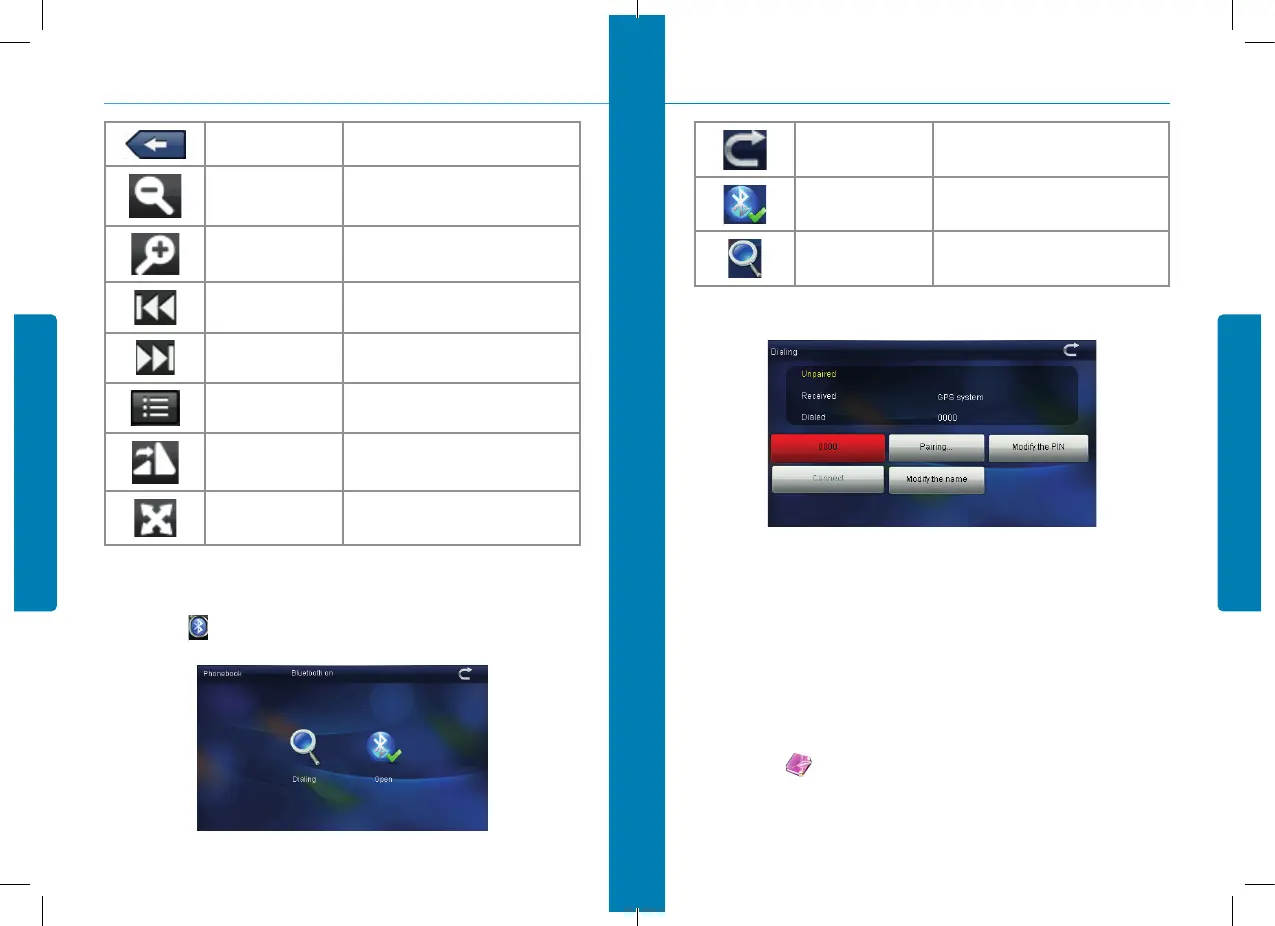
Close
Click to close the viewer
Shrink
Shrink current picture in proportion
Enlarge
Enlarge current picture in proportion
Previous
Show the previous picture
Next
Show the next picture
File list
Single click and shift to video file list, then
choose your favorite picture
Rotate
Click to rotate the picture by 90 degree
Automatic Play
Play all the pictures circularly on full screen
from the current picture
3.6. Bluetooth
Single clicks the button and open Bluetooth setting as picture 3-10:
figure 3-10
Close
Single click to close current interface
Open
Open the Bluetooth
Searching
Search for Bluetooth devices
After successful connecting, it will show the picture 3-11:
3.7. E-book reader interface and operation
3.7.1. Function
1. Support TXT
2. Support turning over page, page browse, and file choosing.
Before using e-book function, please copy your TXT file and save it to any folder.
3.7.2. Operation
Single click button to enter EBook list as 3-12 and 3-13
3. System
figure 3-11


 To Next Page