5756
4. Simple Problem Shooting
IF your GPS navigator cannot work normally, please check it as follows. If you cannot solve the
problem, please contact our service center.
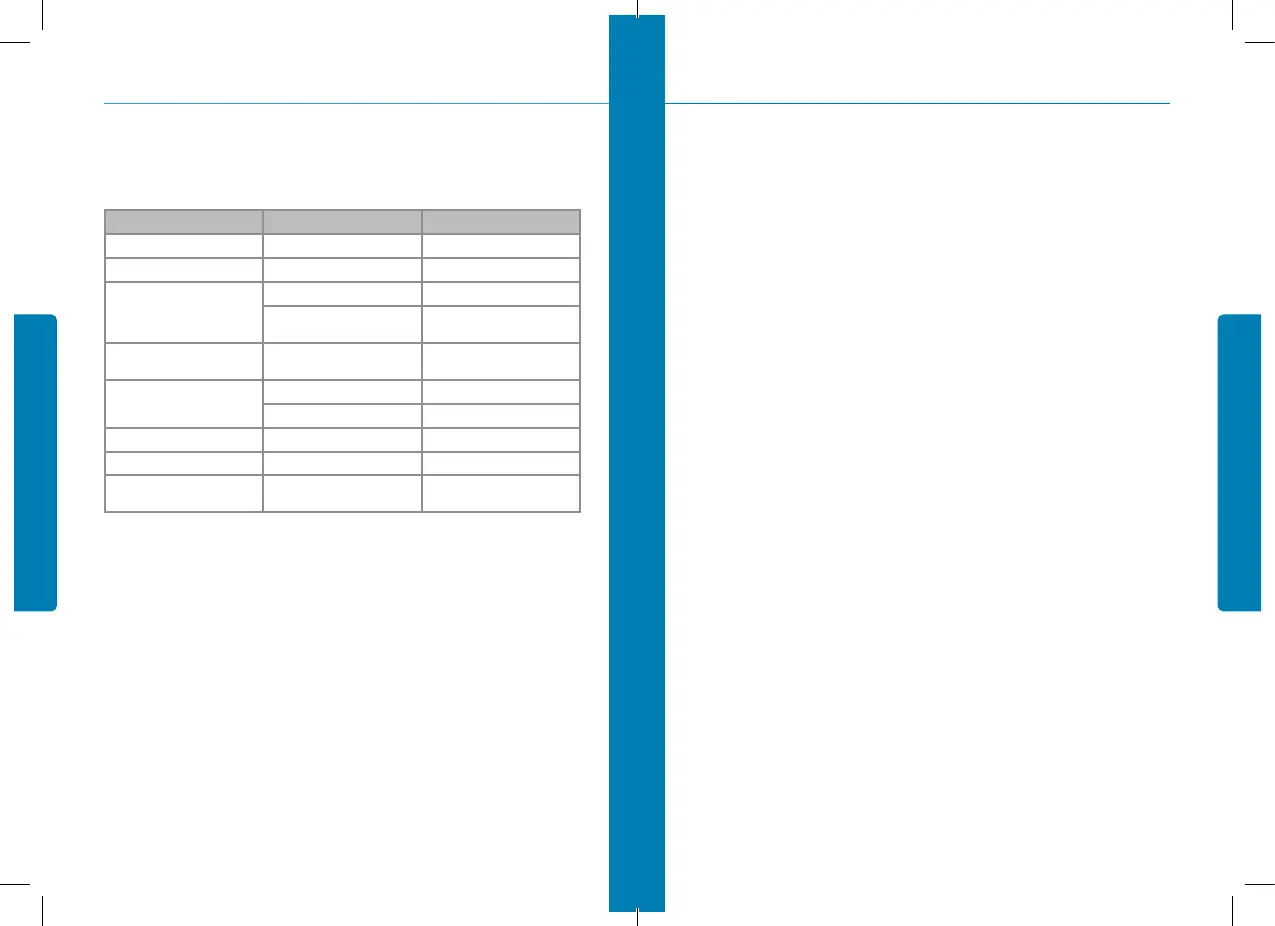
Reason Reason Solution
Can not turn on the navigator Lack of power Charge the battery
The device turn off suddenly Low battery Charge the battery
Can not display clearly
The back light is not bright enough Adjust the backlight
The back light has been turned off
Click the LCD; the screen will turn
bright again.
No response when clicking the
button
The touch-screen is not calibrated Calibrate the touch-screen
Without sound
The volume is at the lowest condition Increase the volume
The earphone is not connected well Connect the earphone
Can not communicate with computer The USB cable is not connected well Connect USB cable
The map data is lost Contact your agent or distributor
No signal
The signal is weak, it need more than
3 minutes to receive the signal
4. Simple Problem Shooting
5. Maintenance of GPS Navigator
GPS navigator will be a reliable navigation and entertainment companion if protected by right
methods. Please follow the instructions below to ensure your GPS run smoothly for a long time.
• Protect screen: Don’t press the screen with strength or you will destroy it. Please use the stylus
to operate the navigator and spray a little glass cleaner on the soft cloth to clean the screen, don’t
spray on the screen directly.
Note: Be sure to turn off the GPS navigator before cleaning;
• Drop or strike will cause damage to high-precision components.
Note: Accidental damage is beyond our responsibilities.
• Don’t use it under such environment: Temperature change abruptly (high temperature above 60°,
low temperature under-10°), high voltage, dusty, electrostatic interference, avoid any corrosive li-
quid and dip into any liquid.
• Avoid radiated interference: The radiated interference from other electronic products will affect the
display and it will be normal after suppressing the interference source.
Note: If you carry the unit by air, please put the GPS together with
your luggage to pass the X-ray detection system. Avoid scanning
by the magnetic head detector (at the passage used for passing) or
the magnetic bar (held by the security checker), or it will destroy the
system date in the unit. We will take no responsibility for it.
• Avoid direct, intense light: Don’t use the GPS navigator in high light and ultraviolet radiation in
order to increase the using life.
5. Maintenance of GPS Navigator


 To Next Page