S
S
E
E
T
T
T
T
I
I
N
N
G
G
U
U
P
P
7
TURNING ON THE HARD DISK
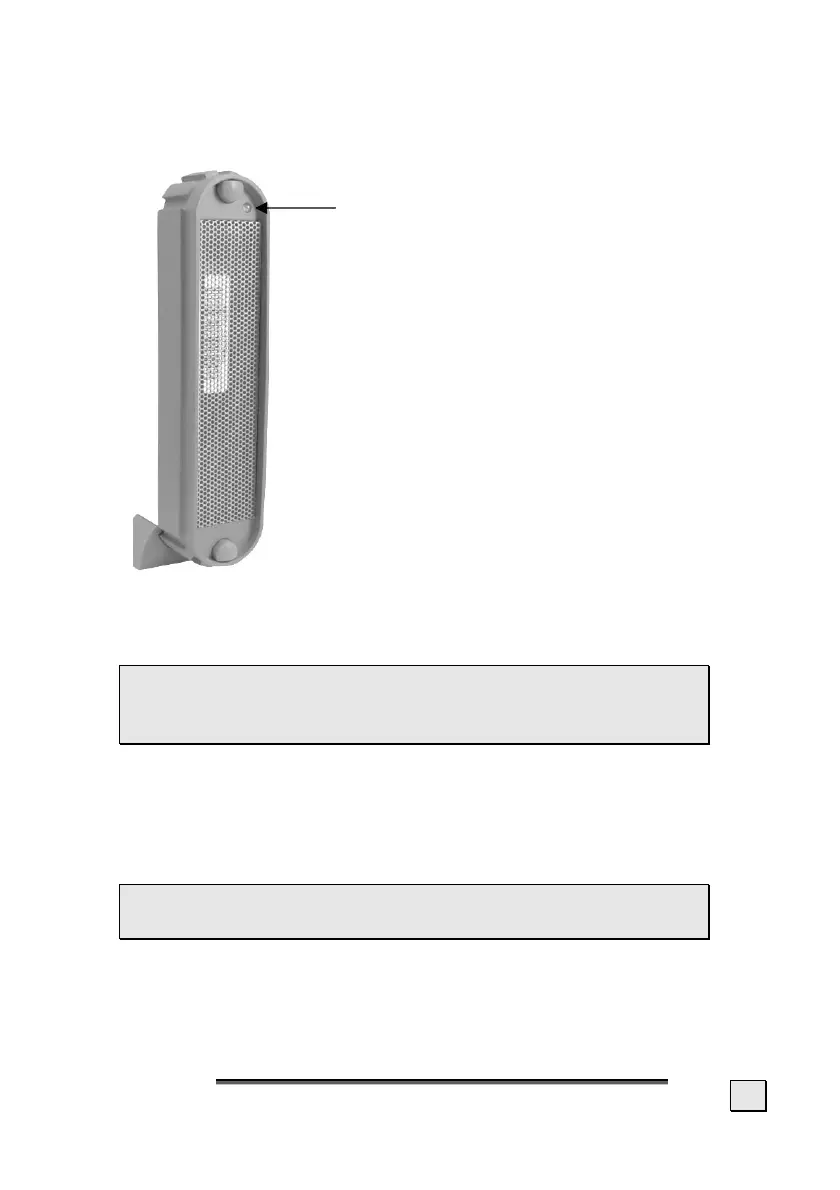
1. Push the on/off button on the back of
the hard disk. The LED display turns
orange as soon as the hard disk is
turned on. The LED display turns green
when the hard disk is ready.
2. With Windows
®
ME/2000/XP the hard
disk is now automatically recognised
and connected.
If you have Windows
®
98SE, you will need to
use the included data media with the driver
on. Insert this in order to install the required
driver and follow the instructions on the
screen.
INSTALLING THE HARD DISK
 CAUTION! Partitioning or formatting a disk drive
deletes data. We assume no responsibility for lost
data.
BEFORE YOU INSTALL YOUR HARD DISK ...
We would like to remind you once again that when installing
the new hard disk some programs are used that could cause
your data to be irreversibly lost if used incorrectly.
 Make a backup of all your data and check that the
recovery procedure works.



 To Next Page