EasyManua.ls Logo

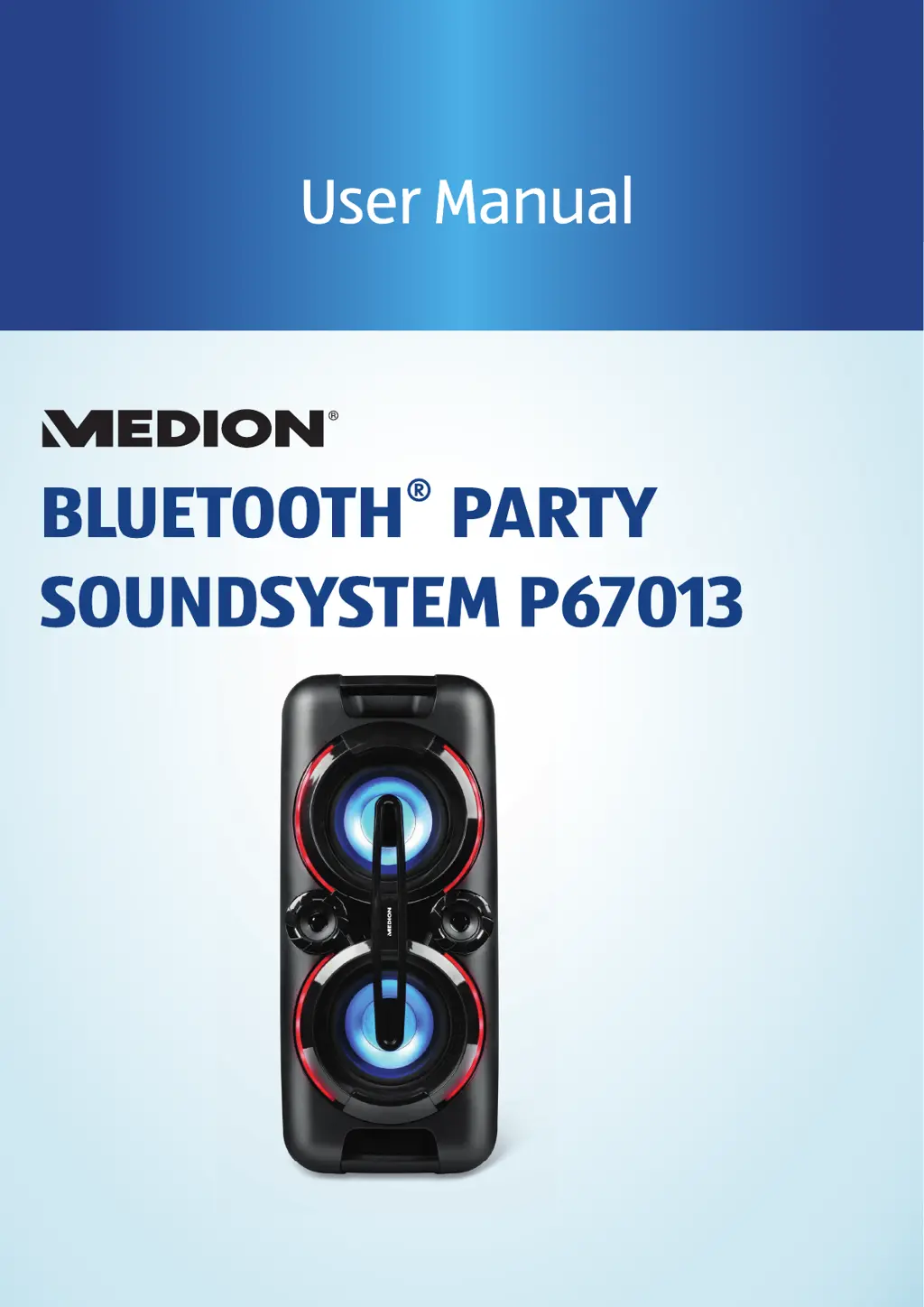
Medion MD 43438 - User Manual

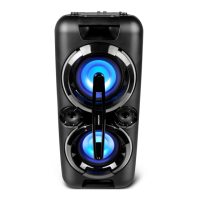
Medion MD 43438
25 pages
Print Icon
To Next Page IconTo Next Page
Loading...

Questions and Answers

  • J
    Jennifer GeorgeAug 4, 2025
    What to do if there is no sound from my Medion Speakers?
    • T
      Travis HolmesAug 4, 2025
      If there is no sound from the Medion Speakers, first, ensure that the volume isn't set too low and increase it to your preferred level. Also, check the volume settings on your external audio output device and increase it if necessary.
  • S
    Sonya WadeAug 9, 2025
    How to fix Medion MD 43438 that will not switch on?
    • K
      Kevin EstesAug 10, 2025
      If your Medion Speakers won't switch on, make sure the power cord is correctly connected. Check the CHARGE charging LED to see if the battery is charging. If the CHARGE charging LED does not light up when the power cord is properly connected and switched on, the sound system may be faulty. In that case, please contact our Service Centre.
  • T
    Thomas SchneiderAug 15, 2025
    What to do if my Medion Speakers turn off during operation?
    • L
      lindathomasAug 15, 2025
      If your Medion Speakers turn off during operation, try operating the device using the power cord, as the battery may be faulty.
  • A
    Anthony EdwardsAug 21, 2025
    How to improve radio reception on Medion Speakers?
    • M
      michael75Aug 22, 2025
      To troubleshoot poor radio reception on your Medion Speakers, try changing the location of the radio or adjusting the direction of the antenna to improve the signal.
  • M
    Monica SmithAug 27, 2025
    What to do if there is no sound from the microphone on Medion MD 43438 Speakers?
    • R
      Raymond HarrisAug 28, 2025
      If there is no sound from the microphone when using your Medion Speakers, first, check whether the microphone is switched on. If it is on, then set the microphone volume higher.

Summary

Key to Symbols

Danger Symbols

Explains high-risk hazard situations leading to death or serious injury.

Warning Symbols

Explains medium-risk hazard situations leading to death or serious injury.

Proper Use

Safety Information

Risk of Choking and Suffocation

Warning about packaging material and its risk to children.

Power Supply Details

Details on voltage, stopping cord use if damaged, and standby power.

Risk of Explosion

Warnings about improper battery handling, fire, and charging supervision.

Setting Up the Device Safely

Instructions for safe placement, avoiding liquids, dust, heat, and flames.

Ambient Temperature

Specifies operating and storage temperature ranges and humidity.

Risk of Fire

Warnings about covering the device, cord placement, and interference sources.

Risk of Electric Shock

Warnings about opening the device, wet hands, and inserting objects.

Power Supply

Guidelines for connecting to the power outlet and handling the power cord.

Before First Use

Switching On and Standby

How to turn the device on, put it in standby, and exit standby.

Basic Operation

Connecting External Devices

USB Playback

Bluetooth Connectivity

Connecting via Bluetooth

Steps to pair the device with Bluetooth-enabled audio output devices.

Bluetooth Pairing Process

Explains the pairing procedure, including device name and password.

Microphone Usage

Troubleshooting

Technical Specifications

Service Information

Medion MD 43438 Specifications

General IconGeneral
BrandMedion
ModelMD 43438
ConnectivityBluetooth, AUX
Signal-to-Noise Ratio≥ 75 dB
Frequency Response20 - 20000 Hz
Input Voltage5V

Related product manuals