EasyManua.ls Logo

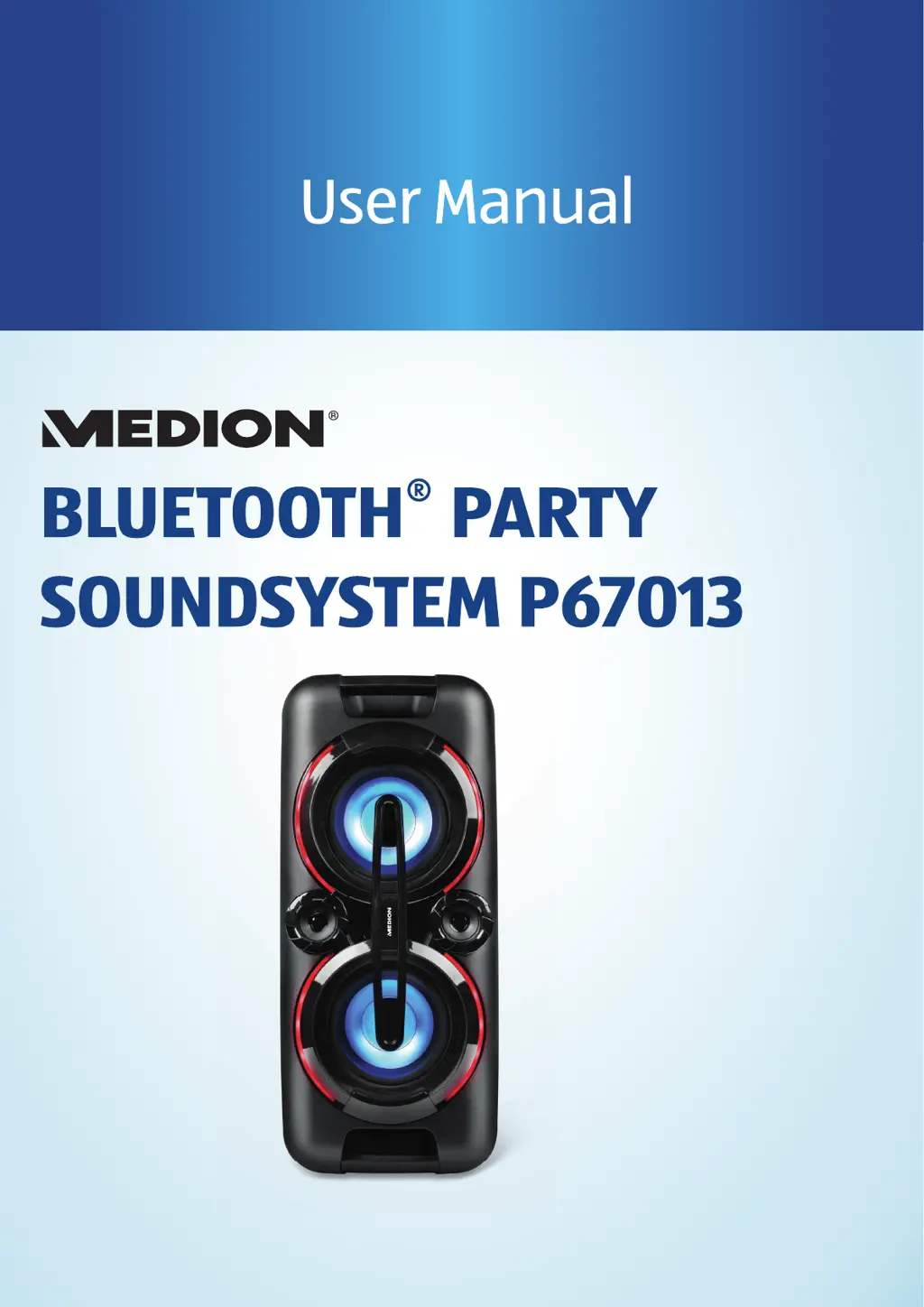
Medion P67013 - User Manual

Medion P67013
25 pages
Print Icon
To Next Page IconTo Next Page
Loading...

Questions and Answers

  • J
    johnsonthomasAug 9, 2025
    What to do if there is no sound from my Medion P67013?
    • C
      Carol WellsAug 9, 2025
      If there is no sound from the Medion Speakers, first, ensure that the volume isn't set too low and increase it to your preferred level. Also, check the volume settings on your external audio output device and increase it if necessary.
  • B
    bryangeorgeAug 14, 2025
    How to fix Medion Speakers that will not switch on?
    • C
      Chelsea GuerreroAug 14, 2025
      If your Medion Speakers won't switch on, make sure the power cord is correctly connected. Check the CHARGE charging LED to see if the battery is charging. If the CHARGE charging LED does not light up when the power cord is properly connected and switched on, the sound system may be faulty. In that case, please contact our Service Centre.
  • D
    Danny McintoshAug 21, 2025
    What to do if my Medion P67013 turn off during operation?
    • J
      Joel LandryAug 21, 2025
      If your Medion Speakers turn off during operation, try operating the device using the power cord, as the battery may be faulty.
  • D
    David ClarkAug 27, 2025
    How to improve radio reception on Medion P67013?
    • M
      Michelle PerezAug 27, 2025
      To troubleshoot poor radio reception on your Medion Speakers, try changing the location of the radio or adjusting the direction of the antenna to improve the signal.
  • E
    Elizabeth EllisSep 1, 2025
    What to do if there is no sound from the microphone on Medion P67013 Speakers?
    • D
      dalesheltonSep 2, 2025
      If there is no sound from the microphone when using your Medion Speakers, first, check whether the microphone is switched on. If it is on, then set the microphone volume higher.

Summary

About Operating Instructions

DANGER! Hazard Warnings

Symbol for high-risk hazard situations resulting in death or serious injury.

Proper Use

Safety Information

Safety Information (Continued)

Packaging Safety and Device Setup

Warnings about packaging material and safe device placement.

Power Cord, Plug Handling, and Electrical Safety

Guidelines for safe handling of power cords, plugs, and electrical hazards.

Fire Risk and Power Supply Safety

Precautions against fire hazards and safe power supply connection.

Ambient Temperature and Battery Safety

Recommendations for ambient temperature and battery usage.

Package Contents and Safety

Battery Handling and Explosion Risk

Warnings regarding battery handling to prevent explosion.

Repair Requirements and Electric Shock Hazard

Instructions for device repair and hazards of unauthorized repairs.

Before First Use and Initial Setup

Mains Operation, Battery Charging, and Device Placement

Connecting to power, battery charging indicators, and device setup.

Radio Antenna and Switching On;Standby

Setting up the radio antenna and turning the device on/off.

Volume and Sound Settings

Connecting External Devices and Radio Operation

Tuning and Saving Radio Stations

Instructions for tuning to radio stations and saving presets.

USB Drive Operation

USB Playback Controls and Track Navigation

How to control playback, rewind, and fast forward USB tracks.

Bluetooth Connectivity

Bluetooth Pairing and Connection Process

Steps for pairing a Bluetooth device, including search mode and pairing LED.

Bluetooth Troubleshooting and Playback Control

Troubleshooting connection issues and controlling playback via Bluetooth.

Microphone and Maintenance

Connecting and Using Microphones

Guide to connecting microphones and playing amplified voice.

Troubleshooting

Service Information

Medion P67013 Specifications

General IconGeneral
BrandMedion
ModelP67013
CategorySpeakers
LanguageEnglish

Related product manuals