EasyManua.ls Logo

Medison S3600 - User Manual

Medison S3600
29 pages
Print Icon
To Next Page IconTo Next Page
Loading...
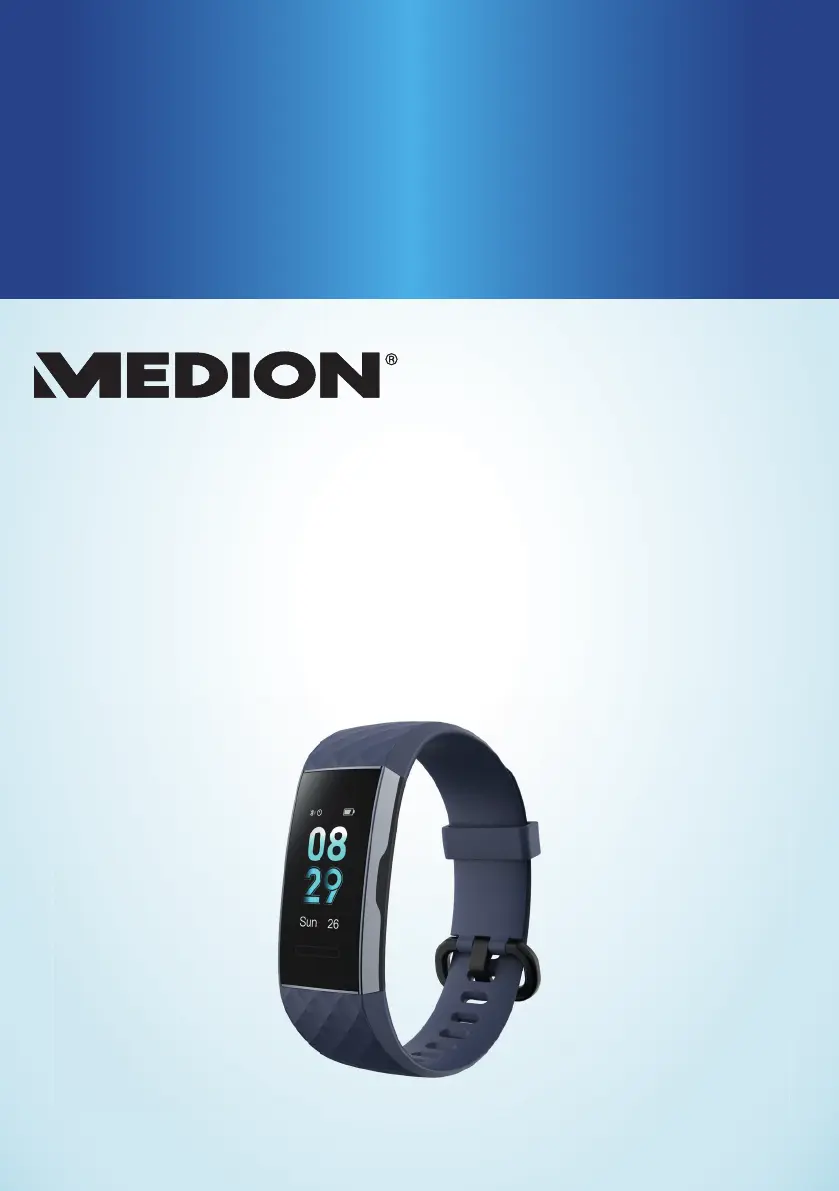
FITNESS TRACKER
S3600
User Manual

Questions and Answers

  • A
    Amber BriggsAug 4, 2025
    What to do if data transfer is faulty between Medison S3600 Fitness Trackers and smartphone?
    • M
      Michele BerryAug 4, 2025
      If the data transfer between your Medison Fitness Trackers and your smartphone or tablet is faulty, it might be due to a Bluetooth connection issue. Try performing the Bluetooth pairing again. If the problem persists, uninstall the MEDION® Fitness app and then reinstall it, followed by Bluetooth pairing.
  • V
    Veronica SmithAug 9, 2025
    Why Medison Fitness Trackers has no/incorrect pulse measurement?
    • O
      omillerAug 9, 2025
      If your Medison Fitness Trackers isn't measuring your pulse correctly, it could be due to dirty sensor surfaces. Clean the sensor surfaces to resolve this. Also, make sure that the strap is not fastened too loosely around your wrist, as a loose strap can also cause incorrect pulse measurements.
  • C
    Christine ReedAug 16, 2025
    Why is the calorie calculation incorrect on my Medison S3600 Fitness Trackers?
    • K
      Kenneth LeeAug 16, 2025
      If the calculation of calories burned on your Medison Fitness Trackers seems incorrect or implausible, it may be because your personal data has been stored incorrectly. Check the gender, weight, and height entered in your personal data within the app and correct them if necessary.
  • G
    Gloria OdonnellAug 22, 2025
    How to correct distance on Medison S3600 Fitness Trackers?
    • H
      Harold FullerAug 22, 2025
      If the distance determined by your Medison Fitness Trackers does not seem right, it's possible that the step length has been set incorrectly. Check the step length setting in the app and correct it if needed.
  • J
    Joseph RoseAug 28, 2025
    What to do if Medison S3600 cannot be switched on?
    • K
      Kathryn ThompsonAug 28, 2025
      If your Medison Fitness Trackers won't switch on, the most likely reason is that the device battery is not charged. To resolve this, charge the fitness tracker.

Summary

Use

Device parts

Proper use

Safety information

Risk of explosion

Warnings about explosive atmospheres and fire hazards.

Risk of fire

Hazards related to short-circuits and damage from liquids or moisture.

Package contents

Getting started

Charging and using the device

Instructions for charging the device via USB and initial setup.

Setting up the fitness tracker

How to attach the sensor unit and wear the tracker correctly.

MEDION Fitness app

Information on downloading and using the companion app.

Connecting the device to the app via Bluetooth

Steps for pairing the tracker with a smartphone via Bluetooth.

Operation

Main menu

Sport modes

How to start and record activities in different sport modes.

Sport modes

Activity recording

Steps to start, record, and end sport activities.

Additional functions with the MEDION Fitness app

Cleaning and care

Troubleshooting

Disposal

Technical specifications

Service information

Medison S3600 Specifications

General IconGeneral
BrandMedison
ModelS3600
CategoryFitness Trackers
LanguageEnglish