6
en
6.3 Cleaning
Inorderthatyoubenetfullyfromyourequipment,itisimportantthatthemachineandaccessories
are kept in a clean condition. Ensure that the medication chamber is taken apart and washed in warm
soapy water. Rinse and allow to dry after each use. The jet holes should be blown clear by attaching
the chamber to the air outlet from the compressor and running the machine for a couple of minutes.
Weadvisethatthetubeisdisconnectedfromboththeoutletlterandthechamberaftereachuseto
prolong the life of the connector.
6.4 Changing the Attachments
It is recommended that the following disposable items should be changed as follows:
Nebuliser chamber
Inletlter
Driveline
change every 3 months
Face Mask
Mouthpiece
Outletlter
change every 12 months
Only nebuliser chambers supplied or approved by CCI should be used.
6.5 Replace lters for the Econoneb/Turboneb 2
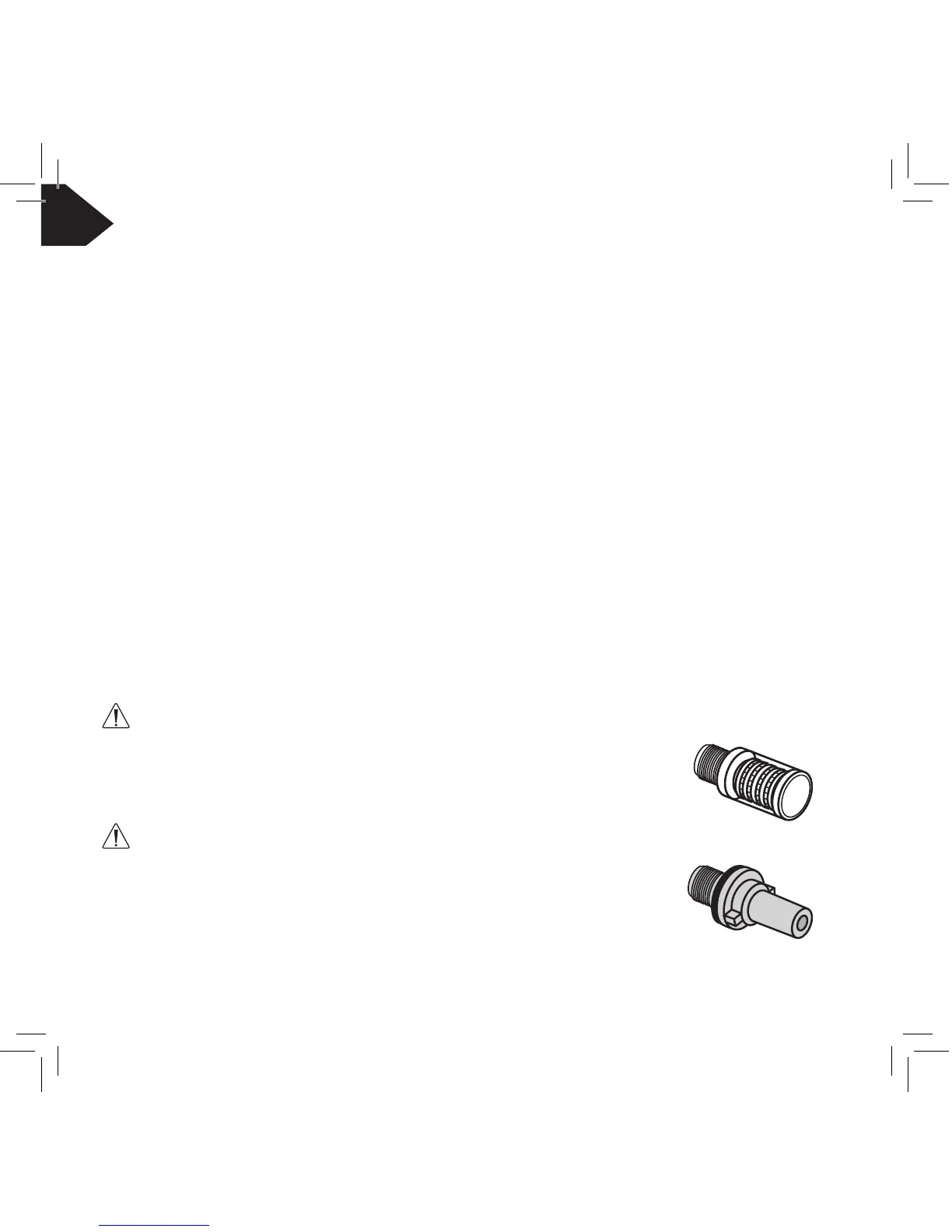
Inlet lter:
Usingthelterspanner,unscrewyourused,white,inletlterinananti-clockwise
direction and discard.
Replacewithanewlter,ensuringyouhavethewhiteinletlter.
Screw the whiteinletlter,intotheleft-handholeonthefrontpanel,inaclockwise
direction,tighteningwiththelterspanner.
Outlet lter:
Usingthelterspanner,unscrewyourused,blue,outletlterinananti-clockwise
direction and discard.
Replacewithanewlter,ensuringyouhavetheblueoutletlter.
Screw the blueoutletlter,intotheright-handholeonthefrontpanel,ina
clockwisedirection,tighteningwiththelterspanner.
}
}


 To Next Page