DC 00573 TSA 2 Quick Set Up and Installation Overview Rev.1 Date of issue: 10.06. 2019 Page 3 of 9
Software set up
Software Installation preparation
1. Insert the software USB drive to a USB port
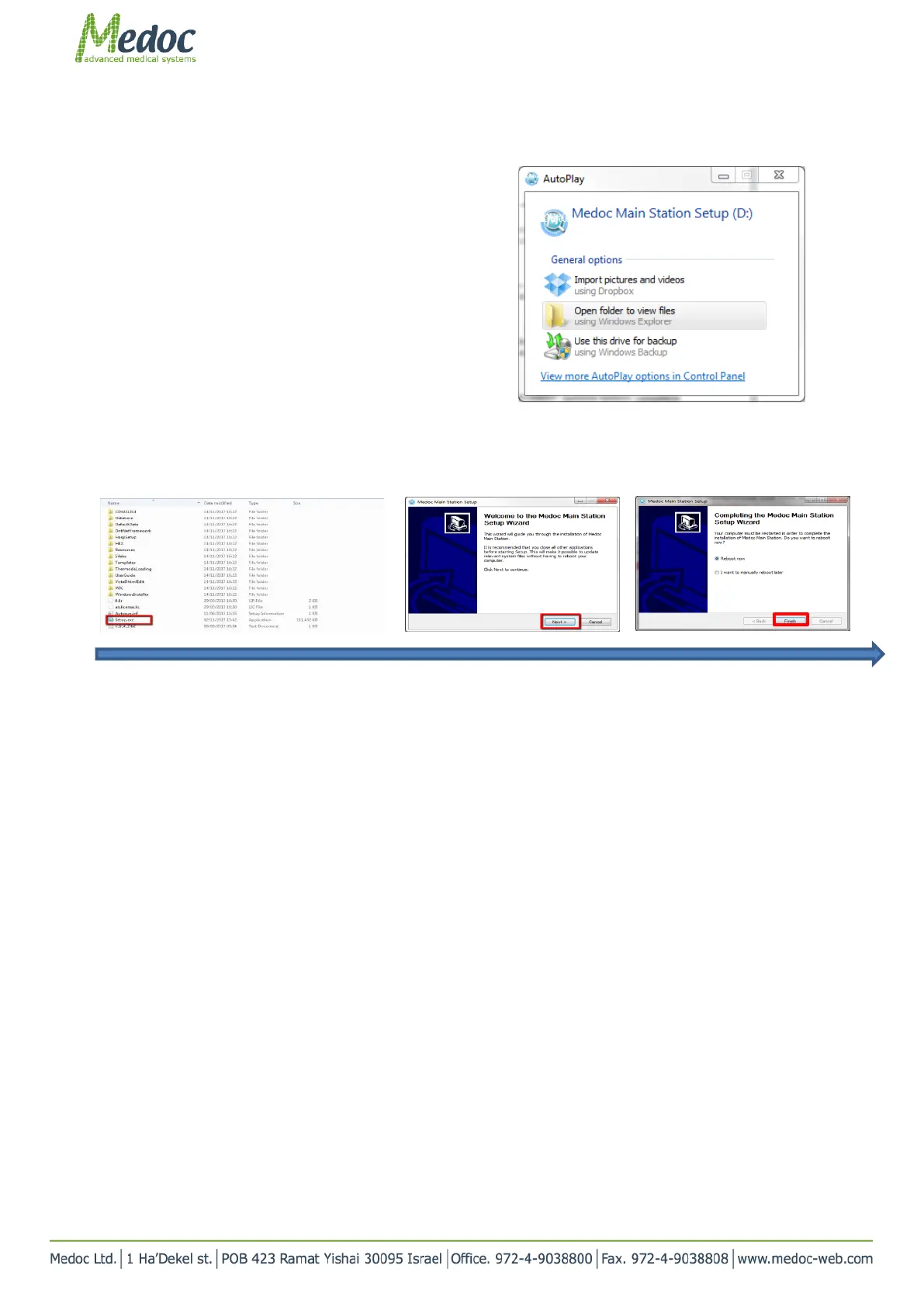
2. Wait for the AutoPlay window to show
3. Click on “Open folder to view files”
OR
1. Click on the link you received
2. Download and unzip the installation files
3. Save the folder locally on your computer
4. Open the folder
Software Installation
1. Double click Setup.exe
2. Click Next all the way through
3. Additional info can be found in section 4.7 in the TSA 2 operation Manual
TSA 2 is now ready for use.



 To Next Page