D-0126021-A 7
HIT MODULE
Studio Software Overview
The MedRx Studio software can run stand-alone or from NOAH System or
the TIMS
NOAH-Compatible Office System.
Launching the MedRx Studio Software
Stand Alone
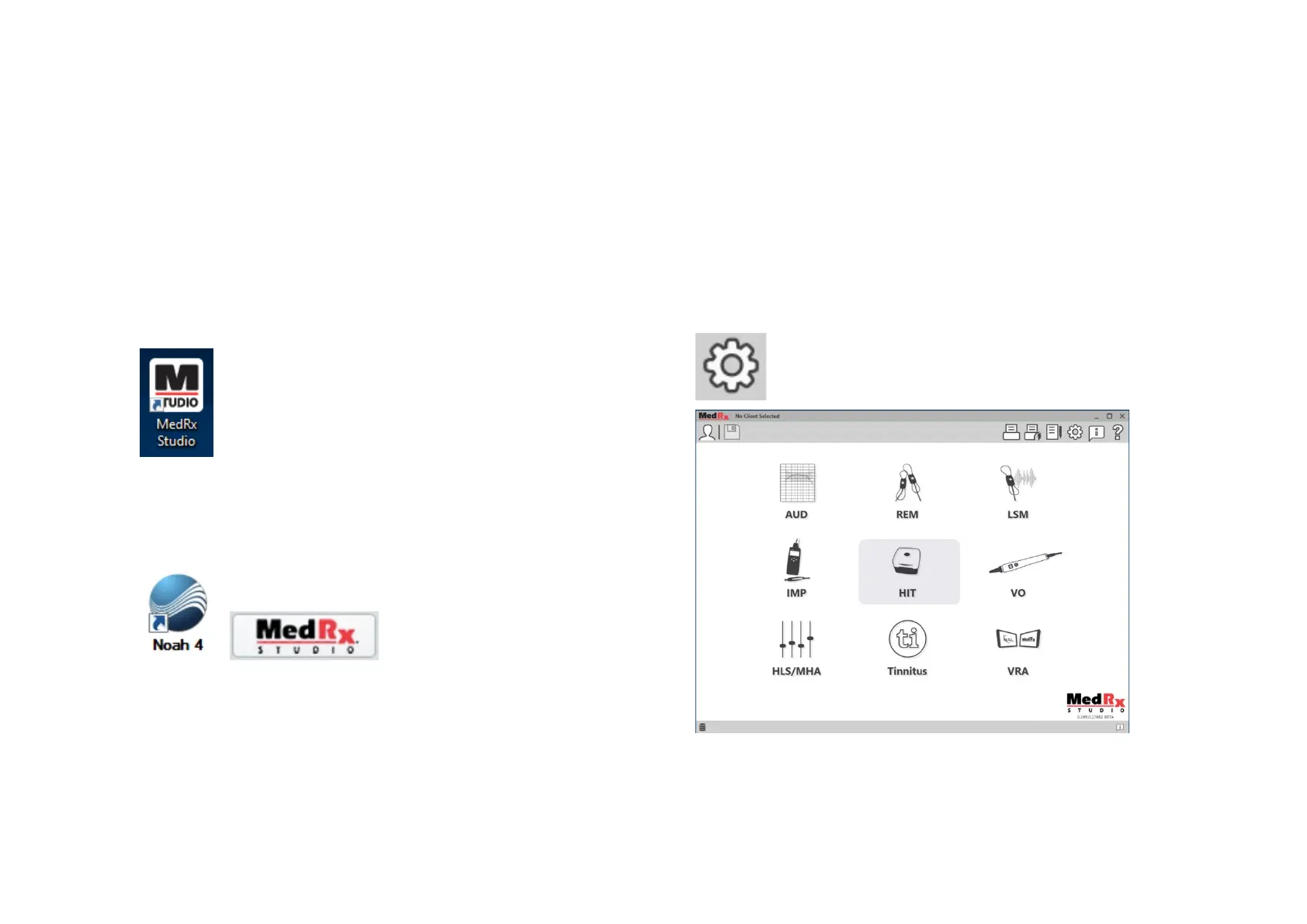
• Double click the MedRx Studio shortcut on your Windows
desktop.
NOAH
• Launch NOAH.
• Select a patient.
• Launch MedRx Studio module following NOAH procedures.
Basic Software Options
Several options are available which allow the user to customize the MedRx
Studio software to meet their needs.
Access these options by clicking the settings wheel in the top
right menu bar.
The MedRx Studio software main screen.
Icons are selectable depending on your equipment.


 To Next Page