D-0126021-A 8
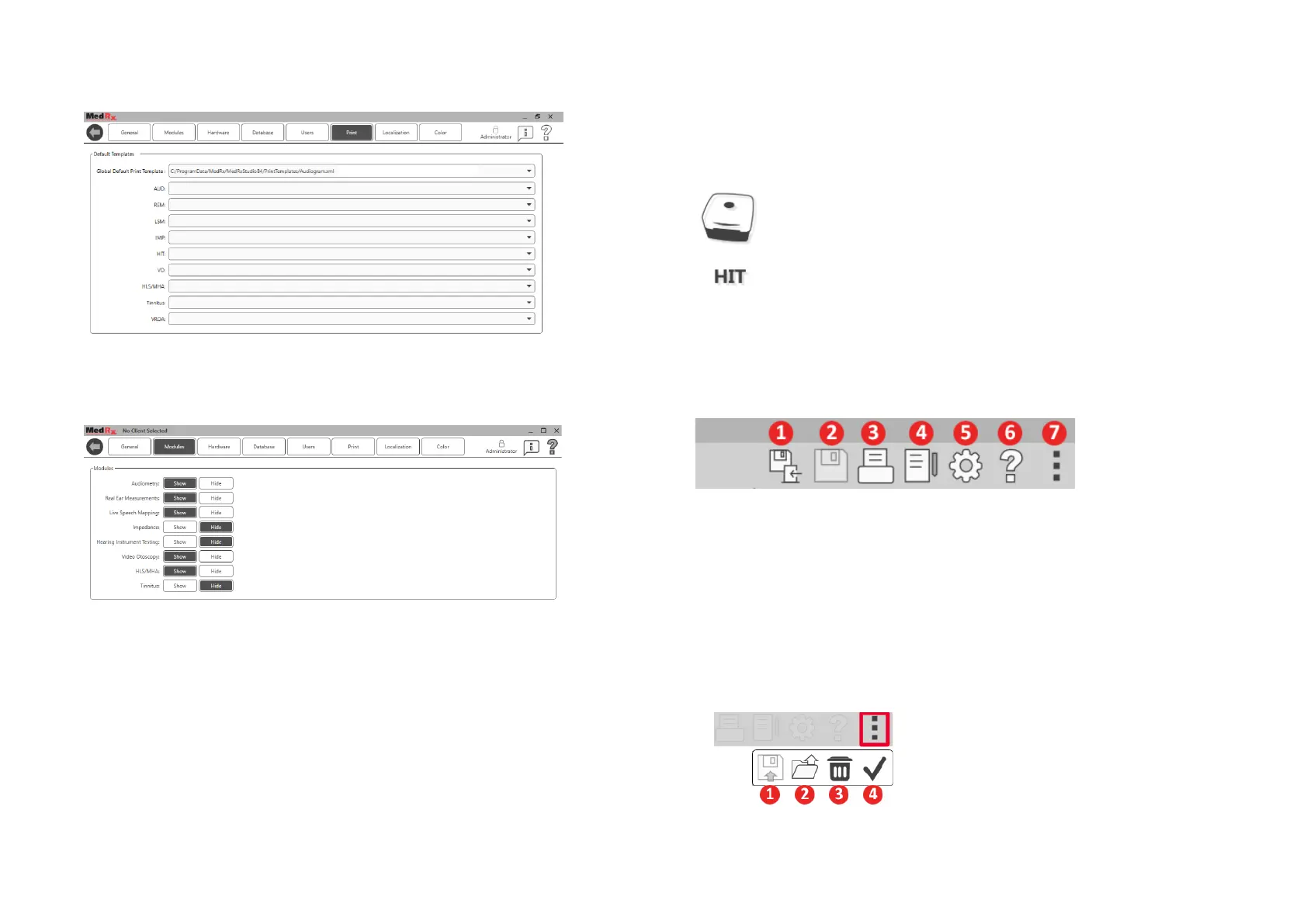
The Main Screen settings allows you to set the default modules, database,
print templates and more.
If you have more than one MedRx product you can show/hide modules in
the Main Screen settings.
NOTE: Remember, more information is always available in the Interactive
Help System by clicking the “?” Icon in the top right corner of the software
or pressing the F1 key.
HIT Module
Select HIT from the main menu.
Tool Bars
Top Tool Bar
The Tool Bar icons have the following functions:
1. Save Session and Exit
2. Save Session
3. Print
4. Show Journal
5. Show Settings
6. Show Help
7. More Options
The More Options icons have the following functions:
1. Save the Current Session to a File
2. Open session from a file
3. Clear Data from Current Test
4. Open HitBox Verification


 To Next Page