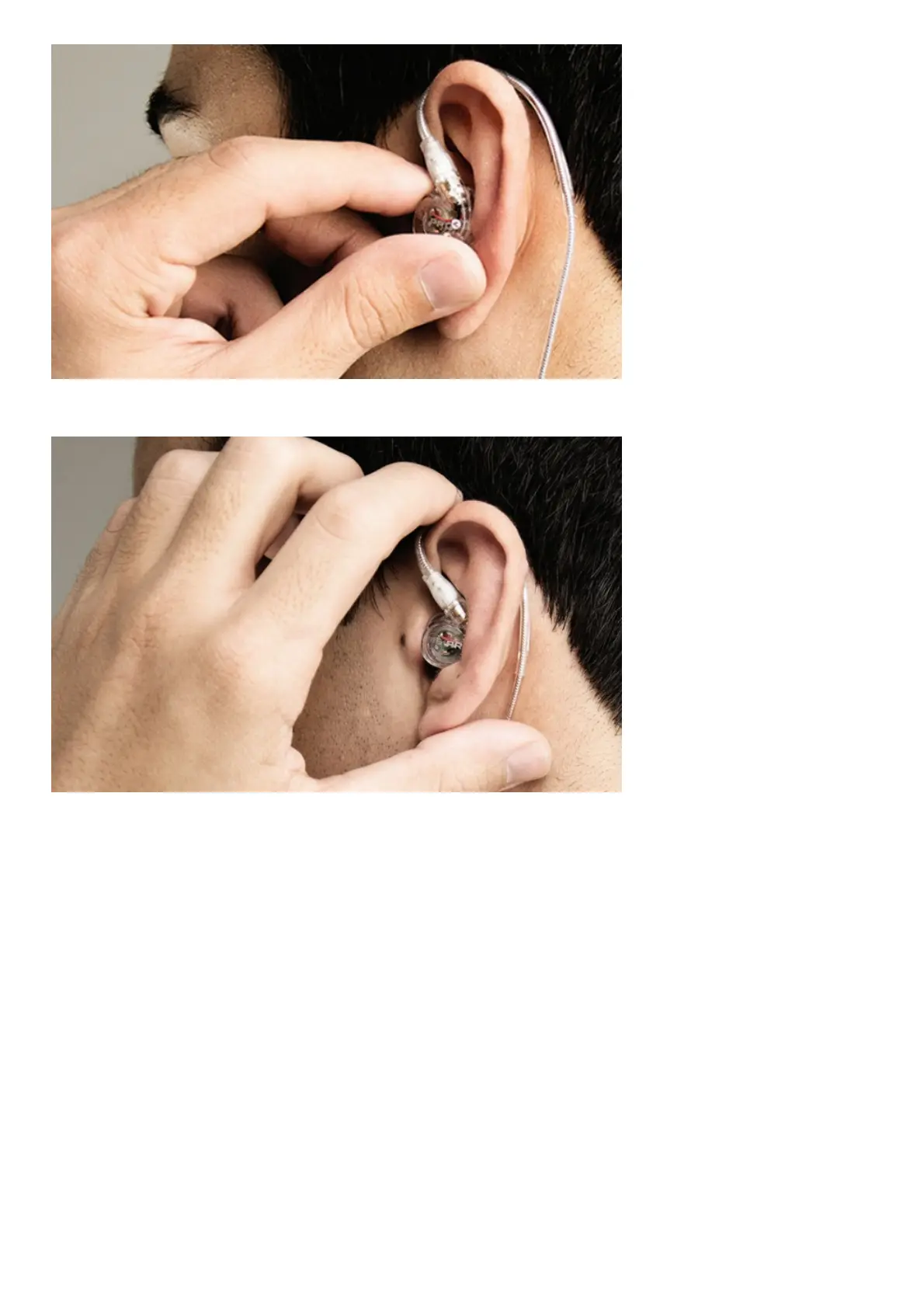
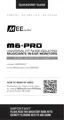
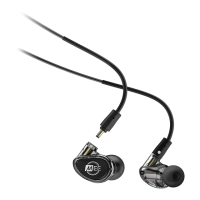
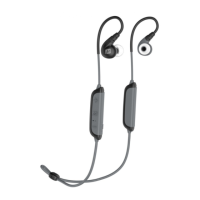
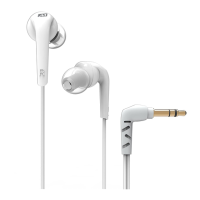
2.1 Insert the earpieces into your ears and adjust until a seal is achieved.
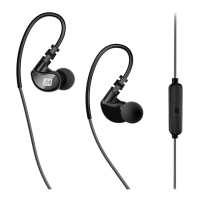
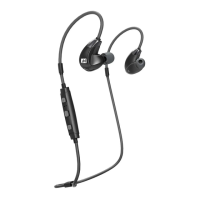
2.2 Squeeze the memory wire behind your ear until the fit is tight and secure. Use the cable cinch and
shirt clip to control cable movement.
Note: When removing and re-inserting the earphones, avoid getting sweat in the nozzle as this may
lead to a temporary reduction/loss of sound.
MICROPHONE & REMOTE USE
The headset cable includes an inline remote, microphone, and volume control.
Basic Remote Operation
for iPhone
®
, iPad
®
, iPod
®
and Android™ phones:


 To Next Page