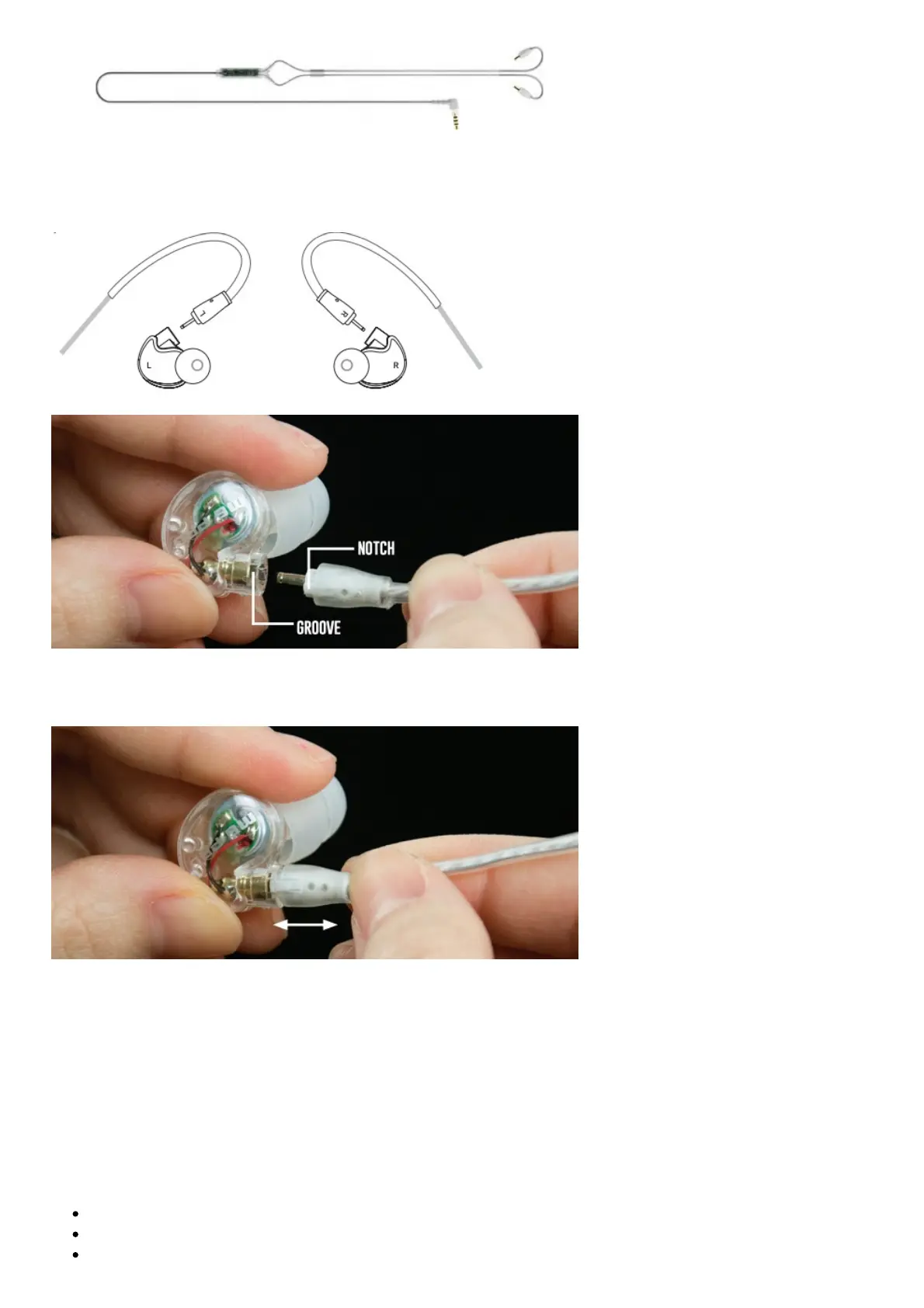
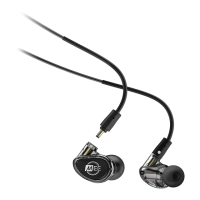
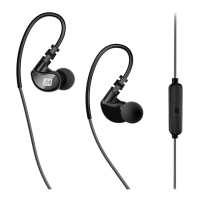
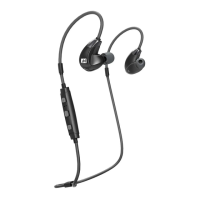
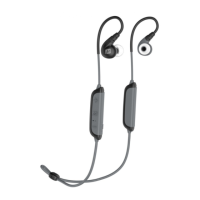
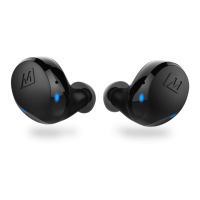
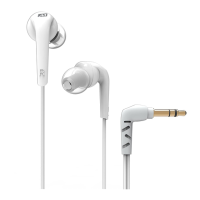
Before using the earphones, select your desired cable and attach the earpieces as shown on page 3.
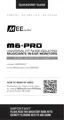
Make sure to attach the cable connector marked “R” to the right earpiece and the connector marked
“L” to the left earpiece.
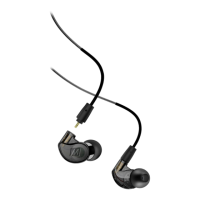
1.1 Attach the cable by lining up the notches on the connector with the matching grooves on the
earpieces as shown. Push connectors in until they fit securely.
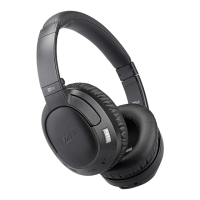
1.2 To detach the cable, grasp the earpiece and cable connector firmly, and pull straight apart without
twisting.
CONFIGURING FOR YOUR EARS: EARTIPS
Multiple sets of eartips are included to ensure you get the best fit with your headphones. We
recommend trying all of the included eartips. If you experience tinny sound or a lack of bass, try
different eartips.
The correct eartip for your ear will:
Allow the earphone to fit flush in the ear
Seal with your ear canal and reduce outside noise when inserted
Provide good bass response


 To Next Page