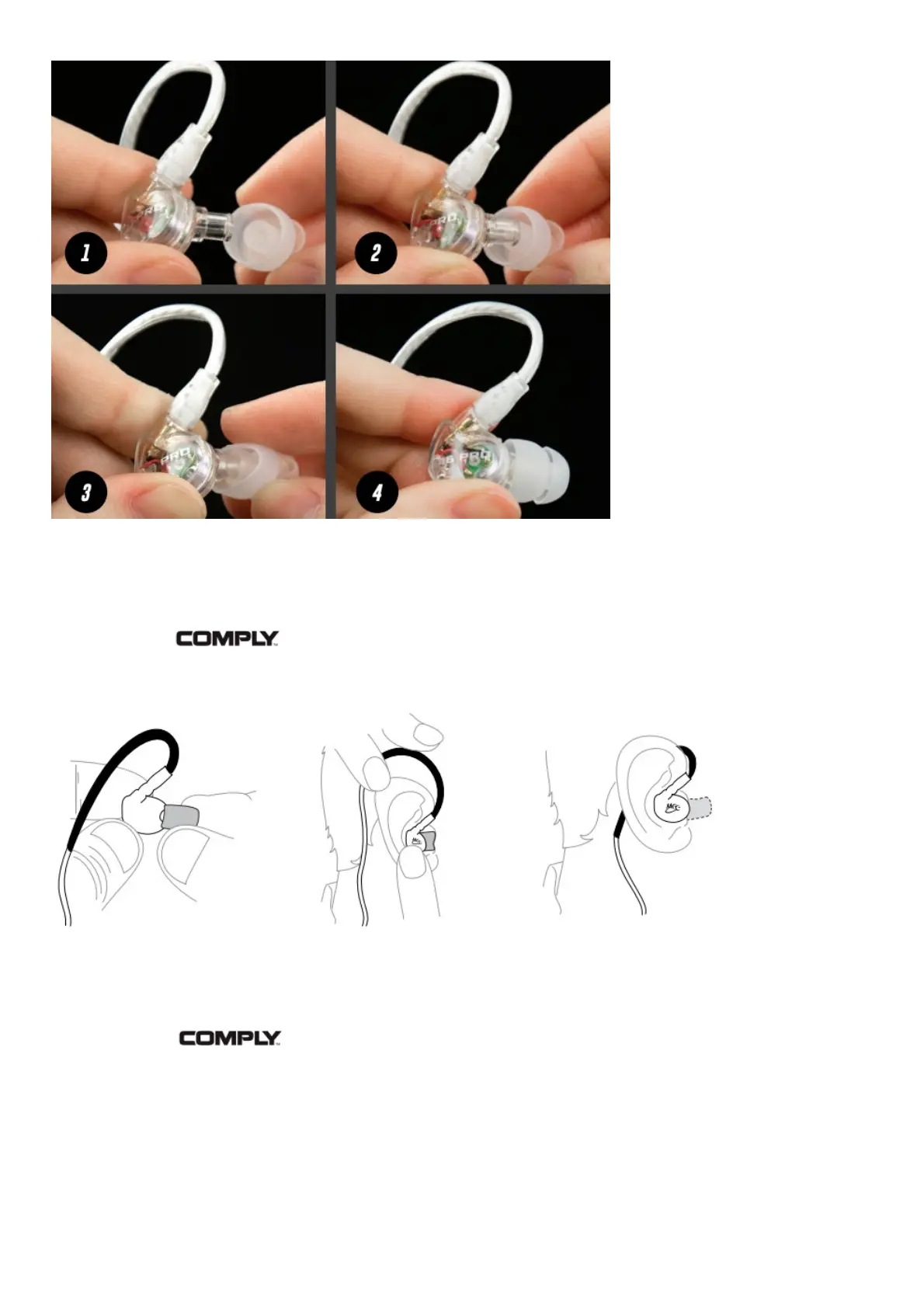
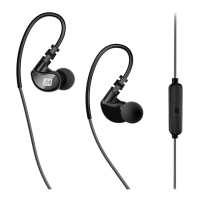
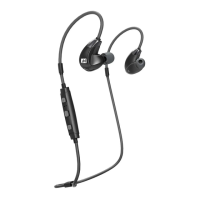
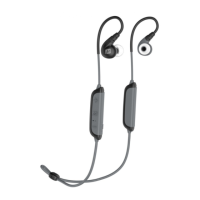
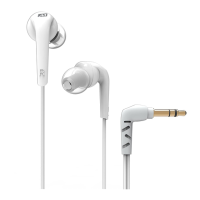
Install eartips as shown. Make sure eartips are installed securely before use.
CONFIGURING FOR YOUR EARS: Comply™ MEMORY FOAM EARTIPS
Inserting the Premium Earphone Tip
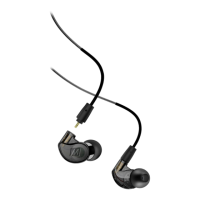
Install Comply™ eartips as shown on page 4.
1. Roll the tip into a thin, round cylinder.
2. Pull back and up on the ear to open the canal. Gently insert the entire tip into the ear.
3. Hold the tip in place until it expands.
Changing the Premium Earphone Tip
Remove old Comply™ foam tip by firmly grasping the entire tip, including the plastic inner core, from
the back of the tip (close to the earpiece). Firmly pull the tip off the earphone nozzle, rotating slightly
or pulling at an angle if necessary to overcome friction.


 To Next Page