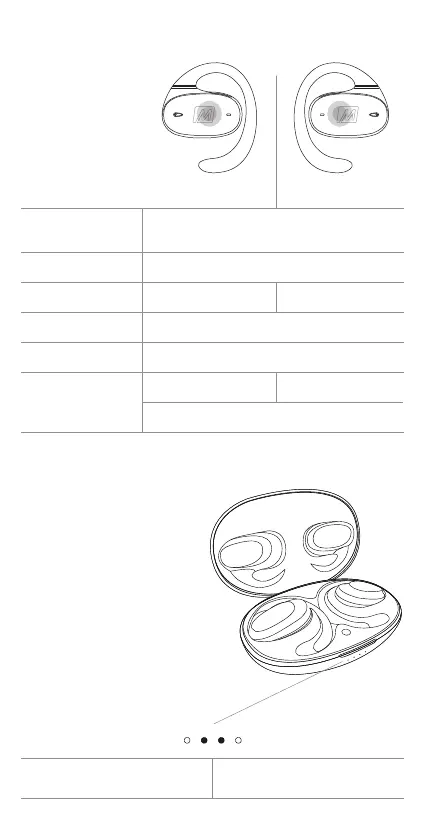
Intuitive Touch Controls
Press and hold 4s
while off
Press and hold 4s
Tap 1x
Tap 2x
Tap 3x
Press and hold 2s
LEFT
Turn on
Turn off
Volume down
Play / pause / answer phone call / hang up
Activate Siri
®
/ Google Assistant
™
Previous track
Decline incoming call
RIGHT
Volume up
Next track
Functionality & Controls
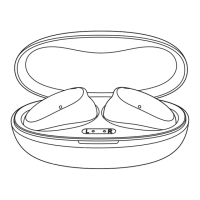
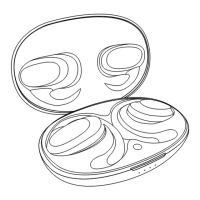
Place the earpieces into the
case to initiate charging.
The charging indicator light
for each earpiece is displayed
on the front of the case.
The first light represents the
left earpiece, and the fourth
light represents the right
earpiece.
Left earpiece
charging
Right earpiece
charging
Charging the Earpieces


 To Next Page