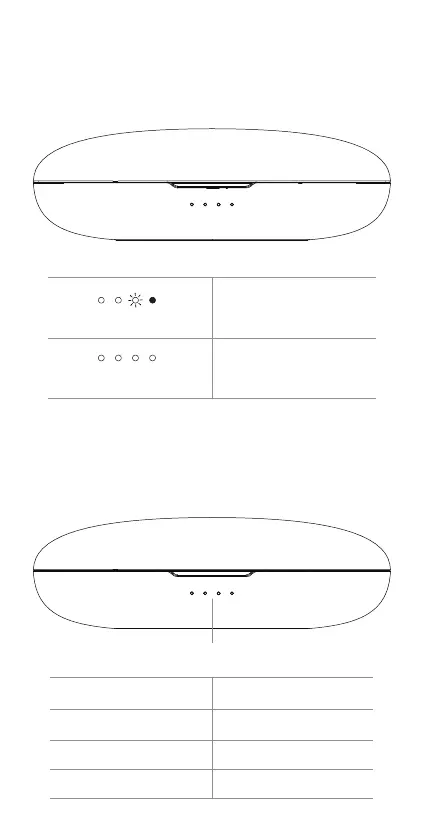
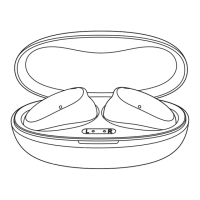
The case can be charged using the provided USB-C cable, or
wirelessly using a wireless charging pad (not included). The lights
on the front of the case will flash in order until the case reaches
100% charge.
Charging the Case
1. Remove USB-C cable from case
2. Open or close lid to activate battery indicator light pattern
Case Battery Indicator Light
1 solid light
2 solid lights
3 solid lights
4 solid lights
Case battery ≤ 25%
Case battery ≤ 50%
Case battery ≤ 75%
Case battery ≤ 100%
Case Battery Indicator
Case Battery Indicator Lights (While Charging)
Lights flashing in order
All lights solid
Case charging
Case charged


 To Next Page