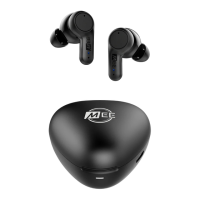
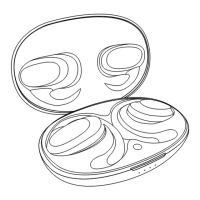
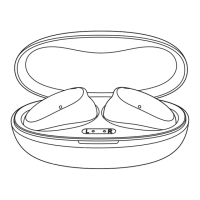
CHARGING
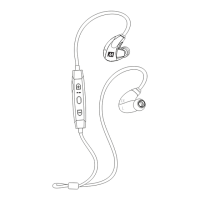
Connect the charging cable to any powered USB port and to the charging
port located on the headset’s remote control.
The status indicator light will stay red while charging and turn blue when fully
charged.
When the battery is low, the headset will say “battery low” and a red light on
the remote will flash twice every two seconds.
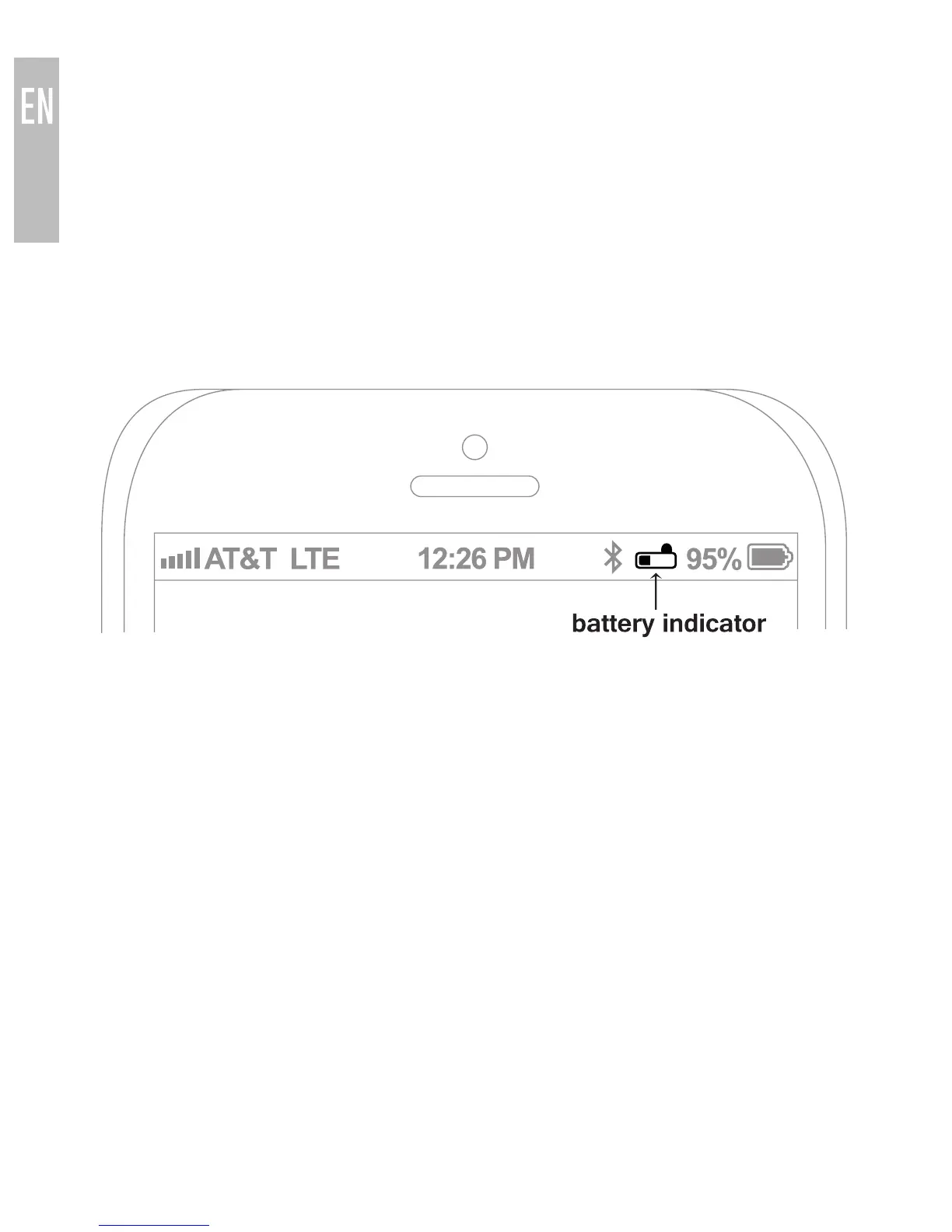
Apple® devices such as the iPhone®, iPad®, and iPod touch® will also
display an on-screen headset battery indicator when the M9B is connected.
Note: the lifetime of the battery will be significantly reduced if your headset
is not charged for a long period of time. It is recommended to charge your
headset at least once a month.
3



 To Next Page