EasyManua.ls Logo

Megasat HD 510 - User Manual

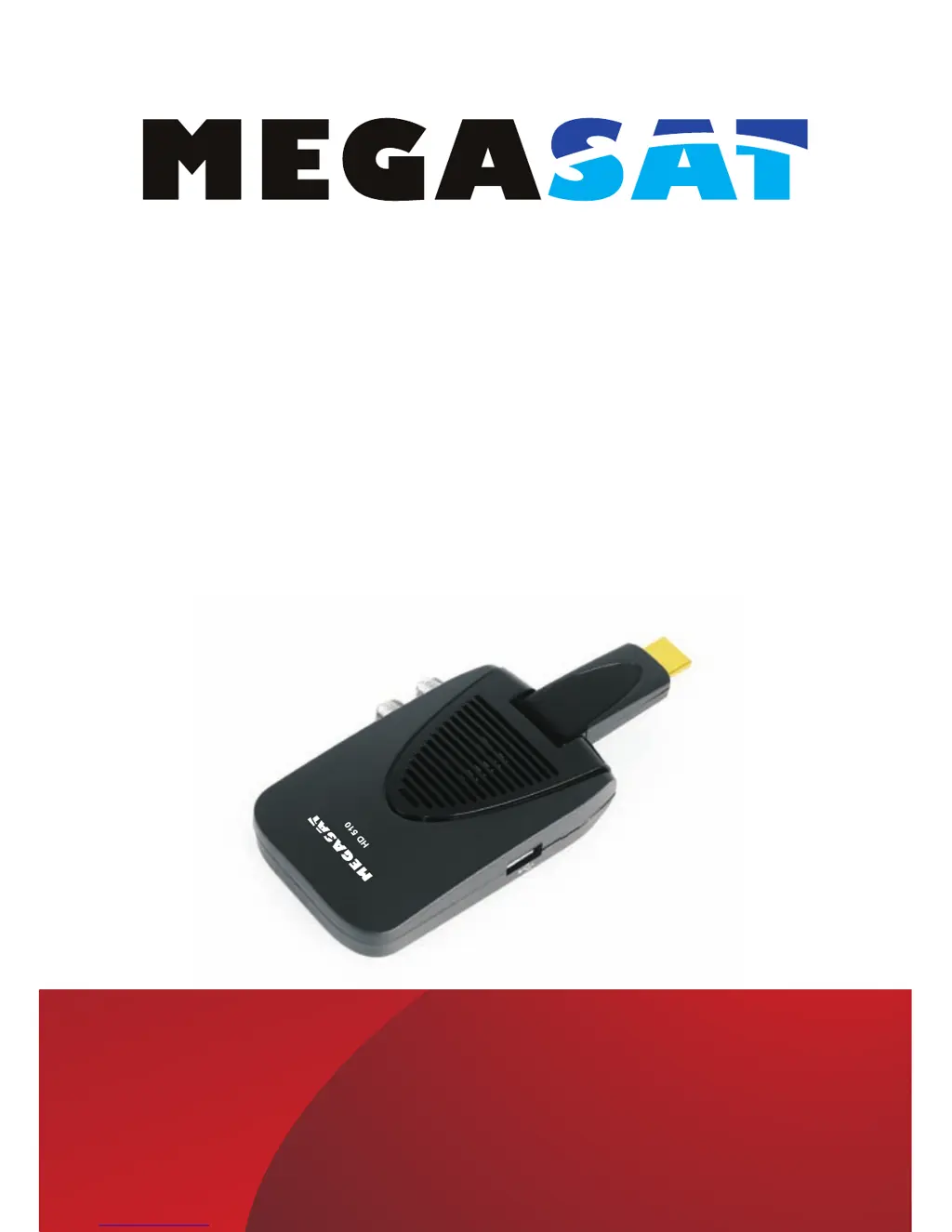
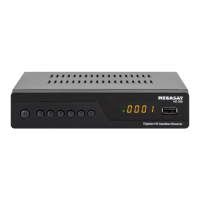
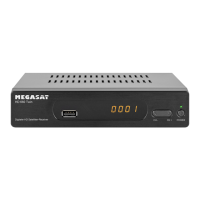
Megasat HD 510
44 pages
Go to English
Print Icon
To Next Page IconTo Next Page
Loading...
Bedienungsanleitung
Users Manual
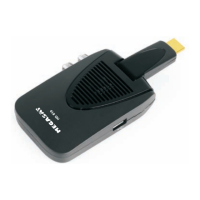
Megasat HD 510
DVB-S2 HDMI Stick

Questions and Answers

  • S
    Stephanie KimAug 7, 2025
    What to do if Megasat HD 510 Receiver remote control not working?
    • B
      Brendan RochaAug 7, 2025
      If your Megasat Receiver isn't responding to the remote control, several factors could be at play. First, ensure the receiver is plugged in and turned on. Verify that you're aiming the remote directly at the front panel of the receiver and that nothing is blocking the signal. Also, check the batteries in the remote to make sure they're correctly inserted and not exhausted. If necessary, replace the batteries.
  • G
    gillespiescottAug 10, 2025
    How to fix Megasat HD 510 showing no signal?
    • J
      Jessica DickersonAug 10, 2025
      If your Megasat Receiver displays a 'No Signal' message, it could be due to a disconnected DVB-S cable. Ensure the DVB-S cable is securely plugged in. Alternatively, the receiver might have incorrect settings. In this case, you should set up the correct parameters.
  • A
    alexiswatsonAug 15, 2025
    Why Megasat HD 510 Receiver has sound but no picture?
    • M
      Margaret WilsonAug 15, 2025
      If you're getting only sound but no image on your Megasat Receiver, there might be an issue with the AV cable connection. Ensure the AV cable is correctly connected. It's also possible that the program you're tuned into is a radio program. Press the key to switch to TV mode.
  • A
    Anthony HarrisAug 19, 2025
    What to do if Megasat HD 510 says scrambled channel?
    • S
      Sheila RogersAug 19, 2025
      If your Megasat Receiver displays a scrambled channel message, it means the channel you're trying to watch is scrambled. To resolve this, simply select an alternative channel that is not scrambled.
  • S
    stevensonlauraAug 23, 2025
    Why does my Megasat Receiver image keep stopping?
    • T
      Tyler TylerAug 25, 2025
      If the image on your Megasat Receiver is stopping suddenly or appearing mosaic-like, it indicates that the signal is too weak. You need to strengthen the signal to resolve this issue.
  • D
    Dylan HillAug 28, 2025
    Why is there no sound from my Megasat HD 510 Receiver?
    • J
      James WilliamsAug 28, 2025
      If you're experiencing no sound from the speaker of your Megasat Receiver, first check the audio cable connection to ensure it's correctly connected. Also, verify that the sound isn't muted and that the volume is appropriately adjusted. Finally, the issue might be with the sound track itself, so try selecting another sound track.
  • L
    lwilliamsSep 1, 2025
    How to reset forgotten channel lock code on Megasat Receiver?
    • A
      Allen WellsSep 1, 2025
      To address a forgotten channel lock code on your Megasat Receiver, reinstall the channels. This action will cancel the channel lock.

Summary

1 Important Safety Instructions

2 Front and Rear Panel Illustration

3 Remote Control

3.1 Key introduce

Explains the function of each key on the remote control.

3.2 Installing the Batteries

Details the process of installing batteries into the remote control.

3.3 Using the Remote Control

Explains how to operate the remote control, its range, and limitations.

4 Connections

5 First Time Installation

5.1 Program Manage Settings

Accesses menu options to adjust program management settings.

5.2 Video Setting

Adjusts video output settings like aspect ratio, resolution, and TV format.

5.3 Channel Search

Guides through searching and storing satellite channels.

5.4 Time Setting

Sets the device's time and date, including automatic updates.

5.5 Option

Configures device options such as OSD language, audio, and subtitles.

5.6 System

Manages system settings including password, factory reset, and software updates.

5.7 USB

Provides access to USB functions for multimedia playback and photo configuration.

6 Glossary

7 Troubleshooting

8 Specifications

Megasat HD 510 Specifications

General IconGeneral
BrandMegasat
ModelHD 510
CategoryReceiver
LanguageEnglish

Related product manuals