EasyManua.ls Logo

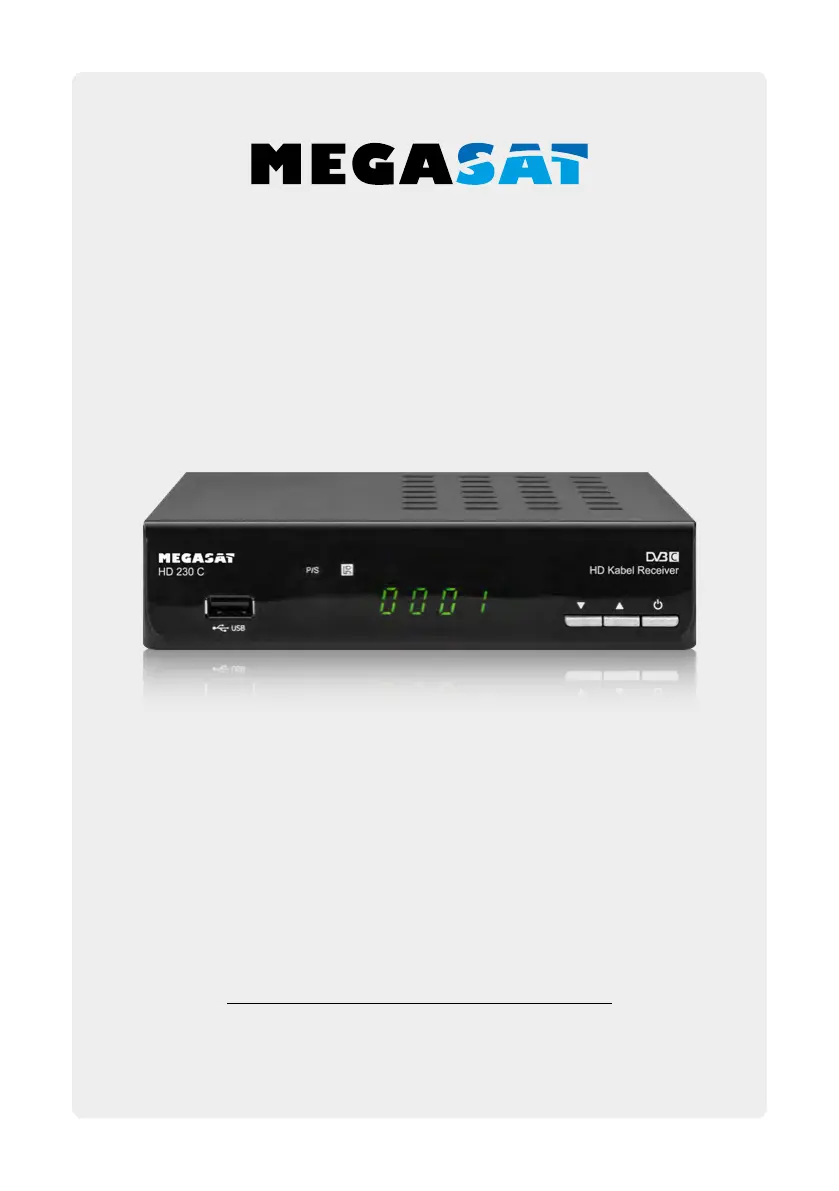
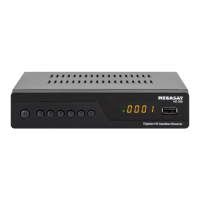
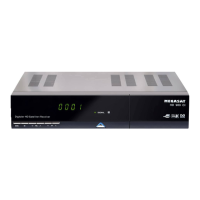
Megasat HD 230 C - User Manual

Megasat HD 230 C
36 pages
Go to English
Print Icon
To Next Page IconTo Next Page
Loading...
Bedienungsanleitung
HD 230 C

Questions and Answers

  • J
    jonathanhammondAug 11, 2025
    What to do if my Megasat HD 230 C Receiver has no picture or sound?
    • L
      lhaynesAug 11, 2025
      If your Megasat Receiver isn't showing a picture or producing sound, first, verify the antenna cable is securely connected. Then, ensure your TV is set to the correct input channel, such as AV or HDMI.
  • C
    Cynthia EdwardsAug 18, 2025
    Why is my Megasat Receiver remote control not working?
    • M
      Michelle AndersonAug 19, 2025
      If the remote control for your Megasat Receiver isn't working, try these steps: * Replace the batteries in the remote. * Ensure there are no obstructions between the remote and the receiver. * Make sure the STB is not in standby mode.
  • A
    Ashley DavisAug 27, 2025
    What to do if there is no startup menu on screen after turning on Megasat HD 230 C for the first time?
    • N
      Nicole NewmanAug 27, 2025
      If you don't see the startup menu on your Megasat Receiver after turning it on for the first time, and it's connected via HDMI, make sure your TV is set to the correct HDMI input mode (e.g., HDMI 1).
  • M
    Melanie MillerSep 1, 2025
    How to fix Megasat HD 230 C Receiver when LED on the front panel fail to light up/is not lit?
    • J
      Joshua AlvaradoSep 1, 2025
      If the LED on the front panel of your Megasat Receiver isn't lighting up, check that the main supply cable is properly connected and that the power switch is turned ON.

Megasat HD 230 C Specifications

General IconGeneral
TypeSatellite Receiver
HDTV CompatibleYes
Free-to-AirYes
Input Frequency Range950 - 2150 MHz
DemodulationQPSK, 8PSK
Video DecoderMPEG-2, MPEG-4, H.264
USB Port1x USB 2.0
Tuner TypeDVB-S2
Video ResolutionFull HD 1080p
ConnectivityHDMI, USB, RCA
USB FunctionMedia Playback
Symbol Rate1-45 MS/s
Audio DecoderMPEG-1 Layer I & II
Output Resolution480i, 480p, 576i, 576p, 720p, 1080i, 1080p

Related product manuals