EasyManua.ls Logo

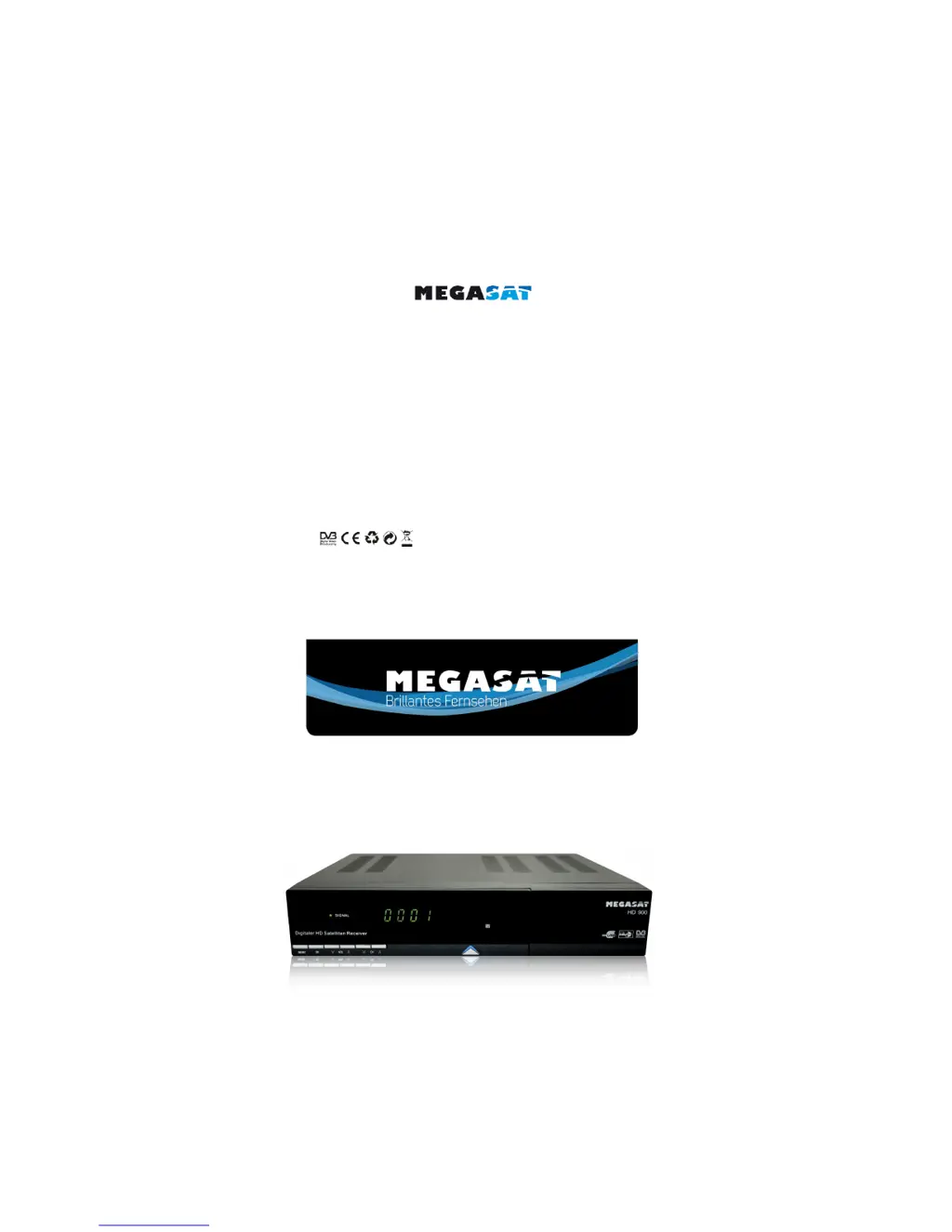
Megasat HD900 - User Manual

Megasat HD900
22 pages
Print Icon
To Next Page IconTo Next Page
Loading...
Bedienungsanleitung
User Manual
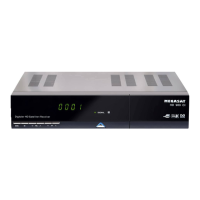
Digitaler HD Satelliten Receiver
Megasat HD900
Stand: Dezember 2011 V1.0

Questions and Answers

  • T
    Tiffany Parker DDSAug 11, 2025
    What to do if my Megasat Receiver has no picture or sound?
    • J
      jacobclarkAug 11, 2025
      If your Megasat Receiver isn't displaying a picture or producing sound, several factors could be responsible. First, ensure your satellite dish is accurately aligned. If the dish alignment is correct, check the signal strength indicator within the channel search submenus. A faulty LNB or cable could also be the cause, so consider replacing them to resolve the issue.
  • C
    Collin PorterAug 17, 2025
    Why is my Megasat HD900 Receiver remote control not working?
    • D
      Deborah KirkAug 17, 2025
      If the remote control for your Megasat Receiver isn't functioning, try these steps: * Replace the batteries in the remote. * Make sure you're aiming the remote directly at the receiver. * Check if the receiver is in standby mode. If the LED indicator on the front panel is showing the time, press the power button to switch off standby mode.
  • A
    Alexis SalasAug 27, 2025
    What to do if I'm getting bad picture or blocking error on my Megasat Receiver?
    • C
      Christopher MorseAug 27, 2025
      If you are experiencing a bad picture or blocking errors on your Megasat Receiver, the following could be the reason: * The satellite dish may not be aiming accurately, so adjust the dish. * The signal may be too strong, in which case you should connect an attenuator to the LNB input. * The satellite dish may be too small, so you should change to a larger dish. * The LNB noise factor may be too high, so you should change the LNB with a lower noise factor. * The LNB may be faulty, so replace the LNB.
  • J
    Joseph JohnsSep 2, 2025
    Why is the LED on my Megasat HD900 not lit?
    • B
      Bonnie TerrellSep 2, 2025
      If the LED on the front panel of your Megasat Receiver isn't lighting up, the main supply cable might not be properly connected. Check to ensure the cable is securely plugged into the power socket.

Summary

Technical Specifications

Tuner & Demodulator

Technical details of the receiver's tuner and demodulator.

Tuner & Demodulator Specs

Technical details of the receiver's tuner and demodulator.

MPEG Specifications

Technical specifications related to MPEG compression standards.

A;V and Data Connectors

Description of audio/video and data input/output connectors.

Power Supply Details

Technical details of the receiver's power supply unit.

Power Supply Specs

Technical details of the receiver's power supply unit.

Main Functions Overview

Additional Information

Trouble Shooting Guide

Provides solutions for common operational problems and errors.

Remote Control Unit Description

Connecting LNB and Satellite Dish

Main Menu Navigation

Installation Setup

Section for initial setup and installation of the receiver.

Installation Procedures

Adding a New Satellite

Process for adding new satellites to the receiver's list.

Transponder List Management

Managing transponder data for satellites.

LNB Configuration Settings

LNB frequency, Unicable, and power settings.

Time Settings Management

Time and Date Settings

Adjusting time and date settings manually or automatically.

Favorites Management

Sort Channels by Criteria

Organizing channels by various criteria like alphabet or type.

System Settings Configuration

Installation - UniCable Systems

UniCable System Details

Details on configuring UniCable systems.

DiSEqC Type Configuration

USALS Motor Control Setup

Initiating Channel Search

Factory Default Reset

Edit Channel Options

Channel Search Options

Start Channel Search Process

Initiating the channel search process with various modes.

Factory Default Settings

Resetting the receiver to its factory default settings.

Spectrum Analyzer Tool

Tool for viewing signal strength and quality.

Manage Programs

LNB Type and Power Settings

DiSEqC Configuration

Motor Settings

Installation and Operation Guide

Installation and Connection

Connecting LNB and TV

Instructions for connecting the LNB and TV to the receiver.

Remote Control Unit Operations

Troubleshooting Guide

Basic Functions Overview

Remote Control Unit

Description of the remote control unit.

Reference Information

Safety Precautions

Important safety instructions for operating the receiver.

General Features Overview

Overview of the receiver's general capabilities and features.

Installation and Operation

Main Menu Access

How to access the main menu of the receiver.

Installation Setup Procedures

Section detailing the initial setup and installation process.

Antenna Settings Configuration

Configuring satellite dish and LNB settings.

Satellite List Management

Managing the list of satellites available for scanning.

Settings Menu

System Settings Options

Configuring system-wide options like language and display.

Parental Control Setup

Setting up parental restrictions and PIN codes.

Megasat HD900 Specifications

General IconGeneral
BrandMegasat
ModelHD900
CategoryReceiver
LanguageEnglish

Related product manuals