M
AVTM651070 Rev B Nov 2006
20
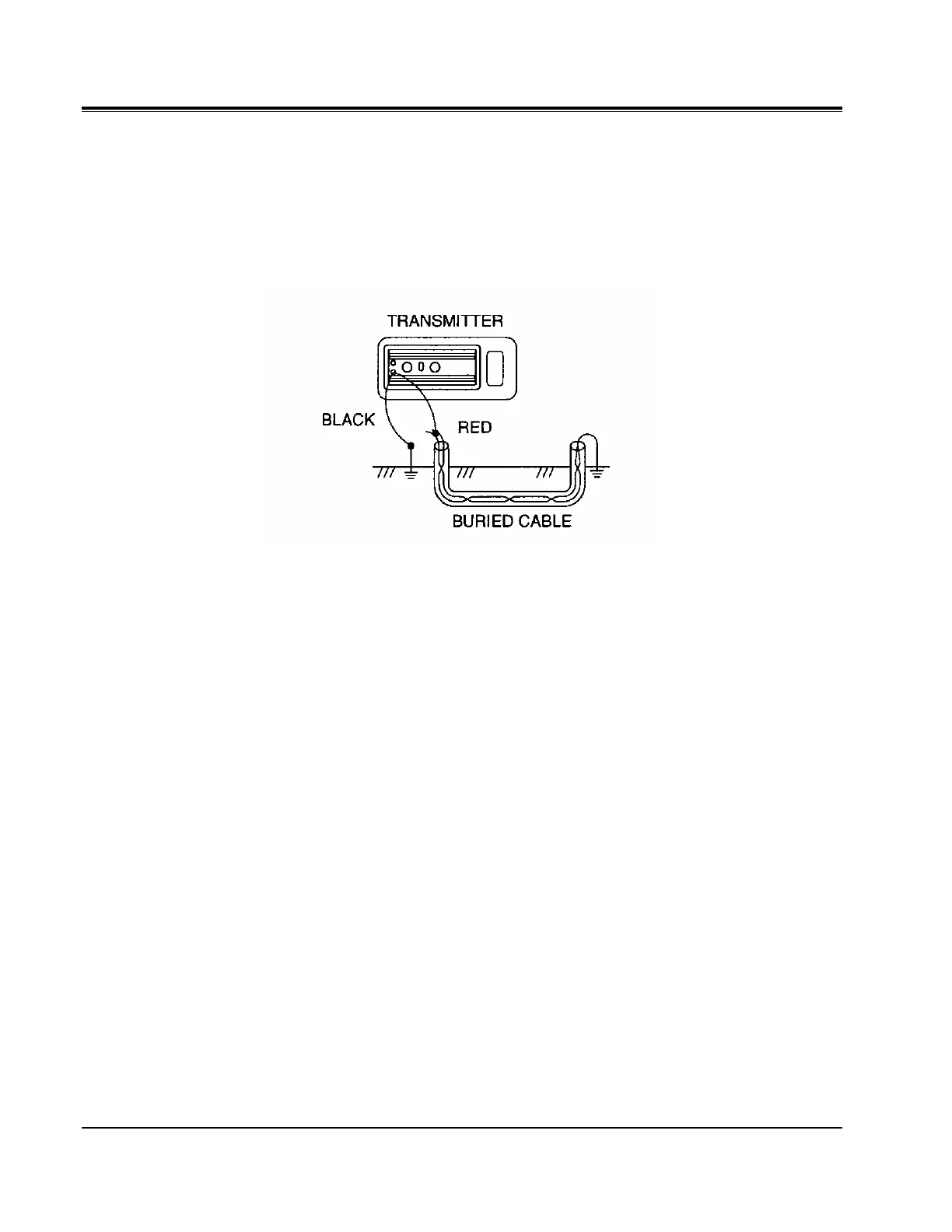
Plug the red/black test cord into the TX OUTPUT. Set the FREQUENCY
switch to AF. The LOADING indicator will start blinking when the transmitter
is turned on. Proceed to locate with the receiver toward the central office.
Turn to Receiver Operation section to begin locating the cable or pipe.
Figure 11: Telephone Direct Pair Connection


 To Next Page