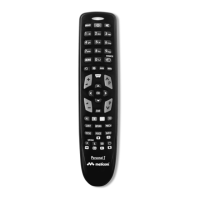
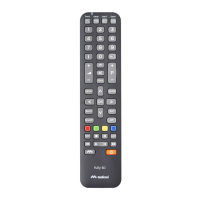
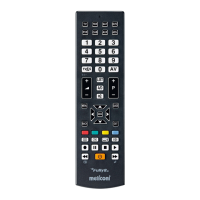
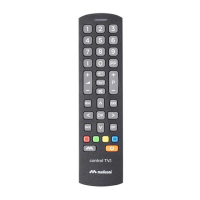
7
Secondary functions are functions that are used only occasionally or are of secondary importance.
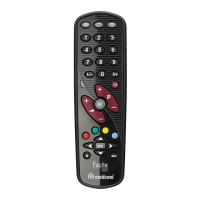
To enable them press the SHIFT button and the button of the desired function at the same time. The position of
the button can be identifi ed with the drawing below.
The remote control requires 2 new 1.5V alkaline AAA/LR03 batteries.
Insert them as illustrated.
Try pressing a number button and check that the red light remains lit
continuously until you release the button. If the light fl ashes, the batteries
inserted are not charged and are about to go fl at, therefore you must
substitute them. IMPORTANT: do not use rechargeable batteries.
Do not leave fl at batteries inserted, as liquid may leak and damage the remote control
For example to enable the TO-
OLS function, press the SHIFT
button and the OPTION button
at the same time, while pointing
the remote control towards the
television.
If the coloured buttons Red-Green-Yellow-Blue are not working, that is when pressed there is no effect on your
television, proceed as follows:
Press the ON/OFF and MUTE buttons together for about 5 seconds. When the red LED start fl ashing release the
two keys and press the number button 2.
Release all the buttons.
Now also the coloured buttons Red-Green-Yellow-Blue will be working.
To go back to the previous setting, press the ON/OFF and MUTE buttons together for about 5 seconds. When
the red LED start fl ashing release the two keys and press the number button 1.


 To Next Page
 Loading...