OPERATION
15
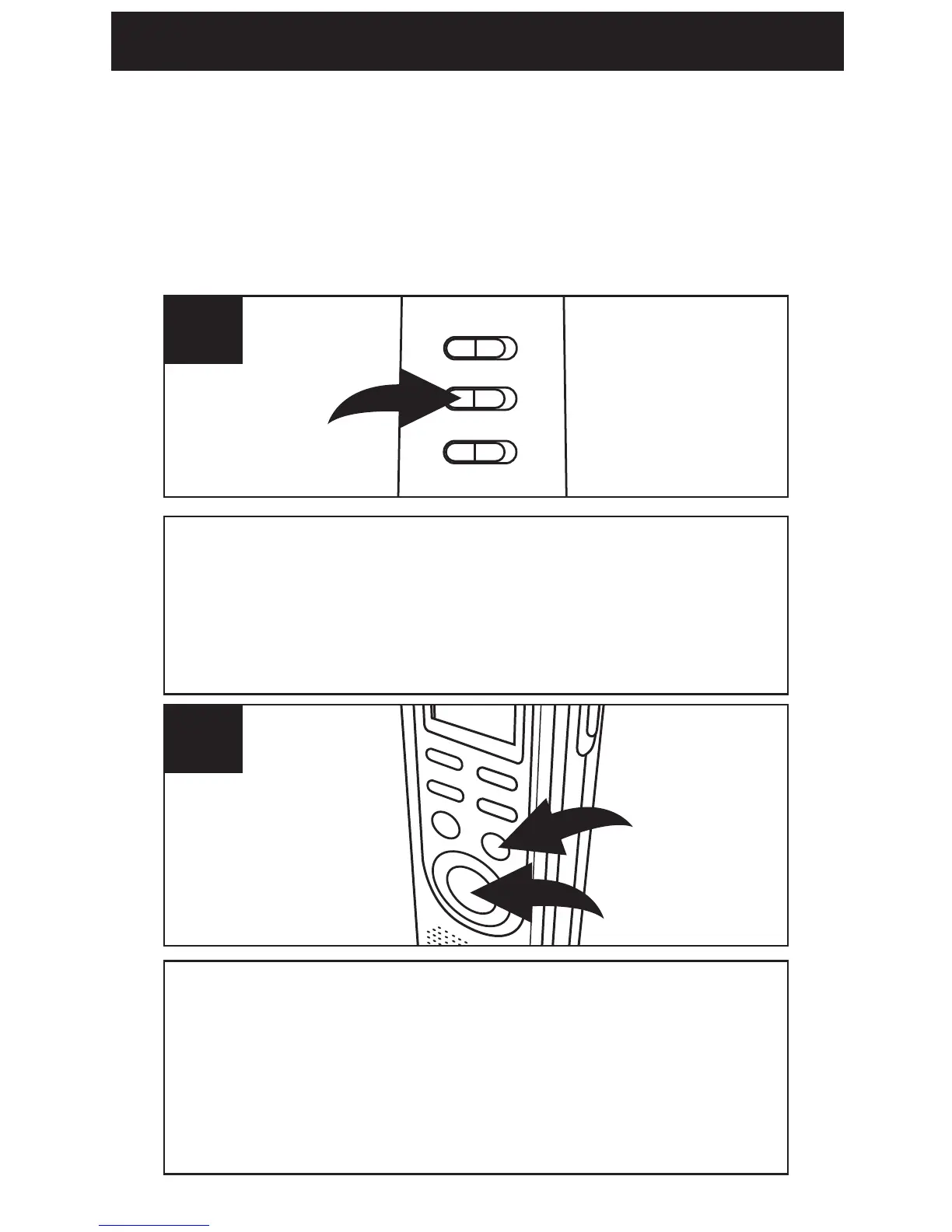
Make sure the VOX switch on the rear of unit is
set to OFF. Turn the unit on (by pressing the
REC/STOP or PLAY/STOP button) and select the
desired sound quality as previously described.
1
Select a File Folder as described on page
13 by pressing the FILE/TIME button 1.
While in the Standby mode, press the
REC/STOP button
2 and the REC indicator
will light and the elapsed time will appear.
2
NORMAL RECORDING
This unit is capable of recording only when
sound is heard. To use this feature, see page
17. For normal recording, follow steps below.



 To Next Page