BATTERY INSTALLATION
5
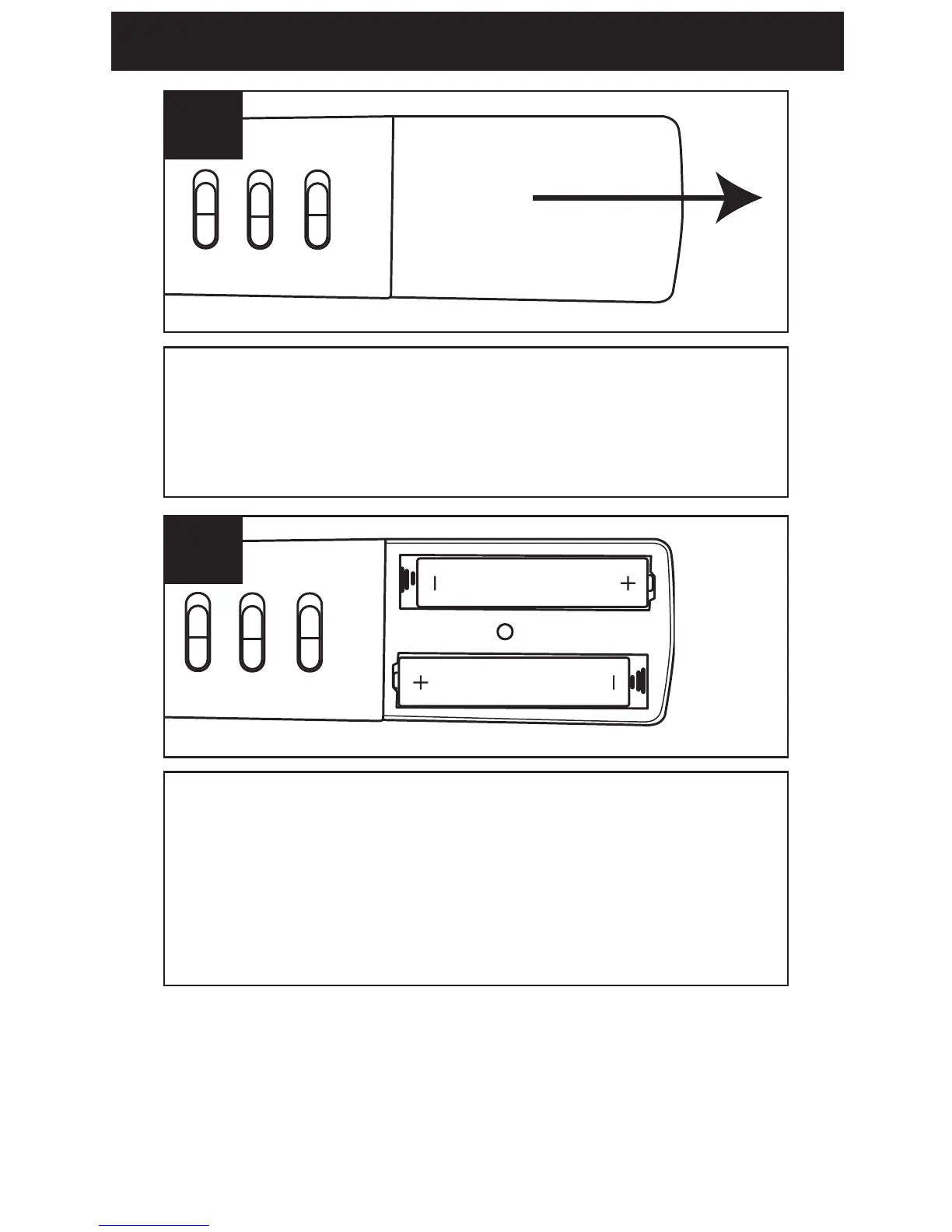
Open the battery compartment by
sliding it towards the bottom of the
unit.
1
Insert two (2) "AAA" size batteries
(not included) following the polarity
diagram. Slide the battery
compartment back in place.
2
NOTE: When replacing the batteries,
the recorded messages will be saved,
but the time will have to be reset.



 To Next Page