6
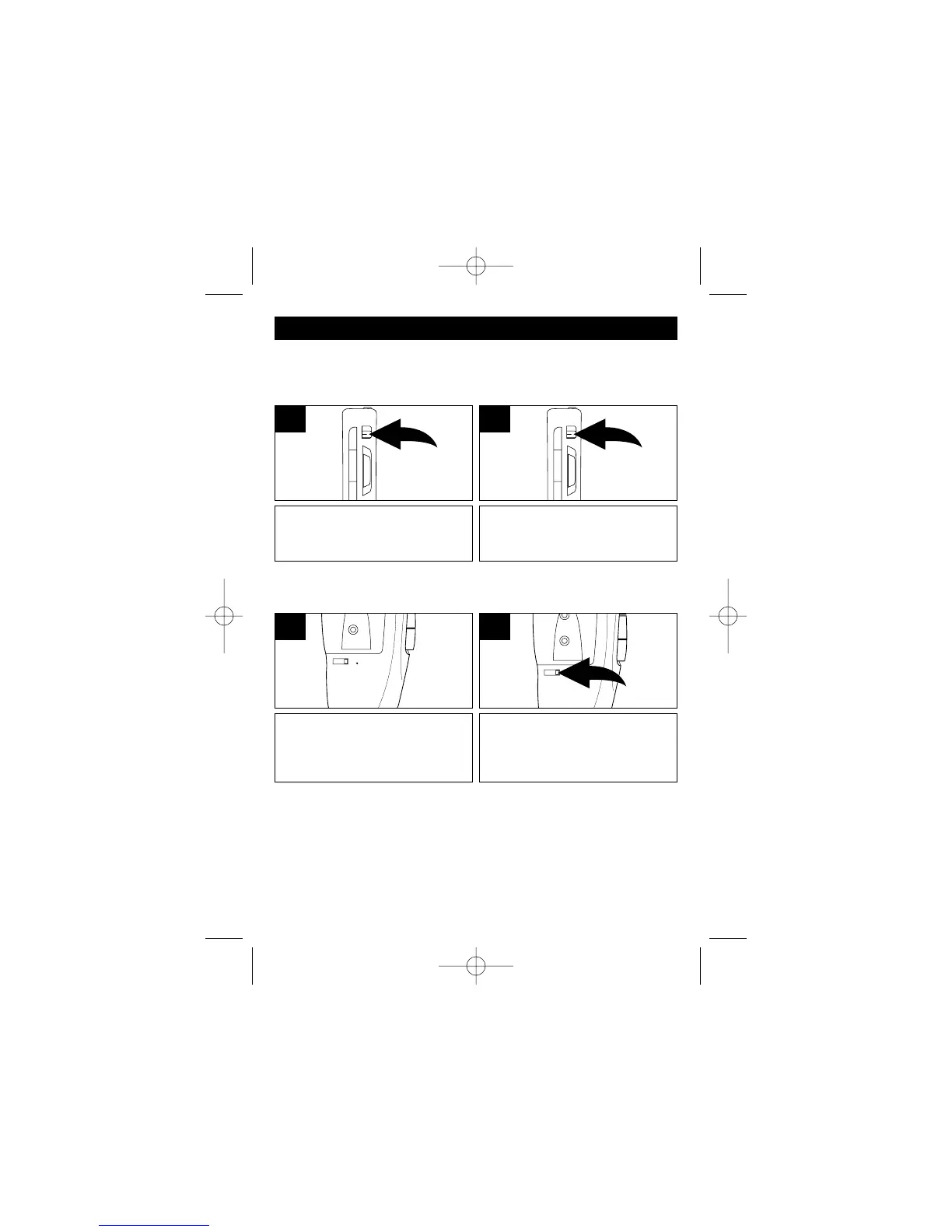
To pause Recording, Playback,
Rewind or Fast Forward, slide the
PAUSE switch to the ON position.
1
To resume, slide back to the OFF
position.
2
TO PAUSE A CASSETTE TAPE
This unit can pause the microcassette while Recording, Playback,
Rewind or Fast Forward
TAPE SPEED SWITCH
Set the one of the following positions:
2.4: NORMAL SPEED: Compatible with most single-speed
microcassette recorders. This setting has the best sound quality.
1.2: LONGER RECORDING: This will allow double recording time, but
the sound quality will be less.
The tape counter is helpful in locating particular portions of the tape.
The tape counter will count up or
down when playing, recording,
fast forwarding or rewinding a
microcassette tape.
1
To reset the counter, press the
Tape Counter Reset button; the
counter will reset to “000”


 To Next Page