12
OPERATION (CONTINUED)
With a CD inserted, press the POWER
button
1 to turn the unit on.
Repeatedly press the FUNCTION
button
2 to select CD; “CD” will appear
in the display; the total number of
tracks will appear in the display.
1
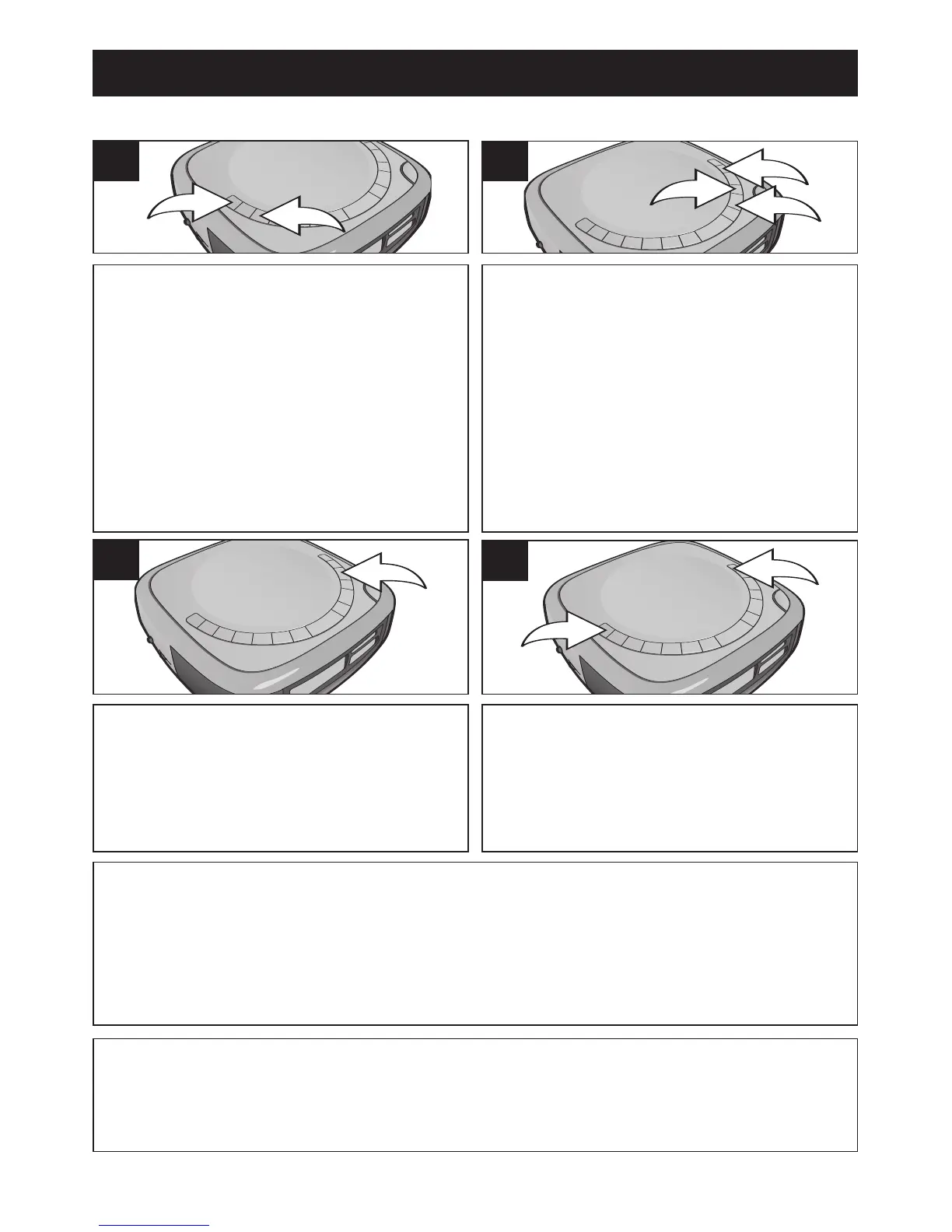
Press the PROGRAM button 1 once;
“PROG” will blink and “1” (program
number) will appear in the display. Select
the first track to be played back using the
SKIP/SEARCH
l 2 or m 3 button
("PROG" will not blink while the track is
being selected), then press the
PROGRAM button
1 again. Repeat this
step to program additional tracks, up to
32 tracks.
2
TO PROGRAM THE MEMORY (UP TO 32 TRACKS)
Press the PLAY/PAUSE (®p) button
to begin playback. The unit will play all
the tracks in the order you
programmed them; both “PROG” and
“PLAY” will appear in the display.
3
When the disc is through playing, it will
stop. Press the STOP (
■) button 1 to
stop the disc before it is finished.
Press the POWER button
2 to turn the
unit off.
4
NOTES:
• To skip forward or backward through the programs, press the Skip/Search l
or m button.
• Programming is the ability to preselect the order in which a series of tracks will
be played.
FAQ: How do I clear the memory and exit the Program Playback mode?
While in the Program Stop mode, press the STOP (■) button; "PROG"
will disappear from the display.










 To Next Page