EasyManua.ls Logo

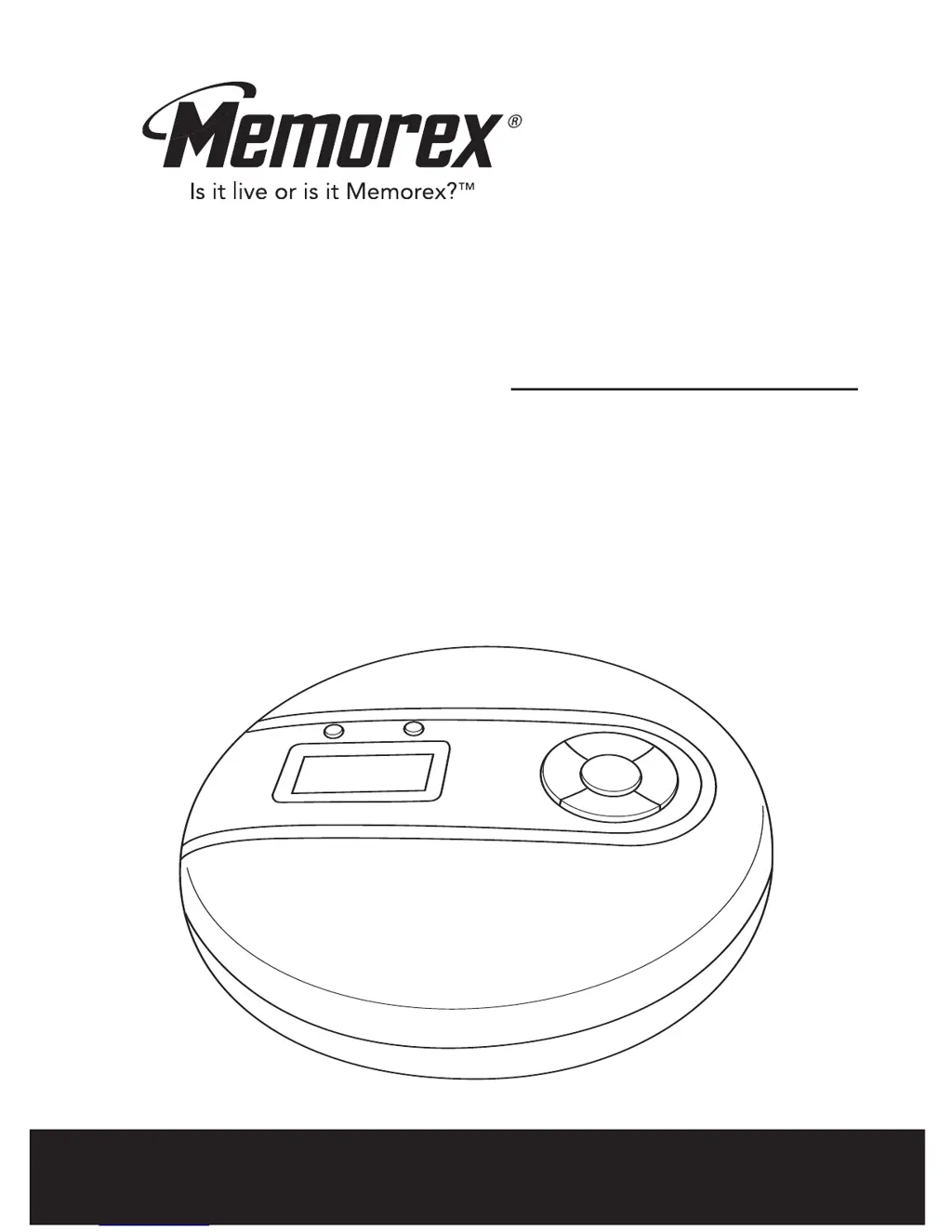
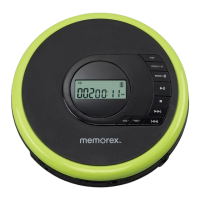
Memorex MD6443 - User Manual

Memorex MD6443
17 pages
Print Icon
To Next Page IconTo Next Page
Loading...
Before operating this product,
please read these instructions completely.
User’s Guide
PERSONAL COMPACT DISC PLAYER
WITH 60 SECOND DIGITAL MOTION
PROOF ANTI-SHOCK PROTECTION
MD6443

Questions and Answers

  • B
    Brendan SweeneyJul 30, 2025
    What to do if my Memorex MD6443 won't turn on?
    • F
      Fernando HendersonJul 30, 2025
      If your Memorex CD Player isn't turning on, there are a few potential causes. First, ensure the batteries are inserted correctly; if not, correct their placement. If the batteries are weak or dead, replace them with fresh ones. Lastly, check the AC adapter connection to make sure it is properly connected.
  • S
    Sharon JonesAug 5, 2025
    What to do if my Memorex MD6443 CD Player disc will not play?
    • J
      jamie75Aug 5, 2025
      If your Memorex CD Player isn't playing discs, start by ensuring the CD compartment is fully closed. Next, check that the disc is inserted correctly; if not, reinsert it properly. The disc might also be dirty or defective, so try another disc. Finally, if there's moisture condensation on the disc, gently wipe it with a soft cloth.
  • S
    Stephen MorenoAug 11, 2025
    Why is the ESP not working on my Memorex MD6443 CD Player?
    • S
      Sarah ByrdAug 11, 2025
      If the ESP (Electronic Skip Protection) isn't working on your Memorex CD Player, it might not be activated. Press the ESP button to activate it.
  • A
    amandahenryAug 16, 2025
    How to fix erratic CD playback on Memorex CD Player?
    • L
      lsmithAug 16, 2025
      Erratic CD playback on your Memorex CD Player is usually due to a dirty or defective disc. Try cleaning the disc, and if that doesn't work, replace it with another one.
  • J
    jean71Aug 23, 2025
    Why is there no sound from the headphones connected to my Memorex MD6443 CD Player?
    • A
      Andrew YoderAug 23, 2025
      If you're not getting any sound from your headphones with your Memorex CD Player, there could be several reasons. First, double-check that the headphone plug is fully and correctly inserted. Also, make sure the VOLUME control isn't set to the minimum; increase it if necessary. Weak batteries can also cause this issue, so try replacing them. Finally, the disc itself might be defective, so try playing a different disc to see if that resolves the problem.

Summary

SAFETY PRECAUTIONS

FCC WARNING

Warning regarding radio frequency energy and potential interference from user modifications.

SURGE PROTECTORS

Recommendation to use a surge protector for AC connections to prevent damage.

LOCATION OF CONTROLS

POWER SOURCES

BATTERY INSTALLATION

Instructions for inserting AA batteries, including precautions for proper use and handling.

AC OPERATION

Guide on connecting and using the AC adapter for power, with safety cautions.

OPERATION

BASS BOOST AND POWER CONTROL

How to use the Bass Boost switch and turn the unit on/off for playback.

HOLD AND AUTO POWER OFF

Using the HOLD function to disable controls and understanding the auto power off feature.

CONNECTING TO HOME AUDIO SYSTEM

Instructions for connecting the CD player to an external audio system via the LINE OUT jack.

CD OPERATION

PLAYING A CD

Step-by-step guide to loading and playing standard, CD-R, and CD-RW discs.

ANTI-SHOCK SYSTEM OPERATION

REPEAT PLAYBACK MODES

INTRO AND RANDOM PLAYBACK

PROGRAMMING TRACK MEMORY

CARE AND MAINTENANCE

CARING FOR COMPACT DISCS

Guidelines for handling, cleaning, and storing compact discs to prevent damage.

CLEANING THE UNIT

Instructions for cleaning the exterior and plastic parts of the CD player safely.

TROUBLESHOOTING GUIDE

SPECIFICATIONS

Memorex MD6443 Specifications

General IconGeneral
Driver unit3.5 mm
CD-RW playbackYes
Media types supportedCD, CD-R, CD-RW
Device typePortable CD player
Shock resistant memory60 s
Headphone outputs1
Battery typeAA
Number of batteries supported2

Related product manuals