EasyManua.ls Logo

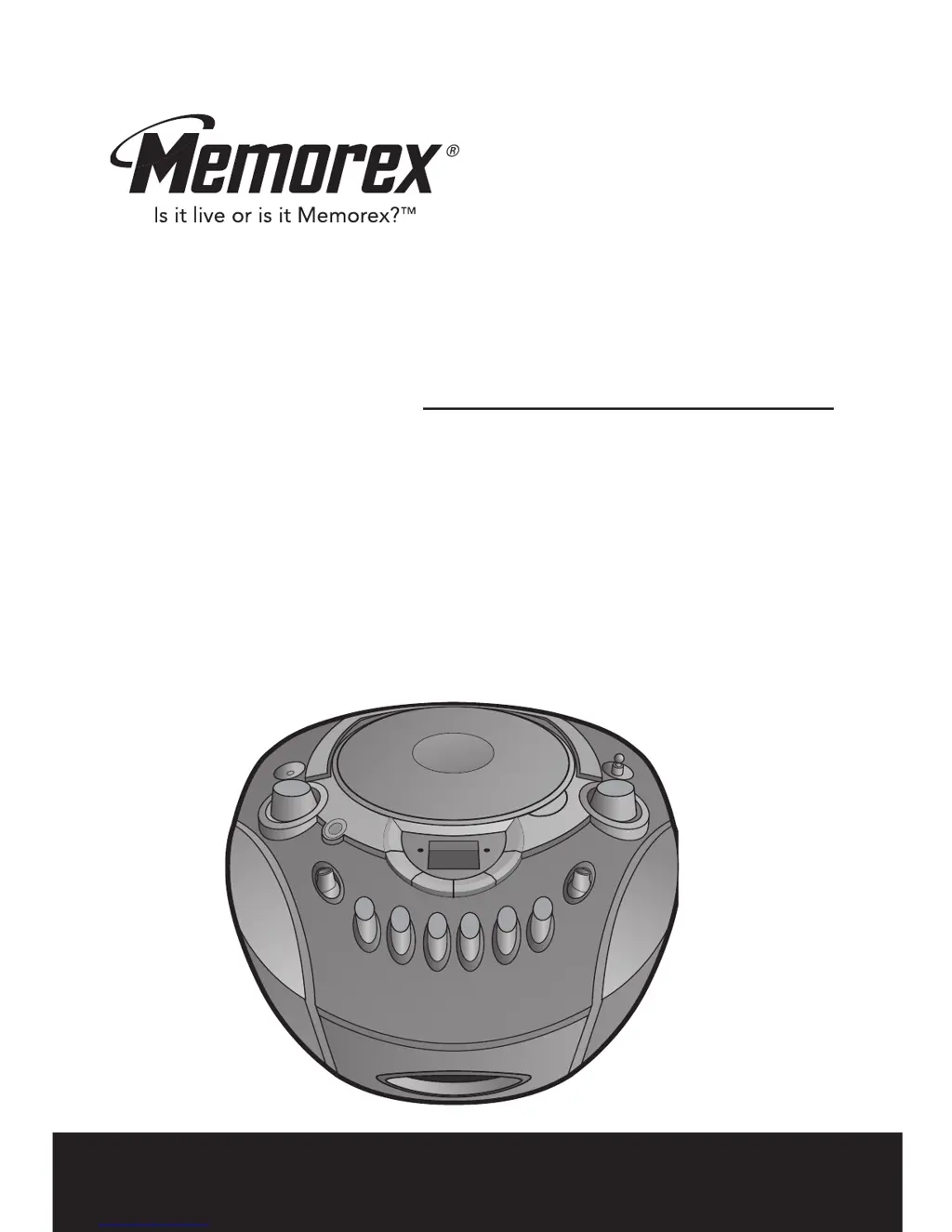
Memorex MP3134BLU - User Manual

Memorex MP3134BLU
40 pages
Print Icon
To Next Page IconTo Next Page
Loading...
User’s Guide
Guía del Usario
Portable CD Player with
AM/FM Stereo Radio and
Cassette Recorder
Reproductor de CD Portátil
con Radio AM/FM Estéreo y
Grabadora de Casete
MP3134BLU
Before operating this product, please read these instructions completely.
Antes de operar este pr
oducto, sírvase leer este instructivo en su totalidad.

Other manuals for Memorex MP3134BLU

Questions and Answers

  • L
    Lauren RussellJul 30, 2025
    Why is there no sound from my Memorex MP3134BLU CD Player?
    • B
      Barbara WashingtonJul 30, 2025
      If there is no sound coming from your Memorex CD Player, first, make sure that the VOLUME control is not set to the minimum. Try increasing the volume. If that doesn't work, the disc might be defective. Try another disc to see if that resolves the issue.
  • P
    Pamela CooperAug 5, 2025
    Why is there no sound on AM/FM on my Memorex MP3134BLU CD Player?
    • M
      Melinda BaldwinAug 5, 2025
      If there is no sound on AM or FM on your Memorex CD Player, first ensure that the power is on by sliding the FUNCTION control to RADIO. Also, check that the volume isn't set too low and increase it if necessary.
  • G
    garciaashleyAug 11, 2025
    How to fix poor AM/FM sound on Memorex MP3134BLU?
    • R
      Richard BryantAug 12, 2025
      To fix poor AM/FM sound on your Memorex CD Player: * Retune the AM or FM broadcast station to ensure it is properly tuned. * If you're using FM, reorient the FM telescopic antenna. * If you're using AM, rotate the unit until you get the best reception.
  • J
    Jesus PeckAug 17, 2025
    What to do if my Memorex MP3134BLU CD Player has erratic playback?
    • C
      Cynthia MitchellAug 17, 2025
      If your Memorex CD Player is experiencing erratic playback, the disc may be dirty or defective. Try cleaning the disc or replacing it with another one.
  • L
    Linda DavisAug 25, 2025
    What to do if my Memorex MP3134BLU disc will not play?
    • C
      Caitlin TaylorAug 25, 2025
      If your Memorex CD Player disc will not play, make sure that the CD compartment door is closed properly. Also, check that the disc is inserted correctly. If the issue persists, the disc might be dirty or defective, so try another disc. Finally, moisture condensation on the disc could be the cause; in that case, wipe the disc with a soft cloth.

Summary

Safety Precautions

Electric Shock and General Safety

Warnings about reducing electric shock risk, user-serviceable parts, and general cautions.

Laser Safety and Voltage Precautions

Information on dangerous voltage, Class 1 laser, and safety switches.

Environmental and Electrical Safety

Fire, Shock, and Laser Safety Precautions

Warnings against moisture, laser safety, and control precautions.

Safety Instructions

General Operating and Handling Precautions

Instructions on reading manuals, retaining information, heeding warnings, and following instructions.

Continued Safety Instructions

Location of Controls

Control Panel Button and Indicator Identification

Identification of all buttons, switches, and indicators on the unit's front panel.

Power Sources and Battery Installation

AC Power Operation

Instructions for using the AC polarized line cord for power.

Battery Installation and Precautions

Guide for installing 'C' size batteries and essential battery usage precautions.

Operation - Listening to the Radio

Tuning, Band Selection, and Antennas

Steps to turn on the unit, select Radio mode, choose AM/FM bands, and use antennas.

Operation - Playing a CD

CD Playback Basics and Controls

Steps to turn on CD mode, open compartment, play, pause, and adjust volume.

Track Selection and Searching

How to start from a specific track and search forward/backward within a track.

Operation - CD Playback Continued

Repeat Track and All Tracks Playback

Instructions for repeating a single track or all tracks on a disc.

Operation - Programming CD Memory

Setting Up Track Programming

Steps to program a sequence of up to 20 tracks from a CD.

Operation - Playing Cassette Tapes

Operation - Making a Tape Recording

Recording from CD or Radio

Instructions for selecting source (CD/Radio) and starting the recording process.

Memorex MP3134BLU Specifications

General IconGeneral
BrandMemorex
ModelMP3134BLU
CategoryCD Player
LanguageEnglish

Related product manuals