EasyManua.ls Logo

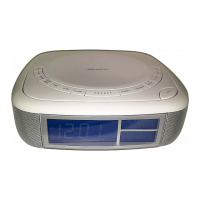
Memorex MC2864 - User Manual

Memorex MC2864
25 pages
Print Icon
To Next Page IconTo Next Page
Loading...
Before operating this product,
please read these instructions completely.
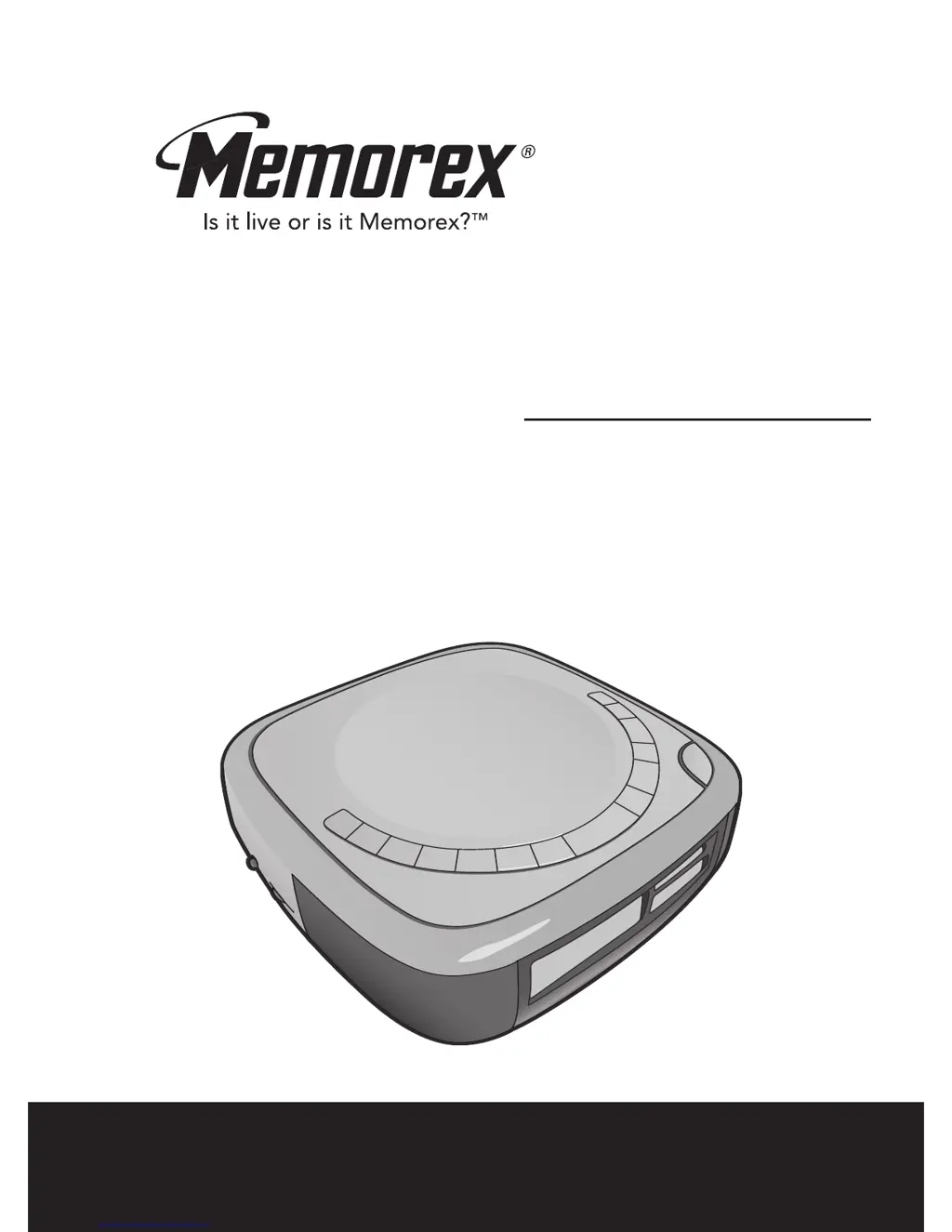
User’s Guide
CD PLAYER, DUAL ALARM CLOCK,
STEREO AM/FM RADIO WITH DIGITAL
READOUT AND CALENDAR
MC2864

Other manuals for Memorex MC2864

Questions and Answers

Summary

Safety Precautions

Electrical Shock Prevention

Details warnings about opening the unit and explains safety symbols for voltage and potential hazards.

Regulatory Compliance Warnings

Highlights FCC warning regarding radio frequency energy and laser safety precautions for user protection.

Important Safety Instructions

Electrical and Cord Safety

Covers power sources, plug polarization, cord protection, lightning surge protection, and overloading prevention.

Location of Controls

Front Panel Controls

Identifies and describes the buttons and features located on the front-left of the unit.

Rear Panel Controls

Identifies and describes the ports and switches located on the rear-right of the unit.

Installation

AC Power Connection

Instructions for connecting the unit to a 120V, 60Hz AC outlet, including plug orientation advice.

Battery Installation and Backup

Details how to insert AAA batteries for clock/alarm backup and precautions for battery usage and care.

Operation

Listening to the Radio

Steps for powering on the unit, selecting the radio function, tuning stations, and adjusting volume.

Operation (Continued)

Playing a CD

Guide to inserting a CD, selecting the CD function, starting playback, and pausing/resuming play.

Summary

Safety Precautions

Electrical Shock Prevention

Details warnings about opening the unit and explains safety symbols for voltage and potential hazards.

Regulatory Compliance Warnings

Highlights FCC warning regarding radio frequency energy and laser safety precautions for user protection.

Important Safety Instructions

Electrical and Cord Safety

Covers power sources, plug polarization, cord protection, lightning surge protection, and overloading prevention.

Location of Controls

Front Panel Controls

Identifies and describes the buttons and features located on the front-left of the unit.

Rear Panel Controls

Identifies and describes the ports and switches located on the rear-right of the unit.

Installation

AC Power Connection

Instructions for connecting the unit to a 120V, 60Hz AC outlet, including plug orientation advice.

Battery Installation and Backup

Details how to insert AAA batteries for clock/alarm backup and precautions for battery usage and care.

Operation

Listening to the Radio

Steps for powering on the unit, selecting the radio function, tuning stations, and adjusting volume.

Operation (Continued)

Playing a CD

Guide to inserting a CD, selecting the CD function, starting playback, and pausing/resuming play.

Memorex MC2864 Specifications

General IconGeneral
BrandMemorex
ModelMC2864
CategoryCD Player
LanguageEnglish

Related product manuals