15
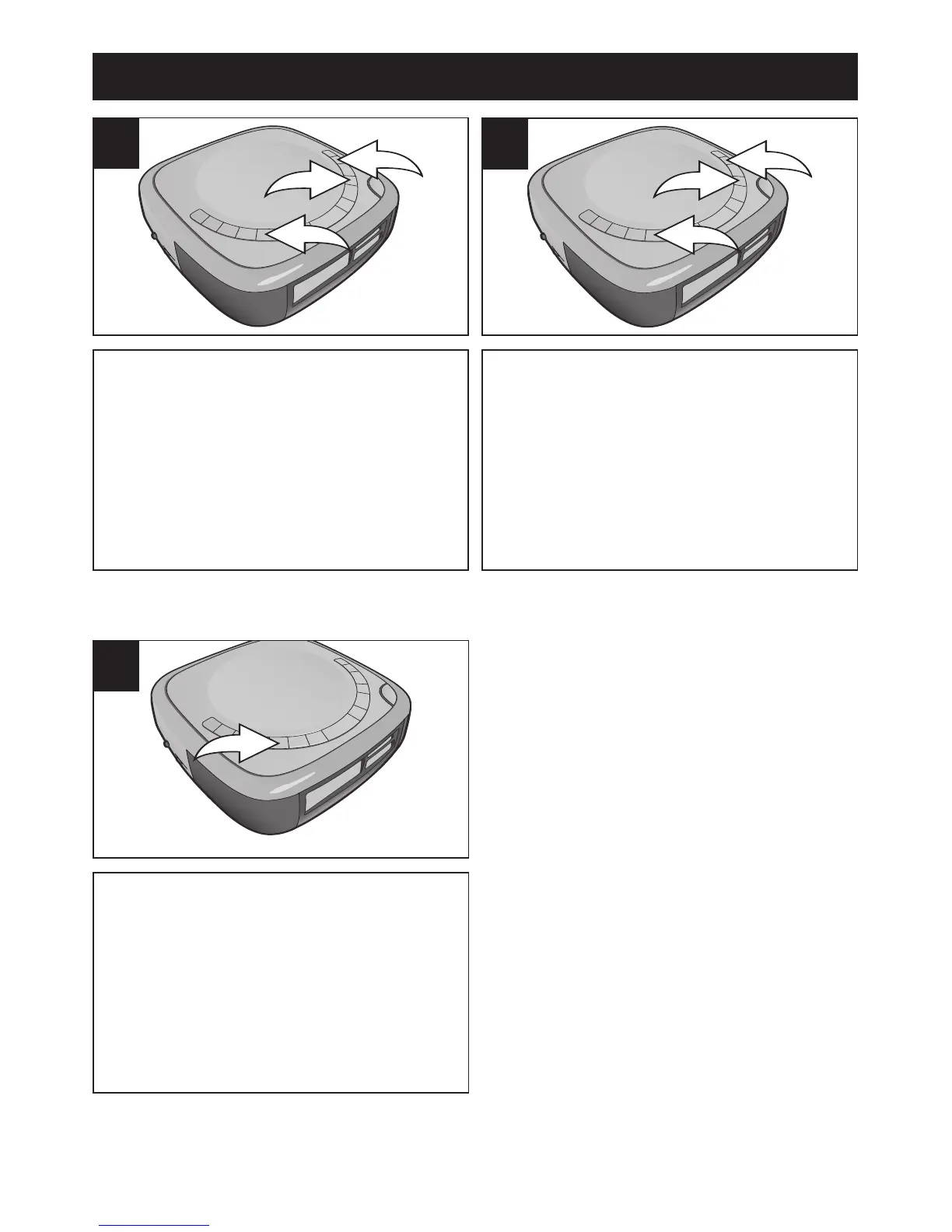
Within five seconds, press the
SKIP/SEARCH l 1 or m 2 button
to set the present month. When
done, press the TIME button 3
again; the date will blink.
5
Within five seconds, press the
SKIP/SEARCH l 1 or m 2 button
to set the present date. When
done, press the TIME button 3
again; the time will then be set.
6
TIME BUTTON
While the unit is off, press the
TIME button to view the year,
month and date in the Alarm 1 and
2 displays. After six seconds, the
displays will revert back to showing
the Alarm 1 and 2 settings (alarm
time and type).
1
OPERATION (CONTINUED)













 To Next Page