14
OPERATION (CONTINUED)
TO SET OR RESET THE ACTUAL TIME, YEAR AND DATE
Within five seconds, press the
SKIP/SEARCH
l 1 or m 2 button
to set the present minute. When
done, press the TIME button
3
again; the year will blink.
3
Within five seconds, press the
SKIP/SEARCH
l 1 or m 2 button
to set the present year. When
done, press the TIME button 3
again; the month will blink.
4
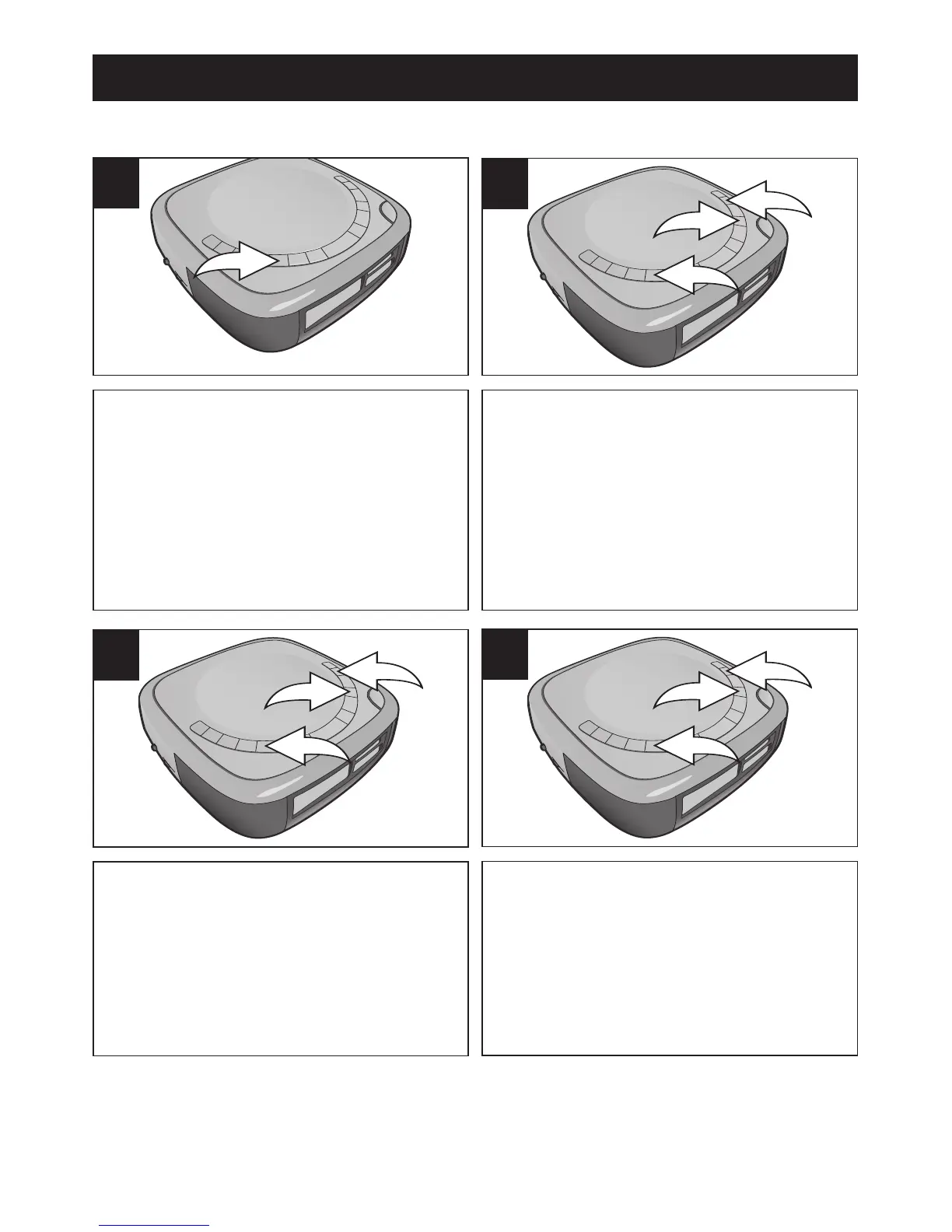
With the power off, press and hold
the TIME button; the hour digits will
blink. Release the TIME button.
1
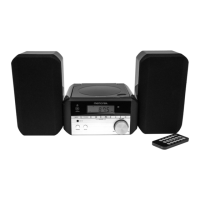
Within five seconds, press the
SKIP/SEARCH
l 1 or m 2 button to
set the present hour. Make sure to
set the correct AM/PM setting. When
done, press the TIME button
3
again; the minute digits will blink.
2
CONTINUED ON THE NEXT PAGE












 To Next Page