17
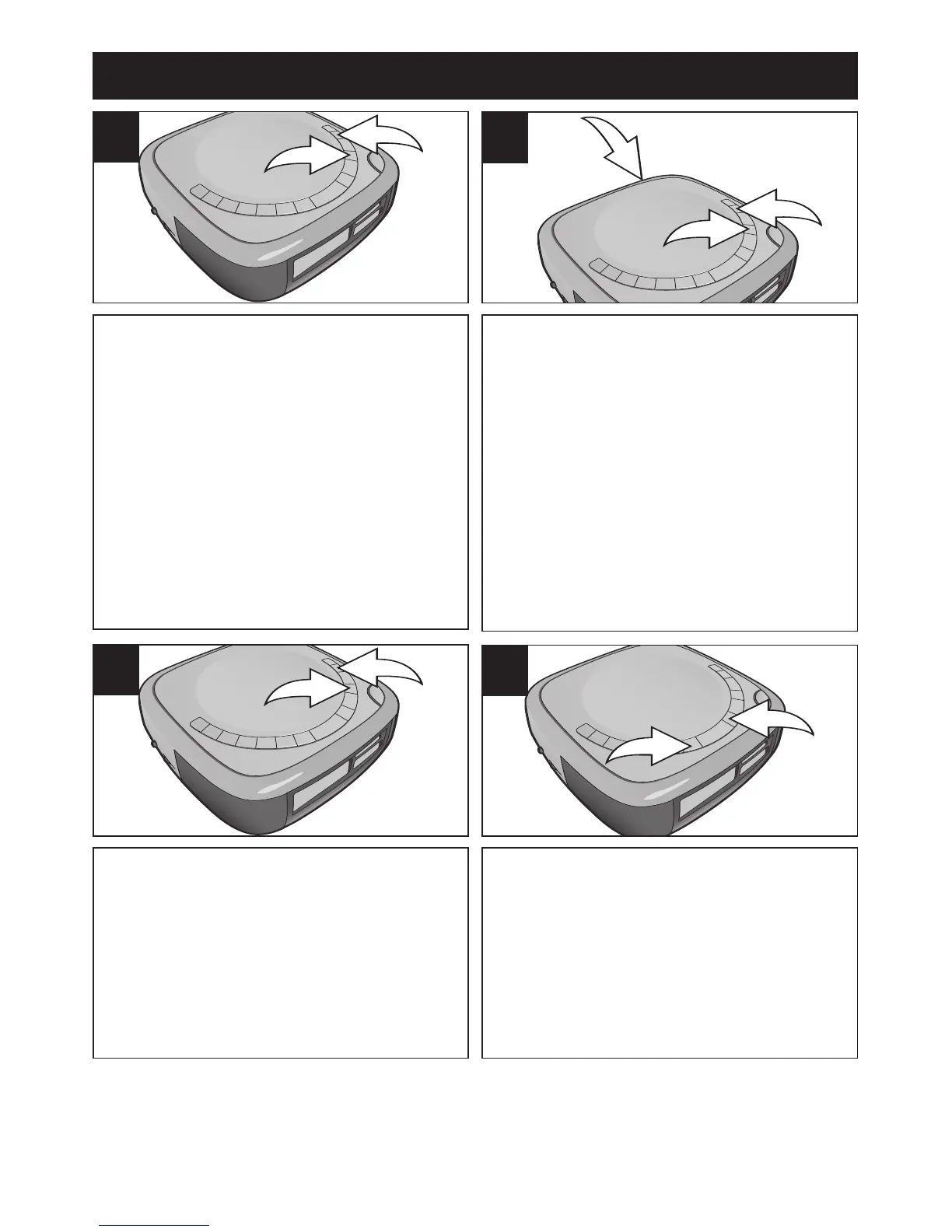
TO SET TO RADIO:
Within five seconds, press the
SKIP/SEARCH
l 1 or m 2 button to
select RADIO. Make sure the desired
band and station are set, and the
volume is set as desired. Continue to
Step 5.
4b
TO SET TO NATURE SOUNDS:
Within five seconds, press the
SKIP/SEARCH
l 1 or m 2 button to
select NATURE SOUND. Make sure
the NATURE SOUND switch
3 is set to
the desired position and the volume is
set as desired. Continue to Step 5.
4c
OPERATION (CONTINUED)
TO SET TO BUZZER:
Within five seconds, press the
SKIP/SEARCH
l 1 or m 2 button to
select BUZZER. Make sure the volume
is set as desired. Continue to Step 5.
4d
Press the ALARM 1 1 or ALARM 2 2
button again; the alarm indicator and
the Wake Day indicator (“MON to FRI”,
“SAT & SUN” or “MON to SUN”) will
blink.
5
CONTINUED ON THE NEXT P
AGE













 To Next Page