OPERATION (CONTINUED)
9
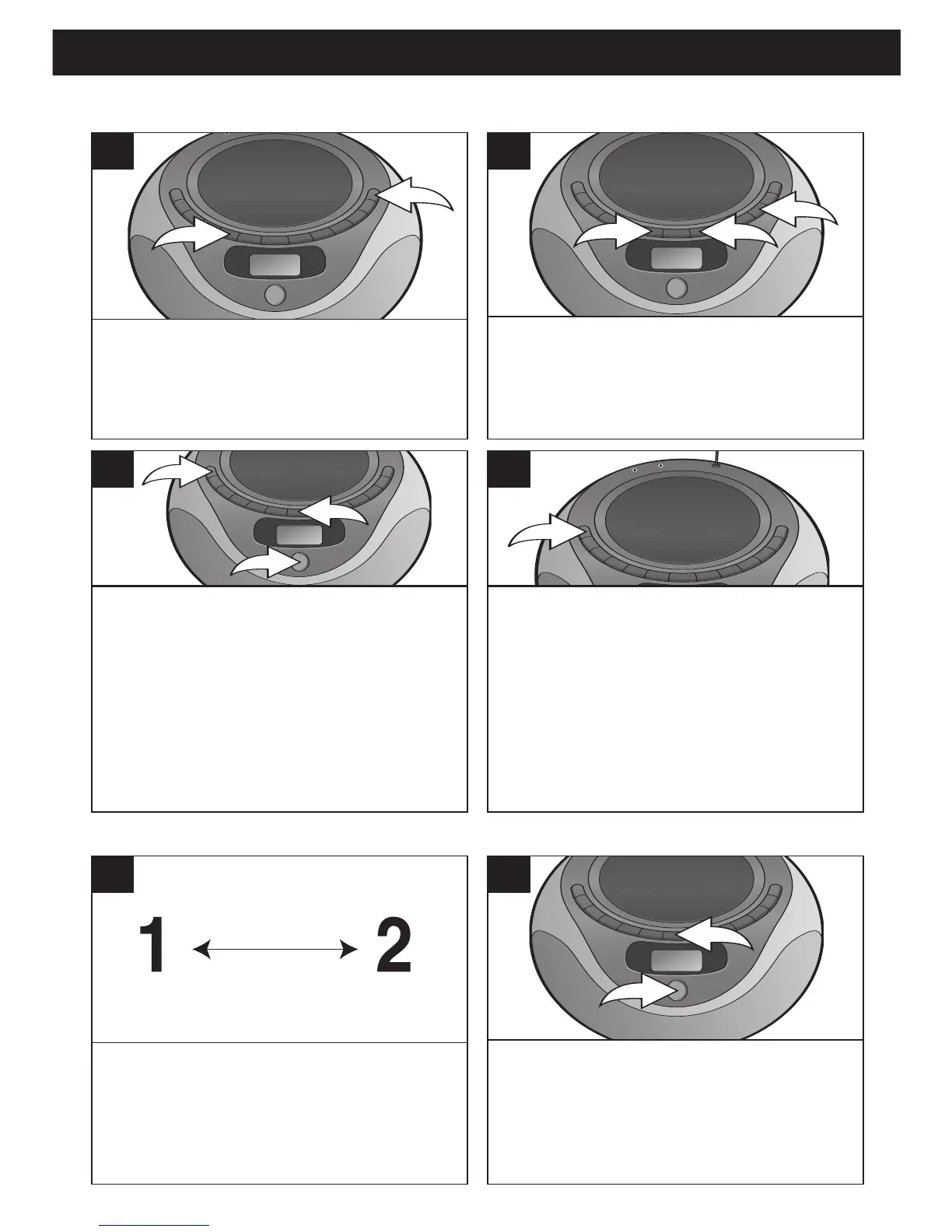
Press the POWER button 1 to turn the
unit on. Press the TUNER Function
button
2 to select the
Tuner mode.
1
Press the BAND button 1 to select AM
or FM.
Press the Skip/Search/Tune o
2 or n 3 button to tune in a station.
2
Repeat steps 1 and 2 above.
1
To access, simply press the STOP
(X)/Preset Down
button
1 or
PLAY/PAUSE (®p)/Preset Up button
2 until the desired memory number
appears in the display
.
2
Press the PROGRAM button 1; the
preset number will appear and
MEMORY will blink in the display.
Press the STOP (X)/Preset Down
button 2 or PLAY/PAUSE (®p)/
Preset Up button 3 until the desired
memory number appears in the
display.
3
Press the PROGRAM button again to
set the station in the selected memory.
Repeat steps 2 through 4 to program
up to 15 stations total for both bands,
if desired.
In case the main power supply is
interrupted, the memory presets
will be erased.
4
SETTING THE PRESETS (UP TO 15 TOTAL FOR BOTH BANDS)
RECALLING RADIO PRESETS



 To Next Page