OPERATION (CONTINUED)
12
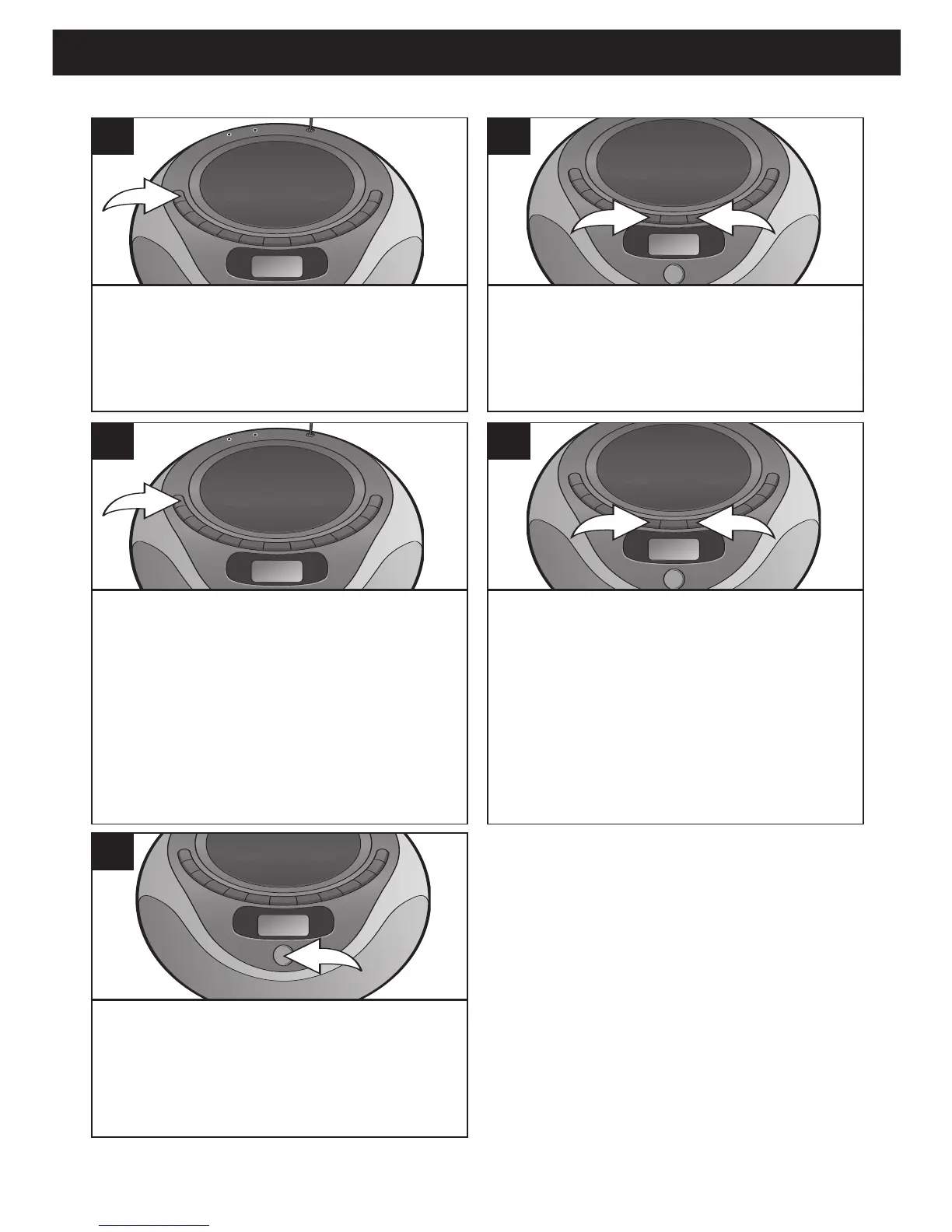
Press the PROGRAM button again;
the selected track has now been
programmed and counted as
program 1.
3
Repeat steps 2 and 3 to program the
other desired tracks in sequence, up
to 16 tracks.
4
Press the PLAY/PAUSE (®p)/Preset
Up button to begin playback;
“MEMORY” will light and the tracks
will play in the order programmed.
5
TO PROGRAM THE MEMORY (UP TO 16 TRACKS)
SEE NEXT PAGES FOR NOTES ON PROGRAMMED PLAY
With the power on and the unit in the
Stop mode, press the PROGRAM
button; "MEMORY" will blink and
“Pr01” will appear in the display.
1
Use the Skip/Search/Tune o 1 or n 2
button to select the first track to be
programmed.



 To Next Page