42
DVD BASIC OPERATION (CONTINUED)
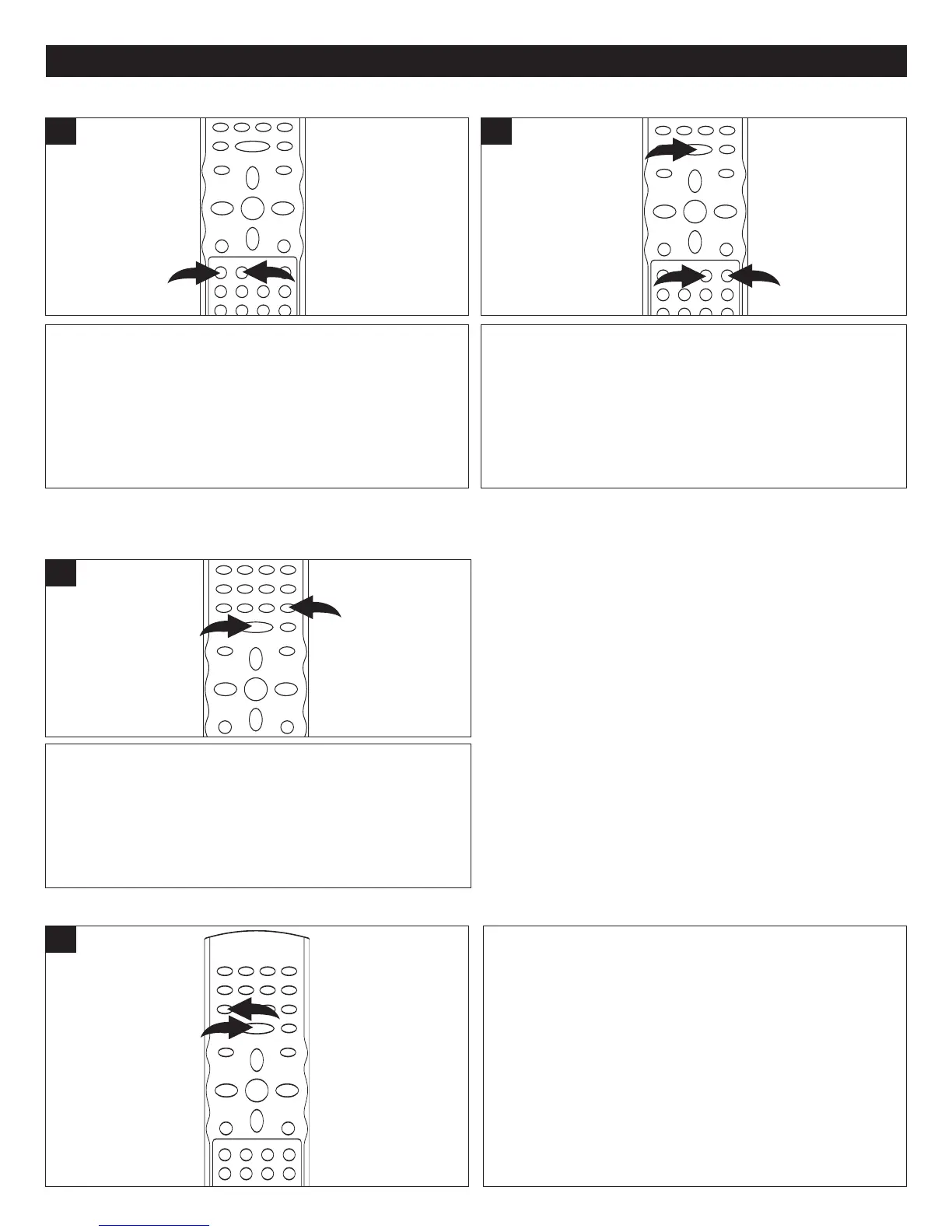
Press the NEXT n button 1 to advance the DVD to the
beginning of the next chapter.
Press the PREVIOUS o button 2 to move the DVD to the
beginning of the previous chapter.
1
During playback, press either the Forward ®® 1 or Reverse
√√ 2 Search button to move the DVD forward or backward
at double (x2) speed to locate a specific section. Repeatedly
press these buttons and the speed will increase to x4, x8,
x16 and resume normal playback.
Y
ou can also resume normal playback by pressing the
PLAY/PAUSE (
®p) button 3.
1
SKIP
Press the PLAY/PAUSE (®p) button 1 to pause the
picture.
Repeatedly press the STEP button
2 to play the DVD one
frame at a time.
Press the PLA
Y/P
AUSE
(
®p)
button
1 to resume normal
playback.
If the Screen Saver option (page 19) is set to ON, the
screen saver will appear in approximately one minute.
1
PAUSE AND STEP
SEARCH
During playback, press the SLOW/F button 1 to move the
DVD forward in slow motion speeds of 1/2, 1/4, 1/8, 1/16
and
resume normal playback. The sound will be muted.
Y
ou can also resume normal playback by pressing the PLAY
/P
AUSE (
®p) button 2.
1
SLOW/F
Use this feature to move the DVD in slow motion.


 To Next Page
 Loading...