44
DVD BASIC OPERATION (CONTINUED)
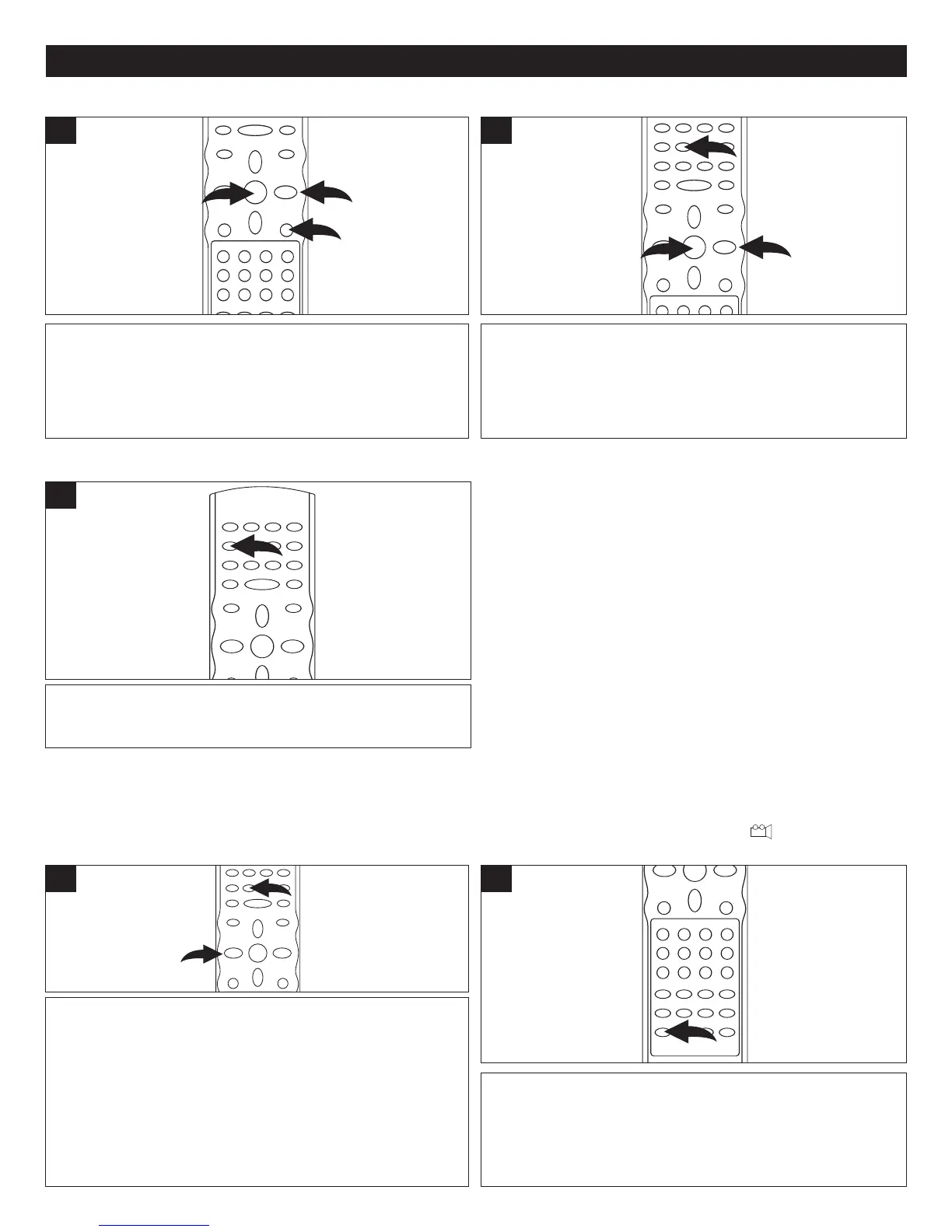
Press the DVD MENU button 1, and the Main Menu of the
disc will appear. Use the Navigation (√,®,π,†) buttons 2
to select the desired option, and then press the OK button
3. This is not available on all discs.
1
Press the TITLE button 1, and the Title Menu of the disc will
appear. Use the Navigation (√,®,π,†) buttons 2 to select
the desired option, and then press the OK button
3.
This is not available on all discs.
1
DVD MENU TITLE MENU
Press the ZOOM button 1 once during Normal, Slow or Still
playback modes, and the unit will zoom x2. Press once or
twice more and the unit will zoom x3/x4. Use the
Navigation
(
√,®,π,†) buttons 2 to move the image on the TV screen.
Press the ZOOM button
1 once more to cancel the zoom
function.
This is not available on all discs.
1
While in the Playback mode, press the ANGLE button; the
total number of angles will appear on the screen.
Repeatedly press the ANGLE button to select the desired
angle; the angle will change in one to two seconds.
This is not available on all discs.
1
ZOOM
The image on the screen can be magnified as follows:
ANGLE
Some discs may contain scenes which have been shot
simultaneously from a number of dif
ferent camera angles.
This feature only works on discs with more than one camera
angle.
The jacket will be marked with “ ”.
Press the SUBTITLE MENU button repeatedly to select a
subtitle language, and to turn the subtitle menu on/off. This
feature is not available on all discs.
1
SUBTITLE MENU


 To Next Page
 Loading...