15
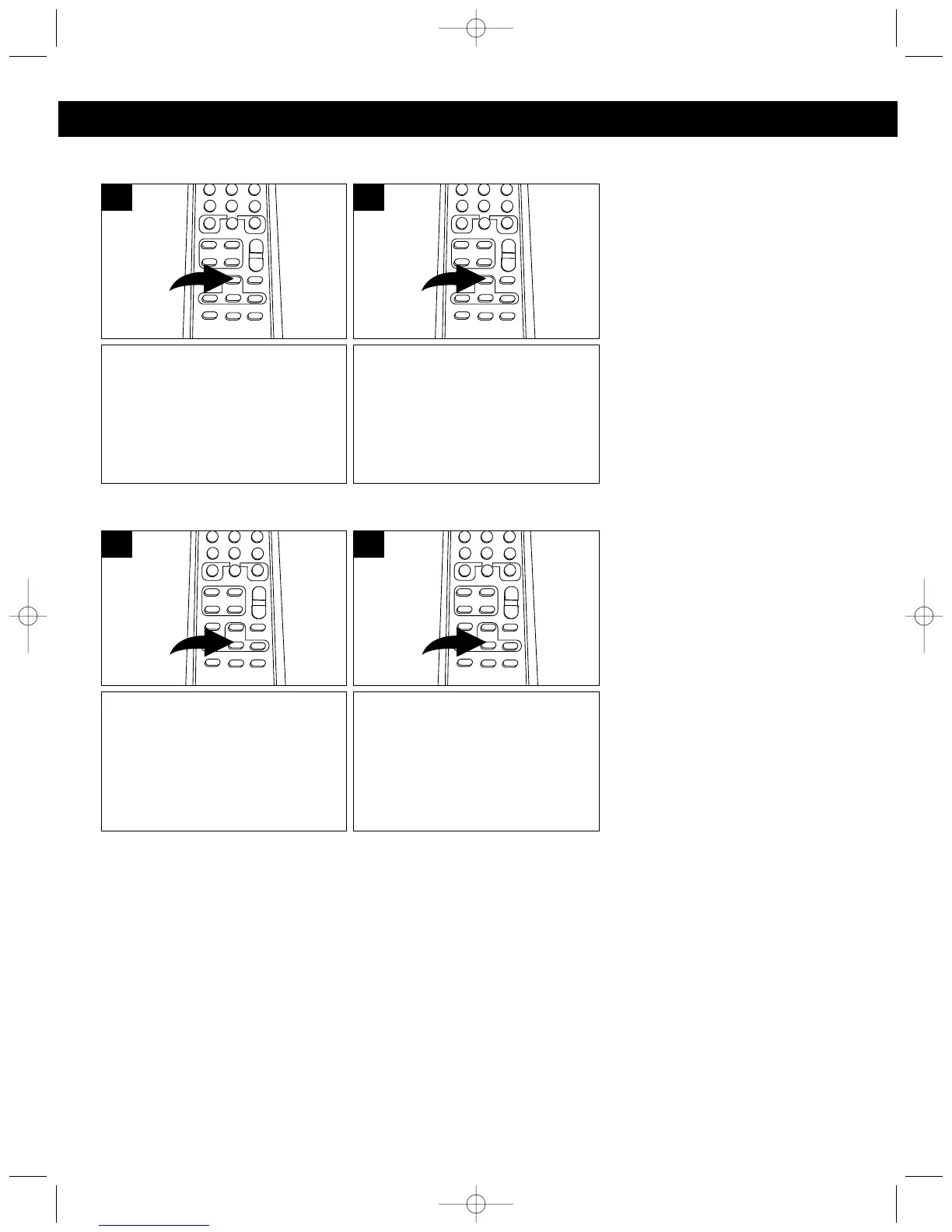
To play the first 10 seconds of
each track on the CD, press the
INTRO button. Playback will start
automatically and will play 10
seconds of each track.
1
To cancel intro playback, press
the INTRO button until “INTRO”
disappears from the display;
playback will continue from that
point.
2
INTRO PLAYBACK
OPERATING INSTRUCTIONS (CONTINUED)
To play the tracks on the CD in a
random order, while in the Stop
mode, press the RANDOM
button. Playback will start
automatically and all the tracks
will play in a random order.
1
To cancel random playback,
press the RANDOM button until
“RANDOM” disappears from the
display.
2
RANDOM PLAYBACK



 To Next Page