12
OPERATION (Continued)
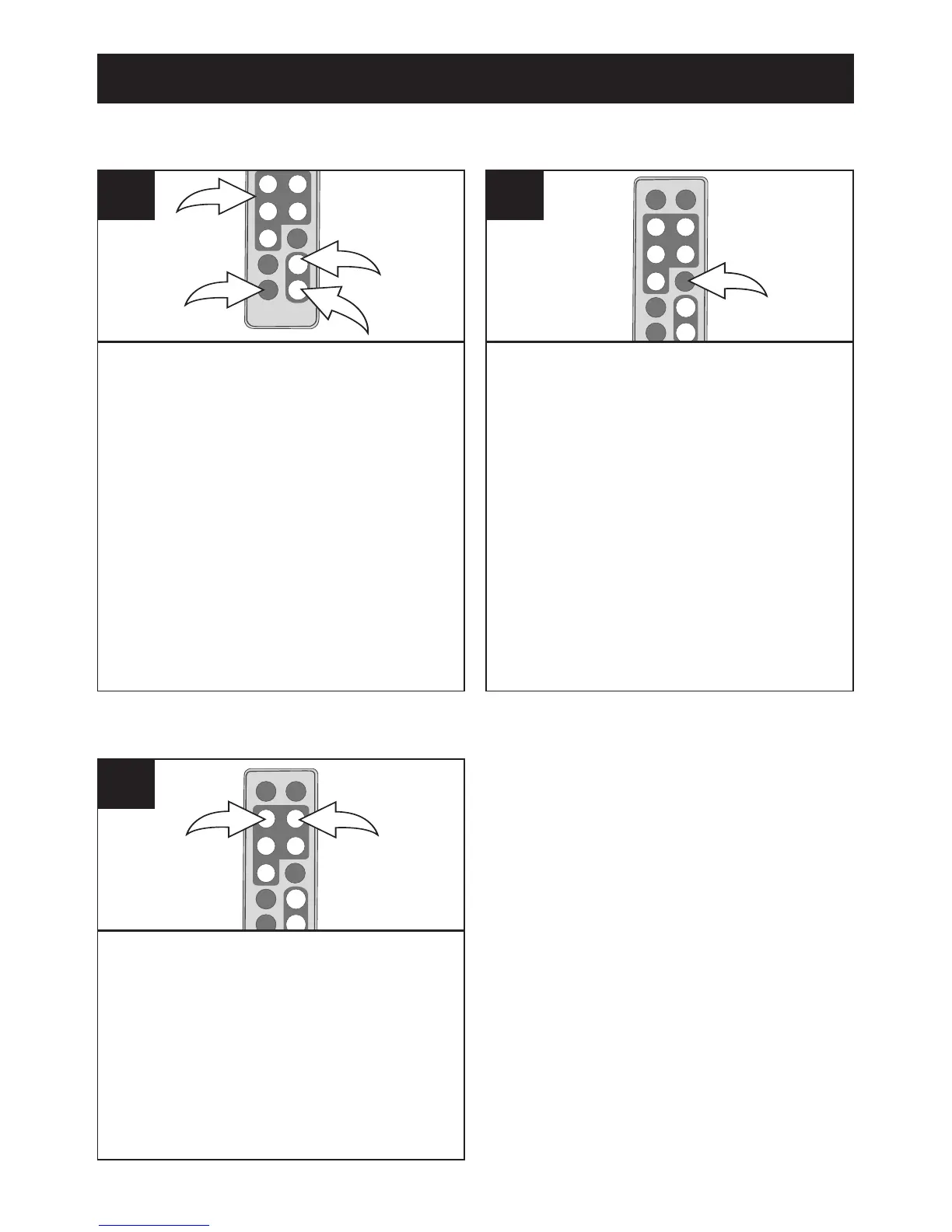
While viewing a photo (see the
previous page), press the ZOOM
IN button
1; the unit will zoom x2.
Repeatedly press to zoom up
to x13.
Use the Navigation
√,®,π,†
buttons 2 to move the photo on
the screen.
Press the ZOOM OUT button
3 to
zoom back out of the photo.
To exit Zoom mode and return to
normal photo playback, press the
EXIT button 4.
1
While viewing a photo (see the
previous page), press the ROTATE
button to rotate the photo 90
degrees clockwise. Repeat to
continue to rotate as desired.
2
ZOOM
ROTATE
While viewing a photo (see the
previous page), press the
Navigation
√ and/or ®
button
to skip to the previous or
next picture.
1
SKIP



 To Next Page