11
To browse through the controls, roll LEFT or RIGHT.
To select a control, press.
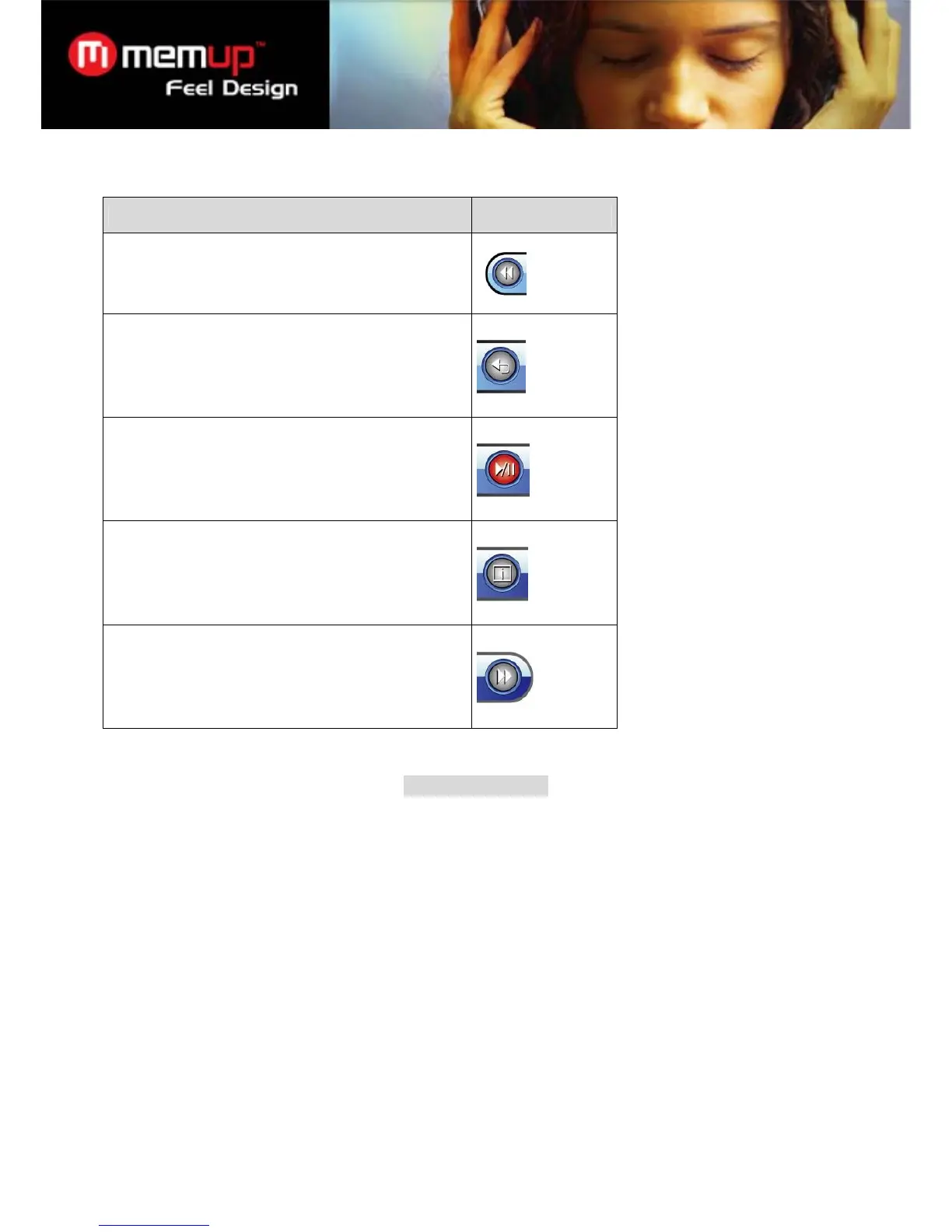
Function Icon
Reverse-scan through the current movie. Press OK
again to resume playback at normal speed.
Return to the Movie Browser to find more movies.
Pause/resume playback.
View extended information (file size and time duration).
Forward-scan through the current movie. Press OK
again to resume playback at normal speed.
FM RADIO MODE
Listen to FM radio broadcasts.
You must have a pair of headphones connected to the headphone jack to receive FM broadcasts; your player will
utilize the headphone cord as an antenna.
Radio Controls
When you choose FM RADIO from the Main menu, you will see the Radio Tuning screen. You can search for
stations, tune to stations manually, or tune to preset stations.
Set the scan mode (tuning) in the Quick Settings menu.
You must have saved preset stations prior to using preset tuning mode. See the Quick Option Menu section below
for details.



 To Next Page