18
VIDEO CONVERSION
Use the video conversion software utility included on the flash content to create video files that are suitable for
playback on the player.
K-Pearl supports XviD-encoded AVI files with the following specifications:
320 x 240 resolution at 30 frames per second (fps).
Installation
Minimum System Requirements
OS Support
Microsoft 2000/XP/Vista (32-bit only)
CPU
Pentium class equivalent or better
Memory (RAM)
> 64MB
Free HD Space
10MB
Video
24-bit color adapter
WMP
Windows Media Player 9 or better
1. Locate the MP3 Player Utilities setup file on the Installation CD:
setup.exe
.
2. Double-click the file to start the installation process.
3. Follow the on-screen instructions to complete the installation process.
Converting Video
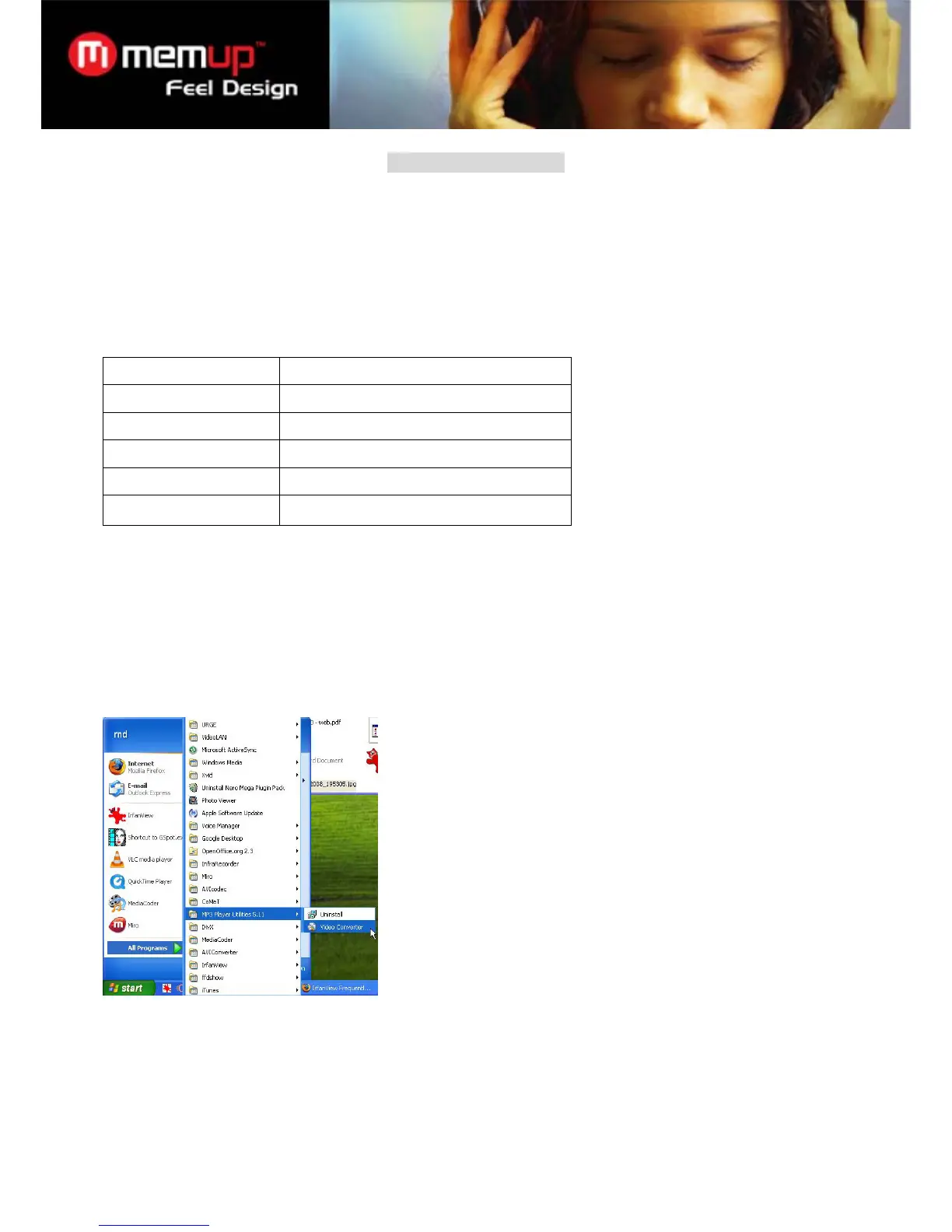
To start the program, locate the Video Converter program in your Windows Start menu. The application window
shown below will appear.
1. Click the “Input File” button to select the source video file to convert.
The source file must be one of the following video types: AVI, RM, RMVB, MPG, MPEG, MP4, ASF, WMV,
MKV, DAT, or VOB.
DirectX 9.0, Media Player 9.0, and other codecs must be installed to support all media types.
2. Click the “Output File” button to choose a name and location for the completed file after conversion.



 To Next Page