6
Function Key Action
Play the next track. Roll RIGHT
Play the previous track. Roll LEFT
Adjust the volume level. Roll UP or DOWN
Access the Extended Controls menu
(see section below for more information).
Press OK
Return to the Main menu. Hold OK
Extended Controls Menu
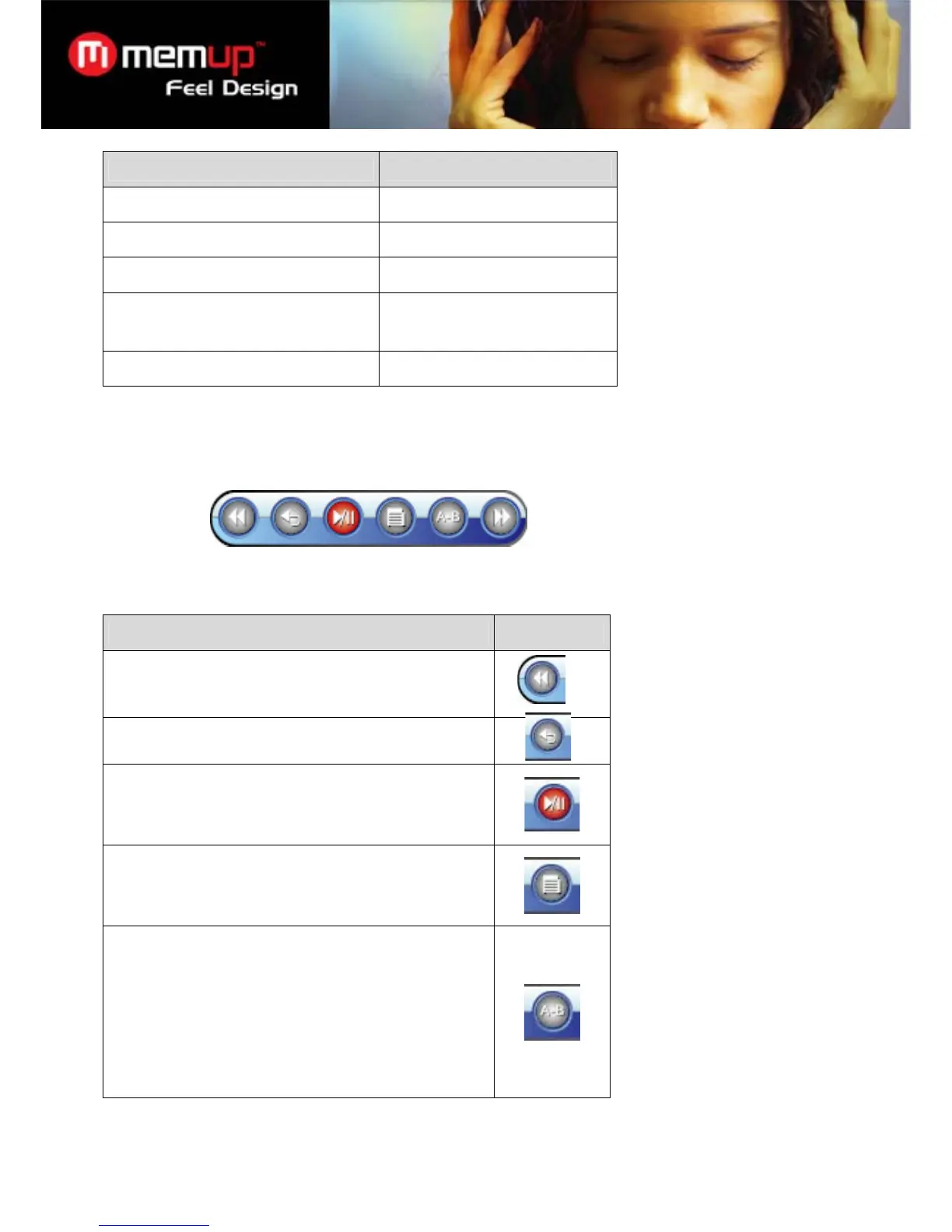
To access the Extended Controls menu from the Now Playing screen, press the trackball.
To browse through the controls, roll LEFT or DOWN .
To select a control, press OK .
Function Icon
Reverse-scan through the current track. Press OK again to
resume playback at normal speed.
Return to the Music Browser to find more music.
Pause/resume playback.
Access the Quick Settings menu (see section below for
more information).
Start A-B Repeat mode to set a repeat a track segment in a
loop.
¾ To set the start point “A”, press to select A-B Repeat
mode from the menu.
¾ To set the end point “B” of the loop, press OK again. The
loop will now play from point “A” to point “B”.
¾ To resume normal playback, press again.



 To Next Page