2
1. FUNCTIONS INTRODUCTION
• Support multi-formats of audio files such as MP3 & WMA
• FM stereo radio
• USB key
• No need for management process through “KOON Memup” in” my computer” to operate files directly.
• No need to install driver over Win 2000.
• Driver W98 available on the Installation CD.
• Voice recorder/ repeat.
• Record through Build-in microphone, record file is saved in WAV format.
• 6 EQ modes : Normal, Pop, Rock, Classical, Jazz & Bass
• Optional play mode: Normal, Repeat one, Repeat all, Shuffle repeat, Dir repeat, Dir all repeat, Dir Random All
• Setting Power off : Setting saving power mode
2. BASIC FUNCTIONS
- Entry menu
- Press and hold “Mode” button to enter main menu. There are main menu and submenu (press “Mode” button
for entry).
- Entry different modes
- From main menu enter in different function mode.
- Main menu: press “Mode” button to enter
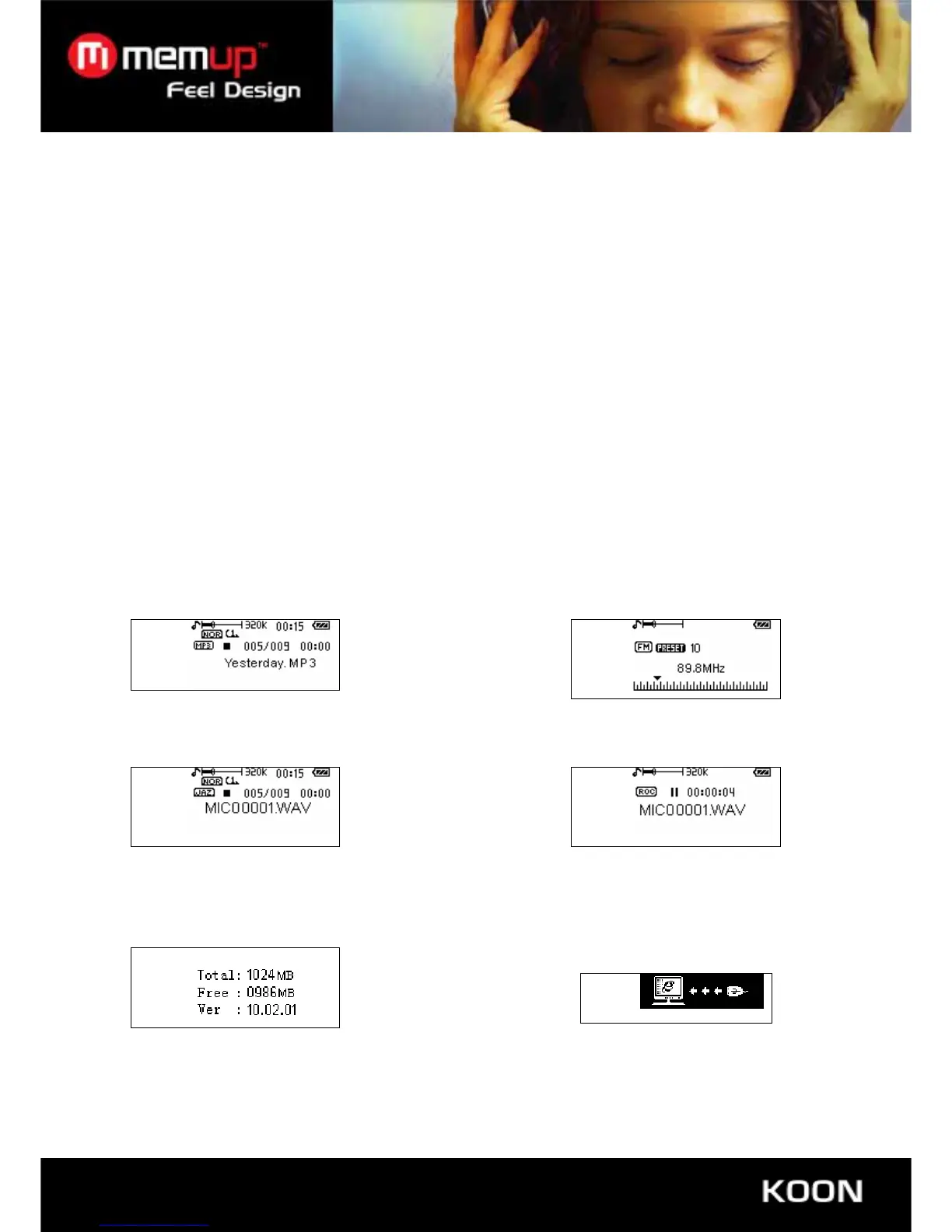
Music: FM
Voice: Record
FLASH capacity information Connecting your PC and USB Bus



 To Next Page