4
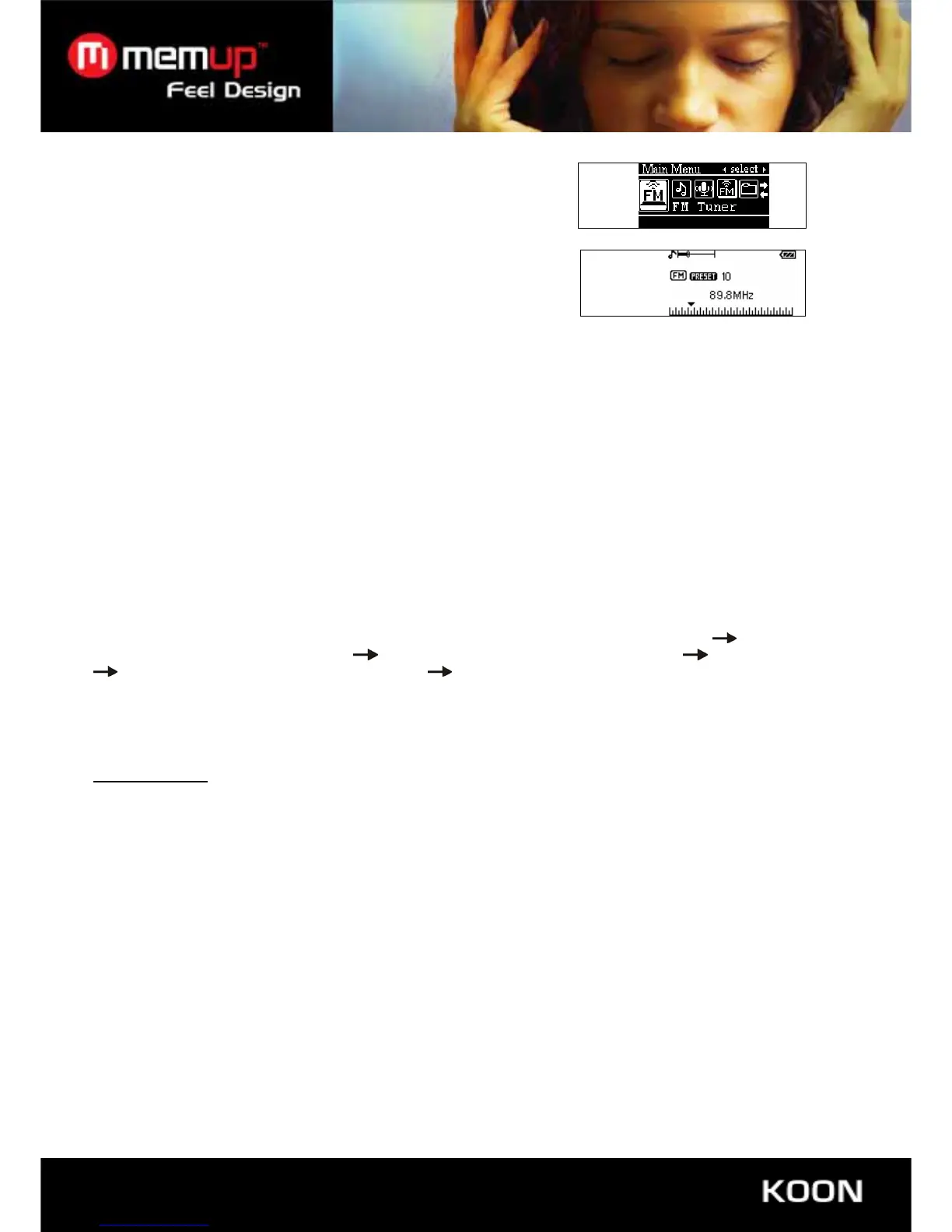
6. FM TUNER
Enter Main Menu, Pressing “-/+” to choose “FM Tuner” Mode
Press “Mode” Button to enter “FM Tuner”
Play saved stations
Press “-/+”button to play saved stations.
In FM mode:
① Save stations
Press and hold “Mode” button to enter in FM submenu, press“/”button to choose “Save Station ” mode ,then press
“play” button to enter “Save” mode , press “/”button to choose its serial number, press ”play” button again to save
the station.
② Delete Stations
press and hold “Mode” button to enter in FM submenu, press“-/+”button to choose “Delete Station ”, then press
“play” button to enter “Delete Station ”mode , press “-/+”button to choose the station that you want to delete, press”
play” button it will show you a “window”, press“-/+” button to choose “Yes” then press “play” button to set your
deleting.
Auto search:
Press and hold “-/+”button enter search automatically until searched channel. When get the channel. press and
hold MODE button then press “-/+” to save the channel;
Searching manually:
Use the “-/+”button to browse the frequency band. until you have found the desired station,
press and hold
“MODE” button to enable the sub-menu
Use the “-/+”button to select save station press “play” to affirm
Use the “-/+”button to select the free place press “play” to save the serached channel.
Inching
Press“”, it will forward 100KHz per step
Press“”it will backward 100KHz per step
FM RECORDING
You can record your favourite radio program when it is playing FM radio.
Press and hold “mode” button to enter into FM sub-menu, press “/”button to select “recording”, then press “MODE”
button to enter into “FM recording” and begin recording.
Press “mode” to exit FM recording and back to FM radio as well as record the current played program to record folder.
• Recording Quality
Press and hold “Mode” button to enter in FM submenu, press“-/+”button to choose “Rec Quality”, then press “-
/+”button to choose Recording sampling frequency: 32Kbps, 64Kbps, 88ps, 128Kbps;press “Play” button to
confirm.
• Volume control
Short press “R/V” button, then press “-/+” to adjust the volume.
7. FOLDER (USB KEY FUNCTION)
• Choose folder
Users can save files in any existing folder via player (users need to create folder via PC before).



 To Next Page