- 8 -
How MPEG4 Subtitles function:
Put subtitle file and video file in the same folder, in the file library. First press SUB-T key to
choose subtitle file, than choose video file, press enter key to play.
Playing a DVD:
The DVD file playing mode is almost the same as the DVD player. Press DVD PLAY button on the
remote control to move highlight line to select navigation function, then the navigation menu will be
displayed on the TV screen.
e.g. How to play the sample movie “car”?
a. Connect the media player to a computer with a USB cable. The contents of hard driver
appears.
b. Make a folder in the hard driver of the unit, for example on the E disk: e:\car folder. Then copy
all the files of “car” to the e:\car folder from DVD disc or the HD.
c. Unplug the USB cable. Connect AV cable to the TV.
d. Enter the file manager and select “car” folder. Press the DVD PLAY button to start it playing.
Note: all DVD content must be copied to the “car” folder of the unit,including the empty
folders, otherwise, it will not play.
5.7. File management
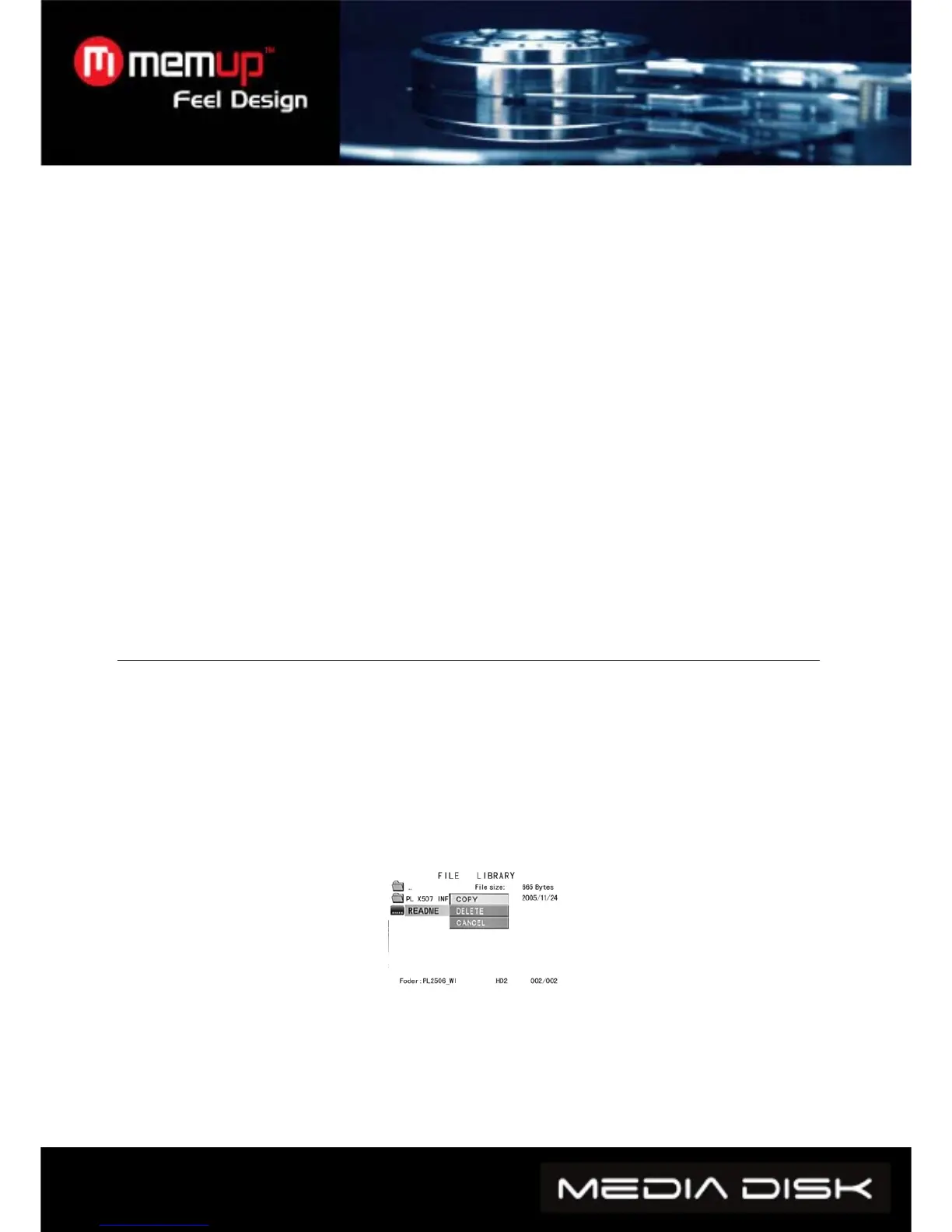
Choose the icon FILE in the main menu, press ENTER to access File Library.
Use direction key to select file and press ENTER to play the selected file.
Selecting the icon file located at the top of file management, you can return to the main folder by
pressing the ENTER key.
Copying files: press RIGHT direction key, and a command dialog box will appear. Choose the
copy command and click the ENTER KEY. The clipboard symbol will appear on the right side of
the screen. Press RIGHT direction key and the choice line will switch to the right screen, select a
folder for backup and press ”ENTER”. Press LEFT direction key to return to left screen and the
choice line will automatically to the file to be copied. Press ENTER to make a copy.
Furthermore, the OTB function is available for memory cards.
It is possible to copy the data of the reader connected to the slot of the media player, simply by
pressing on the”OTB” key of the remote control or pressing “ENTER” on the control panel for
several seconds.
Deleting files: select the target files and press RIGHT direction key and ENTER key to enter the
command dialog box. Then choose DELETE to delete the file.



 To Next Page