- 7 -
5.2 Usage of Memory card
After plug in the move memory card, a menu listed all of storage equipment is displayed.
Press
KEY to choose the storage equipment. Press the ENTER KEY to enter its main
menu.
Note: When inserting the memory card, the equipment should not be in play mode.
5.3 Functioning
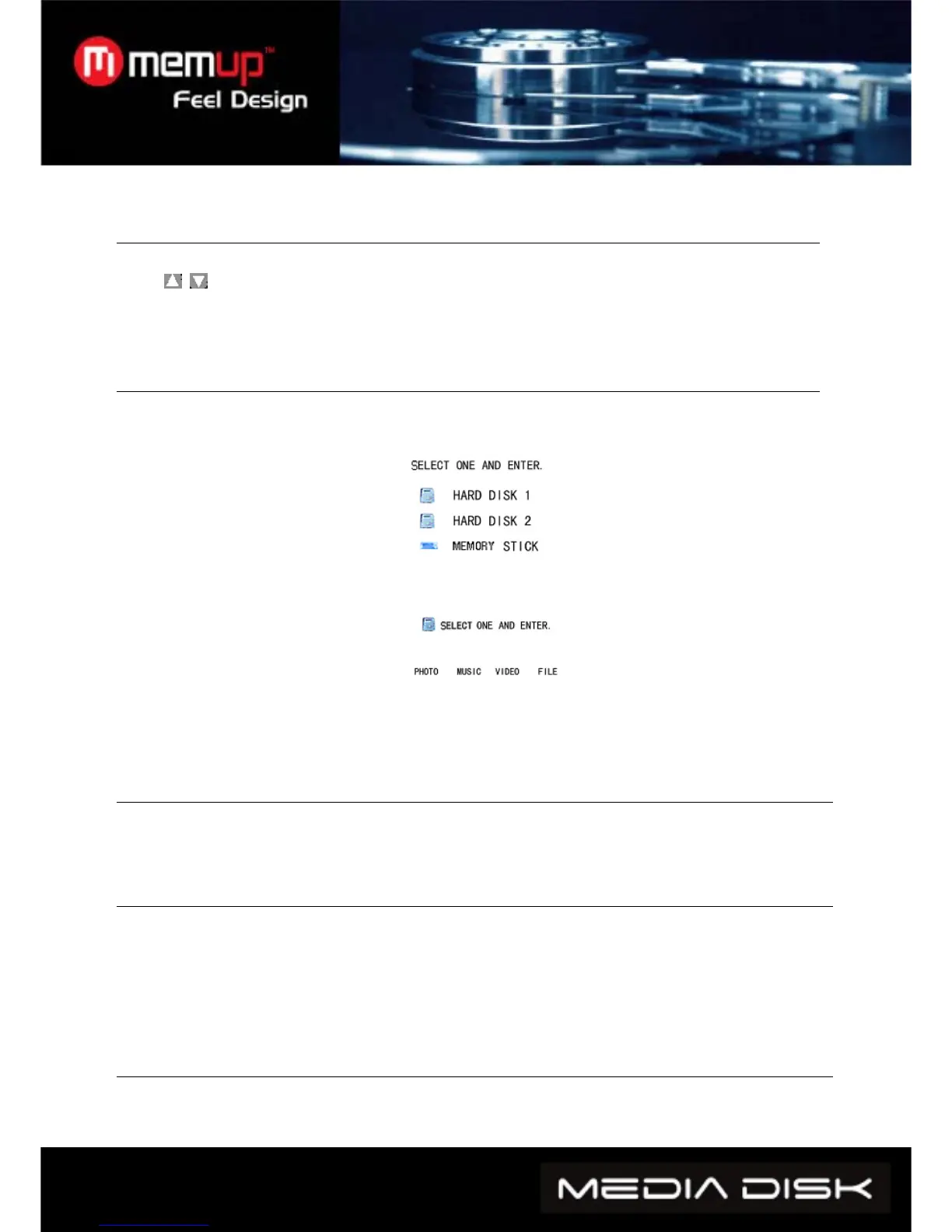
Main menu for storage equipment: when there are two or more partitions in media player of the
HD, or when using external storage equipment, the start-up window will appear as follow:
Press the up and down key to choose the equipment or the partition, and press the enter key to
enter menu.
On the menu, there are four options, PHOTO, MUSIC, VIDEO, and FILE. Then press the LEFT
and RIGHT keys to choose target menu. To enter the corresponding menu, press
ENTER:
5.4 Watching photos:
Select PHOTO icon on main menu, then press the ENTER key into the photo browse mode. Press
the direction key to choose the picture and press ENTER key to begin playing normally.
5.5. Playing music:
Select music icon on main menu, and press ENTER key to enter music library, Press direction key
to select music, and press ENTER Key to enter music EQ and music begins.
The media player can display song lyrics from music in MP3 and WMA song file format. The song
lyrics of LRC will automatically be display if the LRC file and song file are in the same folder and are
named the same.
5.6. Playing movies:
Select movie icon on main menu, and press ENTER key to enter movie browse mode. Press
direction keys to select movies and ENTER key to play.



 To Next Page