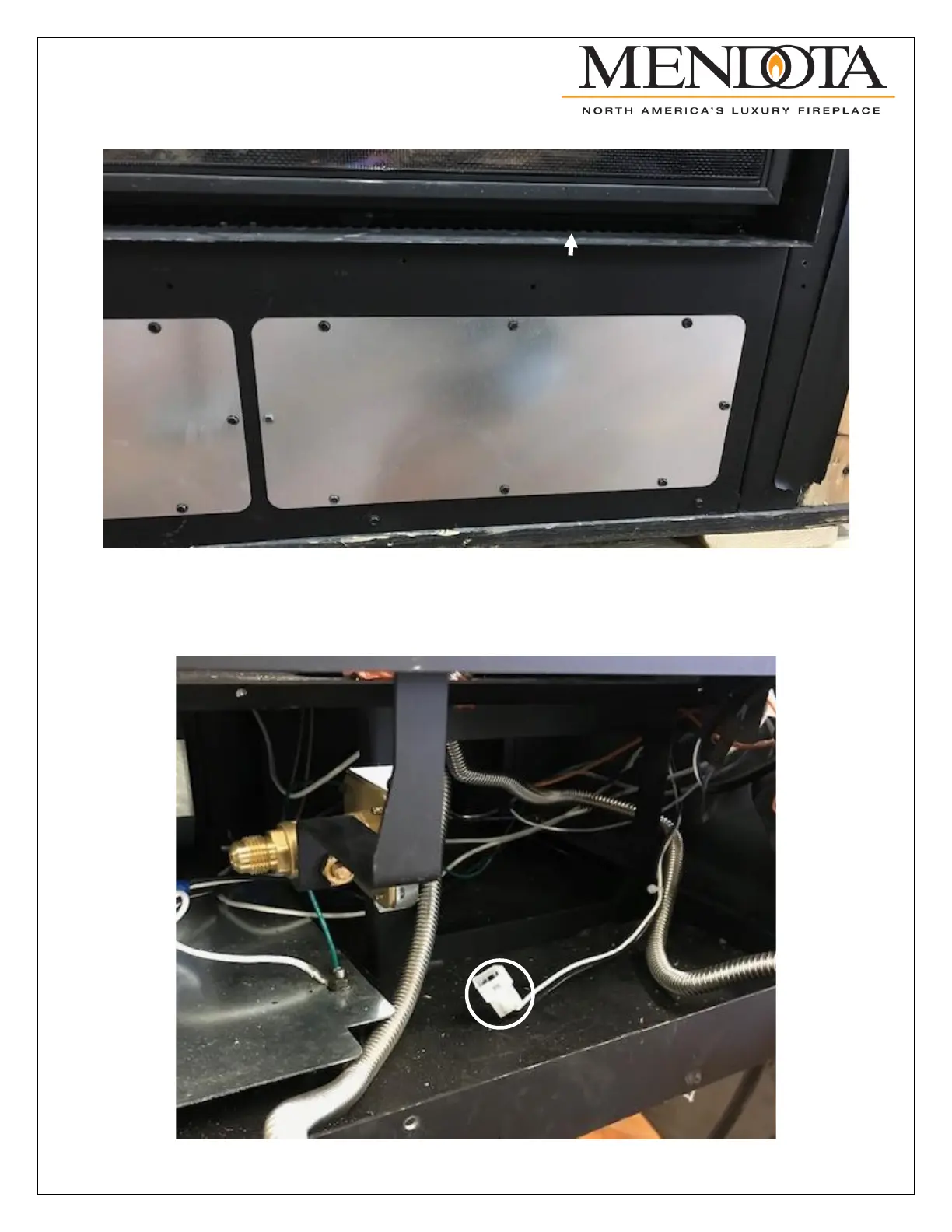
Remove the front-right access panel from the unit as shown below.
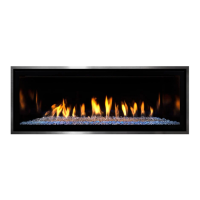
After removing the front access panel locate the auxiliary power connector shown below. If the unit is finished and you do
not have access to this panel you will have to find the auxiliary power connection on the floor of the unit. This can be
found by removing the explosion plate or finding it through the top access panel near the power and sync switches. The
auxiliary power connection is a white 2 pin female Molex connector.



 To Next Page