Deleting Phrases & Telephone Numbers
If new phrases need to be recorded or new telephone numbers need to be programmed into the
unit, the old ones will have to be deleted, this option will allow you to perform either of these actions.
1.
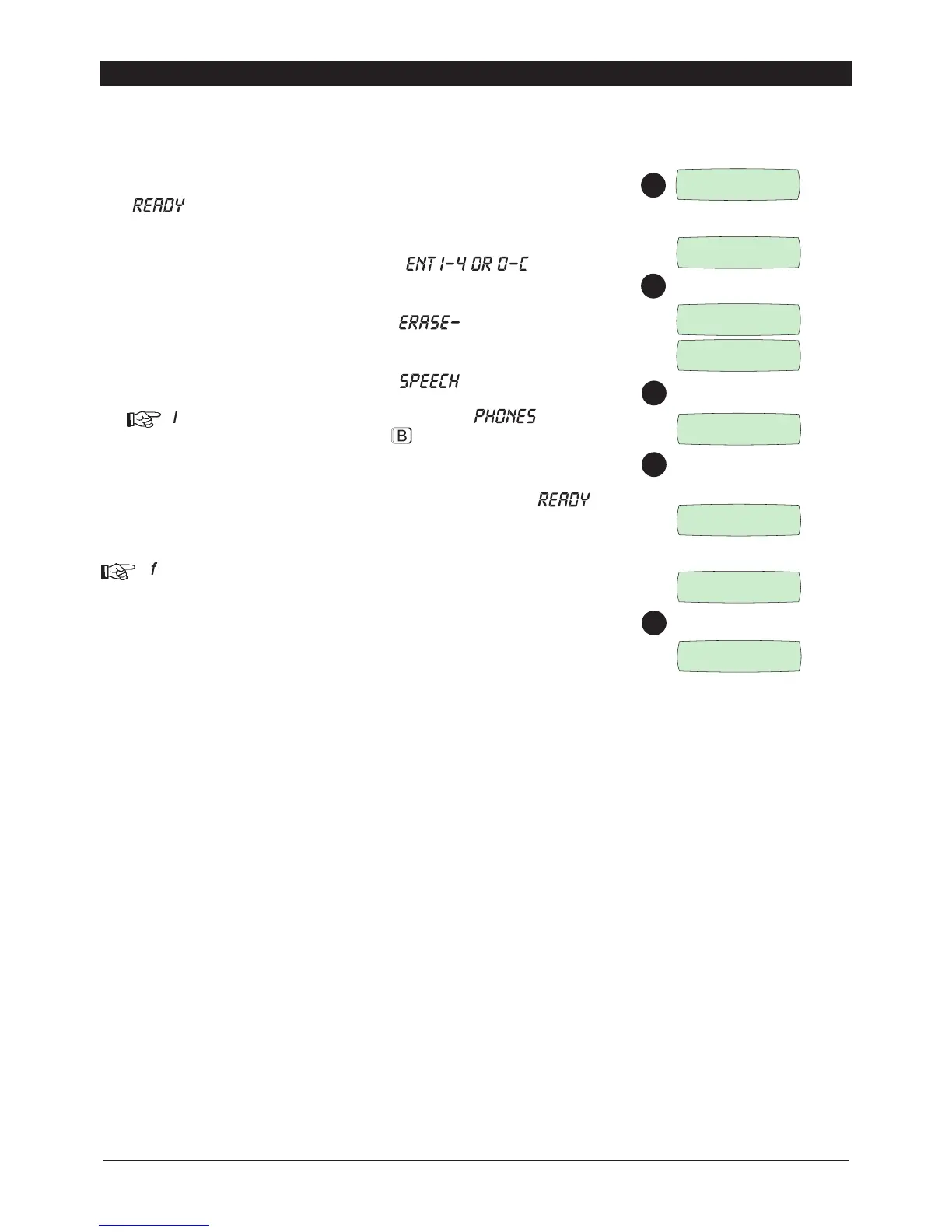
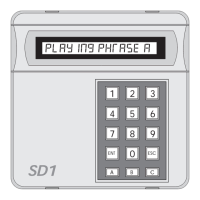
Ensure that the SD1+ is initialised and the display is showing
“
” (see page 4).
2.
Press [ and the display will show “ ”.
3.
Press [ and the display will show “ ”.
4.
Press B and the display will show “ ”.
+
If required, the other delete option “ ”, can be
scrolled to by pressing the
key.
5.
Press [ to accept the option displayed and return to “ ”
+
If required, the telephone numbers can also be deleted
individually when in the telephone number programming,
(pages 8-10).
13
ENT 1-4
OR 0-D
READY
1
2
SD1+
????
[
3
3
[
B
Clear Messages
4
5
SPEECH
ERASE-
PHONES
READY
[
B
Clear Numbers


 To Next Page