en en
22
| |
23
Transferring data to a PC
When?
For quality assurance and/or documentation of measurement results.
How?
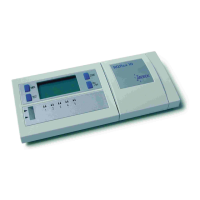
The instrument is connected to the PC via a dedicated interface.
You also require the RQdata package, consisting of software and a data-transfer
cable, Cat. No. 1.16998.0001.
Deleting data
When?
1. To delete the last result.
2. In the case of an incorrect measurement.
3. To delete all measurement results.
How?
When the reference code is displayed, press the MEM button for three seconds. This
deletes the most recent stored result. During this procedure, the result to be deleted
blinks in the display and an acoustic signal sounds.
Deletion is complete when the display shows 000. Press the TEST button.
The reference code appears again.
Important
When recalibrating with the bar code, all measurement results stored in the test-
method memory are deleted!
STARTMEM
ON/OFFTEST
STARTMEM
ON/OFFTEST
MEM MEM



 To Next Page